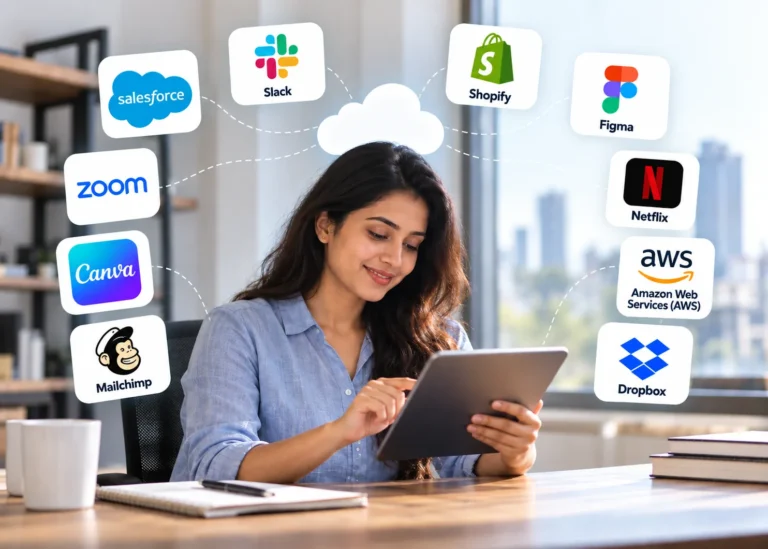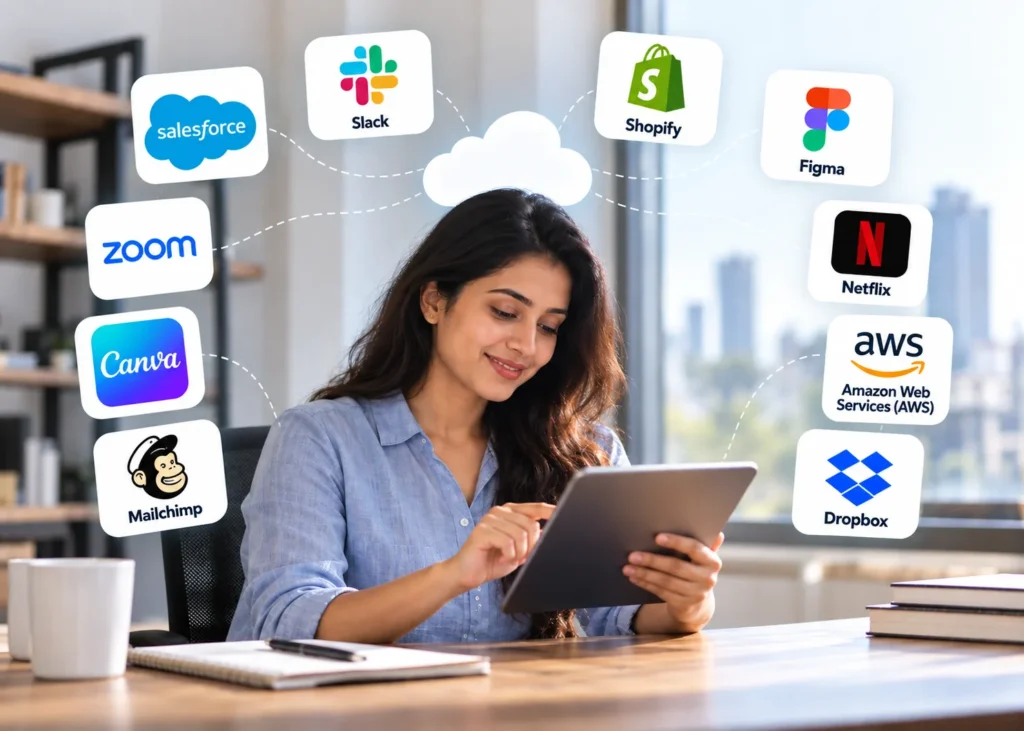
Software as a Service (SaaS) has become a common part of how people work, communicate, create content, shop, store files, and access entertainment online. The National Institute of Standards and Technology (NIST) defines SaaS as a cloud service in which users access provider-hosted applications through devices such as web browsers, while the provider manages the underlying cloud infrastructure.
You may already use SaaS products every day without thinking of them as SaaS. Tools such as Salesforce, Slack, Canva, Zoom, and Dropbox provide software through internet-connected devices, while services such as Shopify support online businesses. IBM also identifies everyday platforms such as Slack and Dropbox as examples of software delivered through the SaaS model.
From customer relationship management and team communication to graphic design, email marketing, cloud storage, and online services, examples of SaaS can be found across many areas of modern digital life. In this article, we will explore 10 real-life SaaS examples and explain how each one is used.
What Is SaaS?
SaaS stands for Software as a Service. It is a software delivery model where a provider hosts the application and users access it through the internet.
Rather than buying software, installing it on individual devices, and handling updates manually, users can usually access SaaS applications through a web browser or mobile app. The provider handles much of the infrastructure, maintenance, security, and software updates.
SaaS products are commonly offered through subscription plans, although pricing models can vary. Some platforms provide free versions, while others charge based on users, features, storage, usage, or business requirements.
Common characteristics of SaaS include:
- Cloud-based access
- Automatic software updates
- Subscription-based or usage-based pricing
- Access from multiple devices
- Centralized data management
- Reduced need for local software installation
- Scalability for individuals and businesses
Now, let’s look at some popular examples of SaaS used in real life.
Best 10 Real-Life Examples of SaaS You Use Every Day
The examples in this Blog cover different SaaS categories, showing how SaaS is used across business, communication, design, marketing, entertainment, and cloud services.
1. Salesforce
Salesforce is one of the most recognizable examples of SaaS in the business world. It provides customer relationship management (CRM) software that helps organizations manage customer information, sales activities, marketing processes, service interactions, and other business operations.
Sales teams can use Salesforce to track leads, manage opportunities, record customer interactions, and monitor sales pipelines. Businesses can also use its broader ecosystem to support customer service, marketing, analytics, and automation.
Because Salesforce is delivered through the cloud, employees can access business information from different locations and devices based on their organization’s setup and permissions.
SaaS category: Customer relationship management(CRM) and business software
Common users: Sales teams, marketing teams, customer service departments, and enterprises
2. Slack
Slack is a platform designed for workplace communication and team collaboration. It provides channels for teams to organize conversations around projects, departments, clients, or specific topics.
Instead of relying entirely on email for internal communication, teams can use Slack for direct messages, group conversations, file sharing, notifications, and integrations with other business applications.
For remote and distributed teams, tools like Slack help organize conversations and make information accessible across different devices.
SaaS category: Communication and collaboration
Common users: Businesses, remote teams, project teams, and organizations
3. Shopify
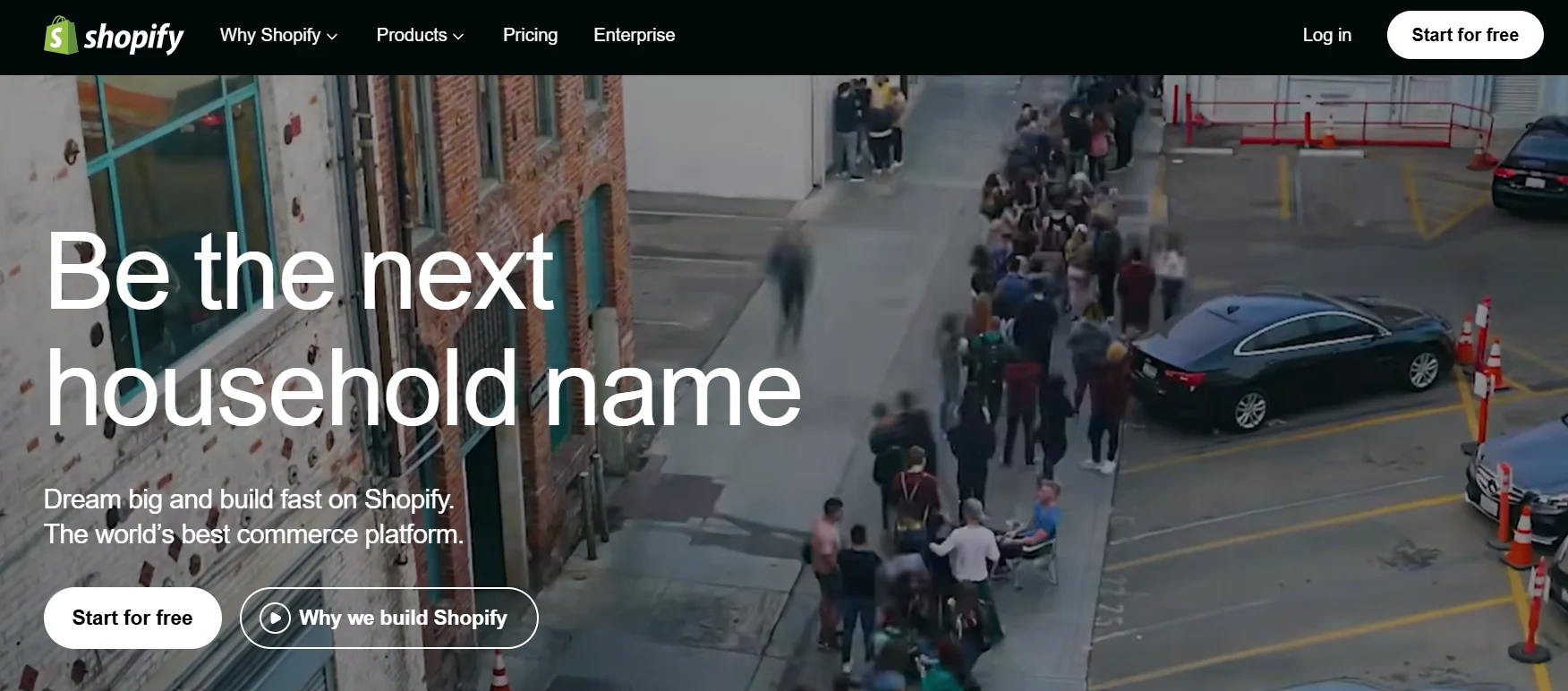
Shopify is a cloud-based commerce platform that allows businesses and entrepreneurs to create and manage online stores.
Users can manage products, customize storefronts, process orders, organize inventory, and connect different sales channels through the platform. This makes Shopify a useful example of how SaaS can support an entire business process through an online application.
Rather than developing and maintaining all the technology behind an online store from scratch, businesses can use Shopify’s hosted platform and focus more on their products, customers, and sales operations.
SaaS category: E-commerce
Common users: Online retailers, entrepreneurs, brands, and small businesses
4. Figma
Figma is a collaborative design and prototyping platform widely used by designers and product teams. One of its main benefits is its cloud-based environment for collaboration. Multiple team members can work on design files, review changes, leave comments, and collaborate on projects without relying on traditional desktop-only design workflows.
Figma demonstrates how SaaS can support creative work as well as traditional business functions. Designers, developers, product managers, and other team members can participate in the same design workflow.
SaaS category: Design and collaboration
Common users: UI/UX designers, product teams, developers, and businesses
5. Mailchimp
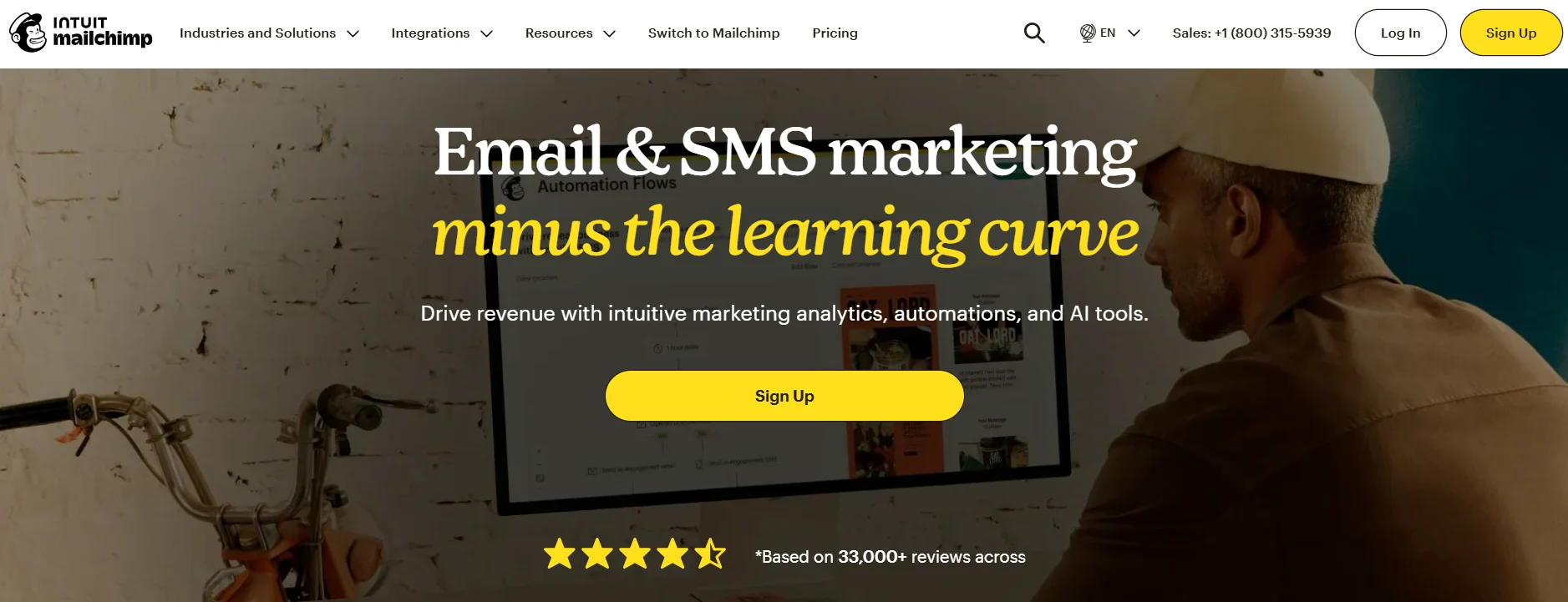
Mailchimp is a platform that provides email marketing and marketing automation tools. Businesses can use it to create email campaigns, manage audiences, send newsletters, and analyze campaign performance.
For example, an online store can use an email marketing platform to communicate with customers about new products, promotions, newsletters, or other updates.
With a cloud-based model, users can manage campaigns and audience data online without installing or maintaining their own email marketing software.
SaaS category: Email marketing and marketing automation
Common users: Marketers, small businesses, e-commerce companies, and organizations
6. Canva
Canva is an online graphic design platform that has made digital design accessible to a broad range of users.
People can use Canva to create social media graphics, presentations, posters, invitations, documents, marketing materials, videos, and other visual content.
Instead of needing advanced graphic design software installed on a computer, users can access design tools and templates through Canva’s online platform. Teams can also collaborate on certain types of projects.
Canva is a good example of SaaS being used beyond traditional corporate software. Students, creators, marketers, teachers, entrepreneurs, and businesses can all use cloud-based design tools for different purposes.
SaaS category: Graphic design and content creation
Common users: Designers, marketers, students, creators, teachers, and businesses
7. Zoom
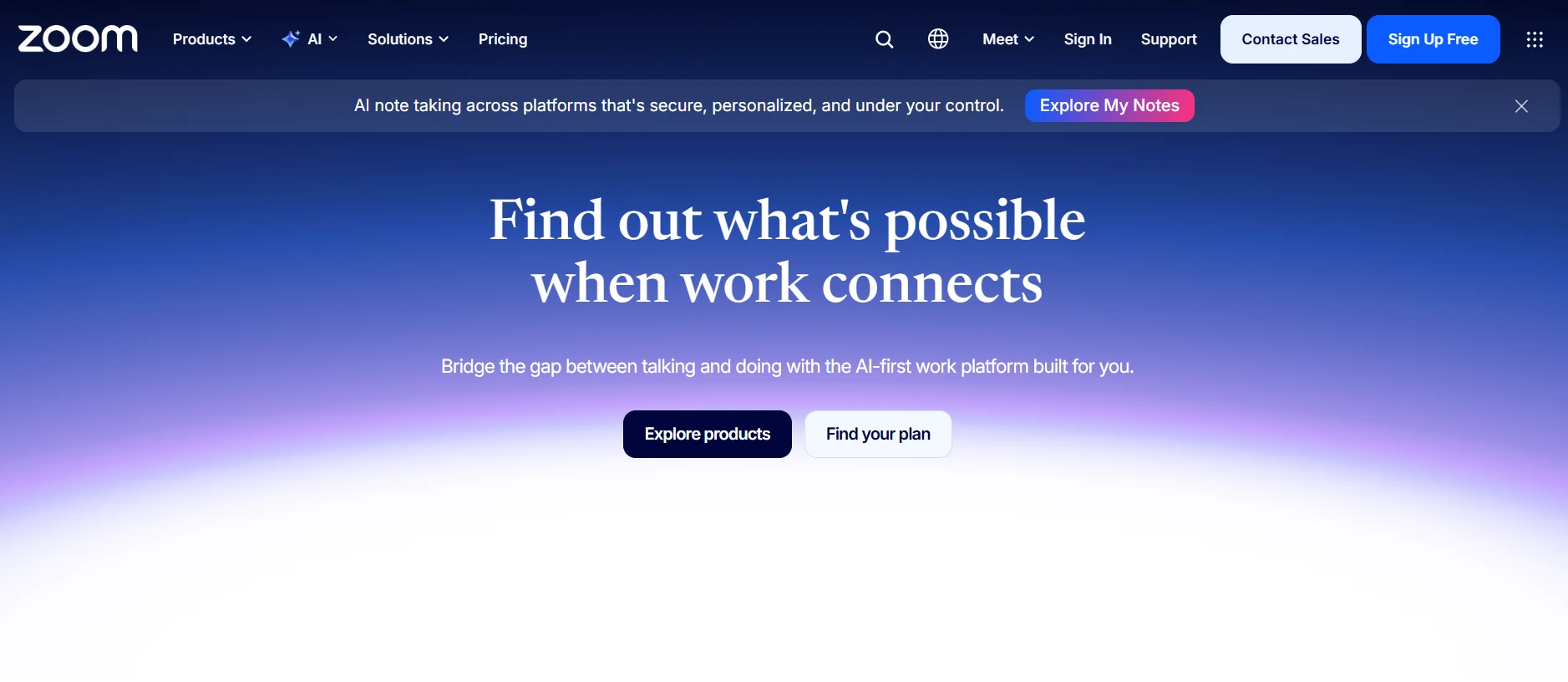
Zoom is a video communication platform used for online meetings, webinars, virtual events, classes, interviews, and remote collaboration.
Users can join meetings from computers, smartphones, and other supported devices. Features such as video conferencing, screen sharing, chat, and meeting controls support different types of online communication.
Zoom demonstrates how SaaS applications can replace or supplement traditional in-person activities. Businesses can use it for team meetings, while individuals can use video conferencing for personal or professional communication.
SaaS category: Video conferencing and communication
Common users: Businesses, schools, remote workers, professionals, and individuals
8. Netflix
Netflix is a subscription-based streaming service that delivers entertainment content over the internet.
Users do not need to purchase individual physical copies of every movie or show they watch. Instead, they access available content through the Netflix platform according to their subscription and the service’s content availability in their region.
Netflix is often discussed alongside SaaS because it is a cloud-delivered subscription software service. However, its core offering is streaming entertainment rather than business software.
Its example shows how subscription-based digital services have changed the way people consume content.
SaaS-related category: Subscription-based digital service
Common users: Consumers and households
9. Amazon Web Services (AWS)
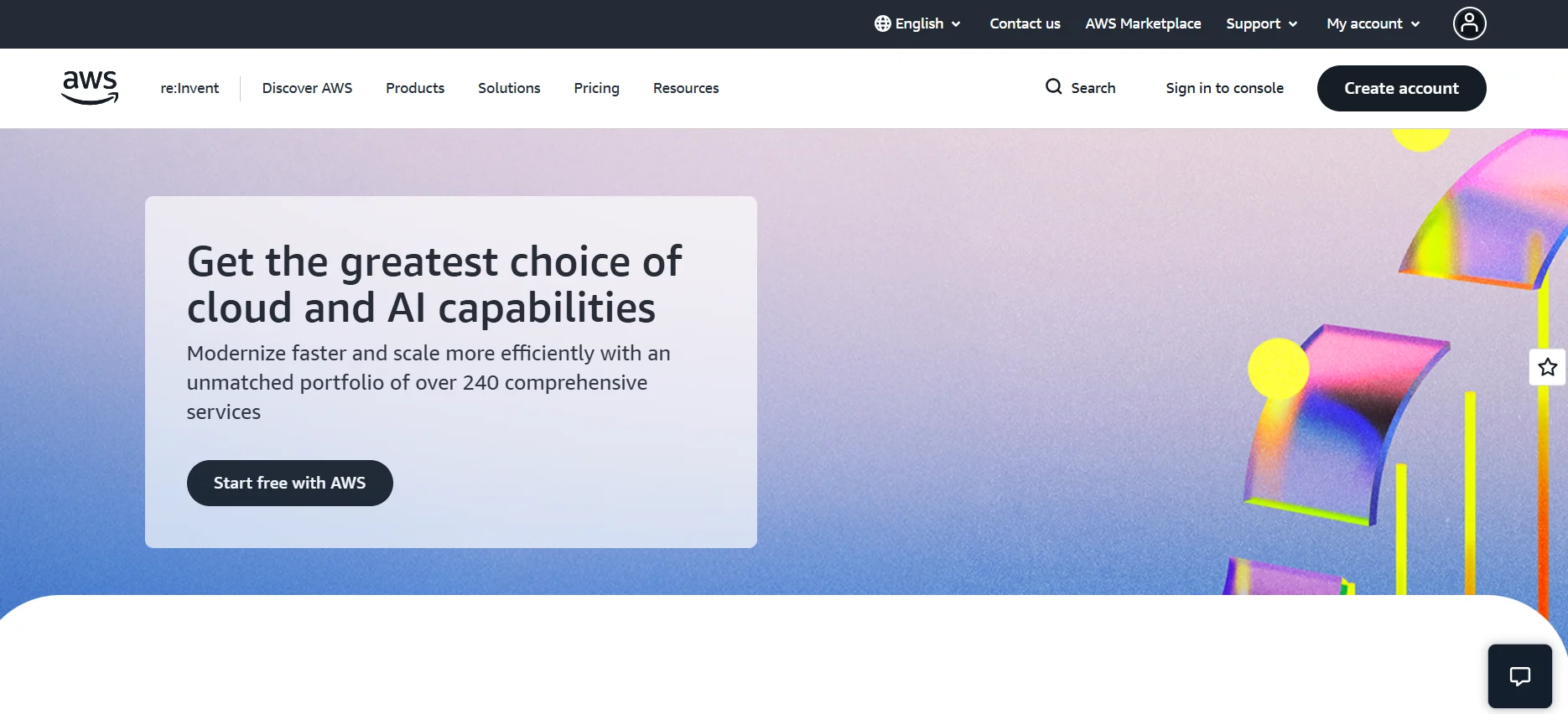
Amazon Web Services, commonly known as AWS, provides cloud computing services that businesses and developers can use to build, host, store, and operate applications.
AWS includes services for computing, databases, storage, networking, analytics, security, and many other technology requirements.
AWS is slightly different from applications such as Slack or Canva. It is primarily a cloud infrastructure and platform services provider, and not all AWS services are SaaS products. However, it is an important real-world example of cloud-based services that support modern applications and businesses.
For example, a company can use AWS infrastructure to host an application without maintaining its own physical servers.
Cloud category: Cloud infrastructure and platform services
Common users: Developers, startups, enterprises, and technology companies
10. Dropbox
Dropbox is a cloud-based service designed for file storage and collaboration. It allows users to store, synchronize, organize, and share files through the internet.
For individuals, Dropbox can provide convenient access to documents, images, videos, and other files across supported devices. Businesses can use cloud storage for collaboration and file sharing.
Instead of keeping every file only on one computer, users can use cloud storage to access files from different locations while benefiting from features provided by the service.
SaaS category: Cloud storage and file collaboration
Common users: Individuals, businesses, teams, and professionals
Why Are These Examples of SaaS or Cloud-Based Services?
The services above demonstrate different ways cloud-based software can be delivered and used.
A typical SaaS application has several characteristics:
Access Through the Internet
Users generally access SaaS applications through a web browser or connected application rather than installing and maintaining the complete software environment themselves.
Provider-Managed Updates
The service provider manages software updates and improvements, reducing the need for users to manually install every new version.
Subscription or Usage-Based Access
Many SaaS platforms operate on monthly or annual subscription plans. Others may offer free plans, usage-based pricing, or a combination of different pricing models.
Multi-Device Access
Cloud-based services can often be accessed from multiple supported devices, making it easier for users to work from different locations.
Scalable Software
Businesses can often add users, features, storage, or other capabilities as their requirements change, depending on the provider’s pricing and product structure.
Benefits of SaaS in Everyday Life
The popularity of SaaS comes from its convenience and flexibility. Users do not always need to manage servers, software installations, or complicated infrastructure themselves.
Some common benefits include:
- Easy access to software through the internet
- Reduced software maintenance requirements
- Automatic updates from the provider
- Flexible subscription options
- Access across supported devices
- Easier collaboration
- Cloud-based data storage
- Ability to scale services as needs change
For businesses, SaaS can also reduce the need to build and maintain certain software systems internally. Teams can choose specialized tools for CRM, communication, marketing, design, e-commerce, storage, and other functions.
SaaS vs Traditional Software
Traditional software is often installed directly on a computer or managed on an organization’s own infrastructure. Depending on the product, users may need to handle installations, updates, licensing, and maintenance.
SaaS changes this model by allowing the provider to host and maintain the software while customers access it as a service.
For example, instead of installing a complete business application on every employee’s computer, a company can use a cloud-based SaaS platform that employees access through supported devices.
This model has become particularly useful for organizations with remote employees and distributed teams.
Frequently Asked Questions
1. What are some real-life examples of SaaS?
Real-life examples of SaaS include Salesforce, Slack, Shopify, Figma, Mailchimp, Canva, Zoom, Netflix, AWS, and Dropbox. These platforms represent different categories of cloud-based software and services, including CRM, communication, e-commerce, design, marketing, entertainment, cloud infrastructure, and file storage. Users can access these services through internet-connected devices without managing the underlying technology themselves.
2. What is SaaS with an example?
SaaS, or Software as a Service, is a software delivery model where an application is hosted by a provider and accessed over the internet. Salesforce is a common SaaS example because businesses can use its customer relationship management features online while the provider manages the application infrastructure, maintenance, and software updates.
3. What are the most common examples of SaaS applications?
Common SaaS applications include CRM, communication, project management, design, marketing, e-commerce, and cloud storage platforms. Salesforce, Slack, Shopify, Figma, Mailchimp, Canva, Zoom, and Dropbox are examples of services used across these categories. They demonstrate how SaaS applications can support business operations, collaboration, content creation, customer management, and everyday digital activities.
4. What are the benefits of SaaS?
SaaS provides internet-based access to software while the provider manages much of the underlying infrastructure, maintenance, and updates. Common benefits include easier access, automatic updates, flexible subscription options, multi-device availability, centralized data management, collaboration, and scalability. Businesses can also use specialized SaaS applications without developing and maintaining every software system internally.
5. How does SaaS work?
SaaS works by hosting an application on infrastructure managed by a service provider. Users access the software through the internet, commonly using a web browser or supported application. The provider manages the application environment, infrastructure, maintenance, and updates, while customers use the software according to their subscription, permissions, features, or usage requirements.
6. Is Netflix an example of SaaS?
Netflix is a cloud-delivered, subscription-based digital service that is sometimes discussed alongside SaaS. However, its primary purpose is streaming entertainment rather than providing traditional business software. Netflix demonstrates how internet-based subscription services can deliver digital content directly to users without requiring them to install and maintain the underlying technology.
7. Is AWS an example of SaaS?
AWS is primarily a cloud infrastructure and platform services provider rather than a traditional SaaS application. It offers computing, storage, databases, networking, analytics, and other cloud services that businesses use to build and operate applications. Therefore, AWS is better described as a cloud services example, while individual AWS offerings may follow different cloud service models.
8. What is the difference between SaaS and traditional software?
Traditional software is commonly installed directly on a computer or managed on an organization’s infrastructure. Users may need to handle installation, updates, licensing, and maintenance. SaaS provides software as an online service, with the provider managing the hosted application and much of its underlying infrastructure, allowing customers to access the software through supported devices.
9. Can SaaS applications be used on multiple devices?
Yes, many SaaS applications can be accessed from multiple supported devices, including computers, smartphones, and tablets. Since the software is hosted by the provider, users can typically sign in through a web browser or application from different locations. However, available devices, features, and functionality can vary depending on the specific SaaS platform.
10. Are all cloud-based services SaaS?
No, not every cloud-based service is SaaS. Cloud computing includes different service models, including software, platform, and infrastructure services. SaaS delivers complete software applications to users, while other cloud services provide development platforms or infrastructure. AWS, for example, primarily provides cloud infrastructure and platform services rather than functioning as one traditional SaaS application.
Final Thoughts
These examples of SaaS show how cloud-based software has become part of everyday activities and business operations. Salesforce helps organizations manage customer relationships, Slack supports communication, Shopify powers online stores, Figma supports design collaboration, and Mailchimp helps with email marketing.
Canva makes visual content creation easier, Zoom supports online communication, Netflix delivers subscription-based entertainment, AWS provides cloud infrastructure and services, and Dropbox supports cloud file storage. Together, these examples demonstrate the wide range of ways people and businesses use internet-based software and cloud services.
As cloud computing continues to develop, SaaS applications are likely to remain an important part of how people work, communicate, create, shop, store information, and access digital services. Understanding these real-world examples also makes it easier to recognize SaaS products when evaluating software for personal or business use.