
Work efficiency today depends more on intelligent systems than long working hours. As tasks become complex and digital collaboration increases, managing work manually often leads to delays, errors, and mental fatigue. AI-Powered Productivity Tools support smarter workflows by reducing repetitive effort, organizing information, and helping users focus on meaningful work. These tools are increasingly used by professionals, teams, and organizations to maintain productivity without compromising quality.
This guide explains how AI productivity tools function, where they are most useful, how they are applied in real work environments, and how to use them responsibly for long-term value.
What Are AI Productivity Tools?
AI productivity tools are software solutions that apply data analysis, automation, and pattern recognition to everyday work activities. Rather than simply responding to commands, these tools assist users by organizing tasks, identifying priorities, and offering suggestions based on previous actions and workflow behavior. Over time, they adapt to working styles and become more accurate in supporting planning, communication, and execution.
These tools are designed to assist decision-making rather than replace it. Their role is to simplify work processes, reduce manual coordination, and help users manage tasks more efficiently across different environments.
Key Benefits of AI Productivity Tools
One of the most noticeable benefits of AI-powered productivity tools is the time saved on routine tasks. Activities such as task tracking, scheduling, documentation, and follow-ups can be handled with minimal manual input, allowing users to focus on higher-value responsibilities. This efficiency also helps reduce errors that commonly occur in repetitive work.
Another major benefit is improved focus. By organizing information and managing priorities, these tools reduce mental clutter and help users concentrate on strategic or creative work. AI productivity tools also support better planning by analyzing timelines, workload distribution, and performance data, which leads to more informed workflow decisions.
Consistency is another advantage, especially in professional communication and reporting. By maintaining structured formats and tone, these tools help ensure reliable output across teams and projects. As workloads increase, AI systems scale naturally, supporting growth without adding unnecessary complexity.
Categories of AI Productivity Tools
AI productivity tools are commonly grouped based on their function within workflows.
1) Task and project management tools:- focus on organizing work, tracking progress, and predicting delays by analyzing task dependencies and timelines. These tools help users understand priorities and manage workloads more effectively.
2) Writing and documentation tools:- are used to improve clarity and structure in professional communication. They assist with drafting emails, reports, and internal documents while maintaining consistency and readability. Time management and scheduling tools focus on optimizing calendars and work hours by analyzing usage patterns and recommending better scheduling decisions.
3) Data analysis and reporting tools:- help convert large volumes of information into understandable insights. They support planning and forecasting by identifying trends and performance patterns. Communication and collaboration tools improve information sharing by organizing conversations, summarizing meetings, and supporting coordinated work across teams.
Top AI Productivity Tools
AI-Powered Productivity Tools help professionals, teams, and businesses manage work more efficiently by reducing manual effort, improving clarity, and supporting structured workflows. Below is a detailed overview of widely used tools, explained with practical depth and real-world relevance.
1. Notion AI
Definition
Notion AI is an intelligent workspace tool that helps users organize information, manage tasks, and create structured documentation within a single collaborative platform.
Features
Notion AI supports content creation, task tracking, meeting note summarization, and knowledge base management. It allows users to build custom workflows using pages, databases, and templates while supporting team collaboration.
Pros
Notion AI offers high flexibility for organizing complex information and long-term documentation. It works well for teams that need shared knowledge systems and adaptable planning structures.
Cons
The tool requires time to set up effectively, and new users may find its open-ended structure difficult without predefined workflows.
2. Microsoft Copilot
Definition
Microsoft Copilot is an AI-powered assistant integrated into Microsoft 365 applications that supports productivity through writing assistance, data analysis, and workflow support.
Features
It assists with drafting documents, analyzing spreadsheets, managing emails, and creating presentations directly within Word, Excel, Outlook, and PowerPoint.
Pros
Microsoft Copilot integrates seamlessly into existing Microsoft workflows, making it easy to adopt for professionals already using the ecosystem. It improves efficiency without changing work habits.
Cons
Its effectiveness depends on access to Microsoft 365, and its use is limited outside Microsoft-based environments.
3. Grammarly
Definition
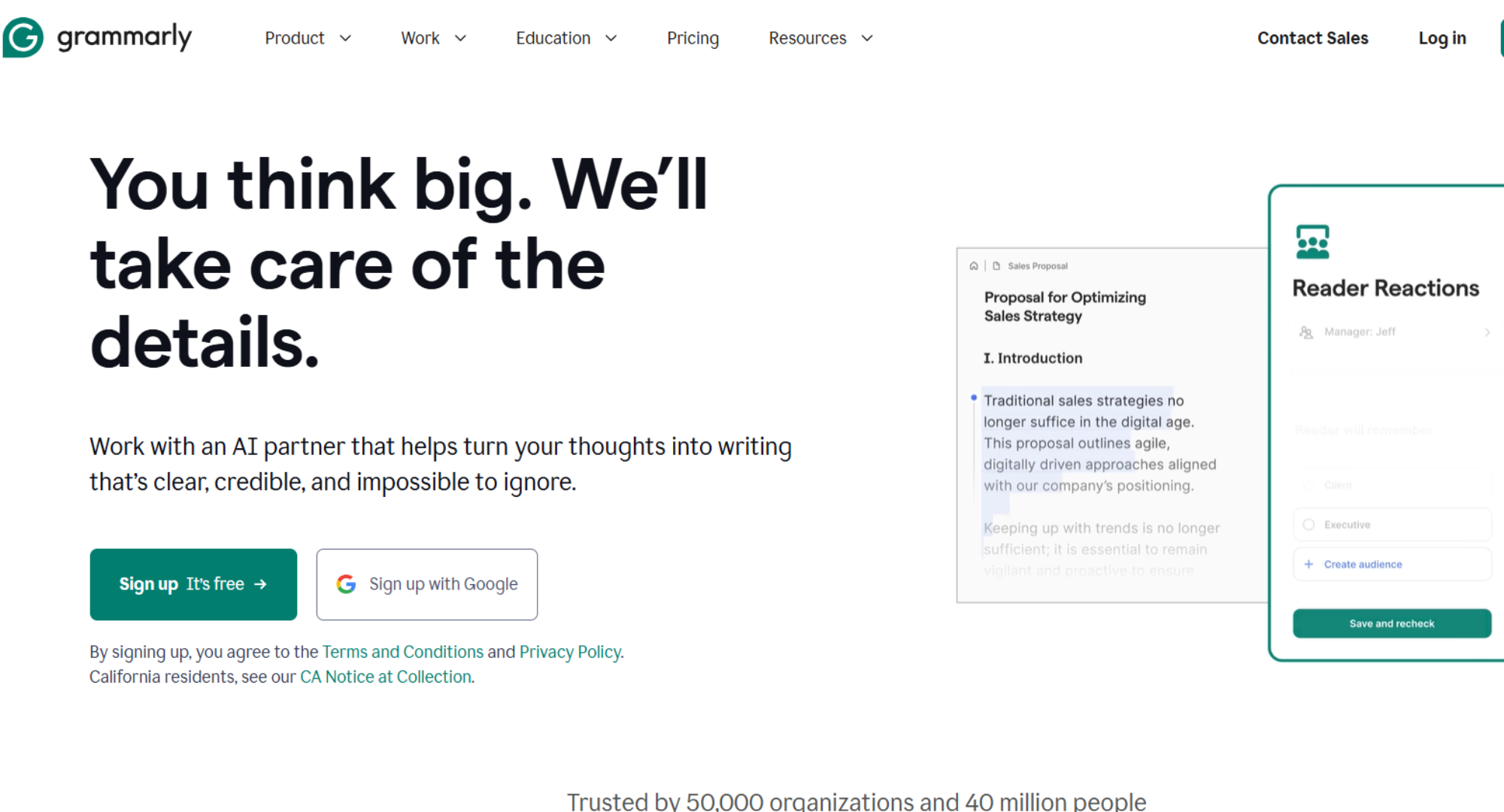
Grammarly is a writing support tool designed to improve clarity, correctness, and tone in professional and digital communication.
Features
It provides grammar correction, clarity suggestions, tone adjustment, and readability improvements across emails, documents, and web platforms.
Pros
Grammarly enhances communication quality and reduces writing errors consistently. It is easy to use and integrates smoothly with multiple platforms.
Cons
The tool focuses only on writing and does not support task management or workflow planning. Advanced features require a paid subscription.
4. ClickUp AI
Definition
ClickUp AI is a productivity feature within the ClickUp platform that enhances task and project management through intelligent workflow assistance.
Features
It generates task summaries, suggests priorities, assists with project planning, and supports documentation within a centralized workspace.
Pros
ClickUp AI improves visibility across complex projects and supports collaboration at scale. It is effective for teams managing multiple workflows.
Cons
The platform can feel complex for individual users, and proper setup requires time and clarity.
5. Otter
Definition
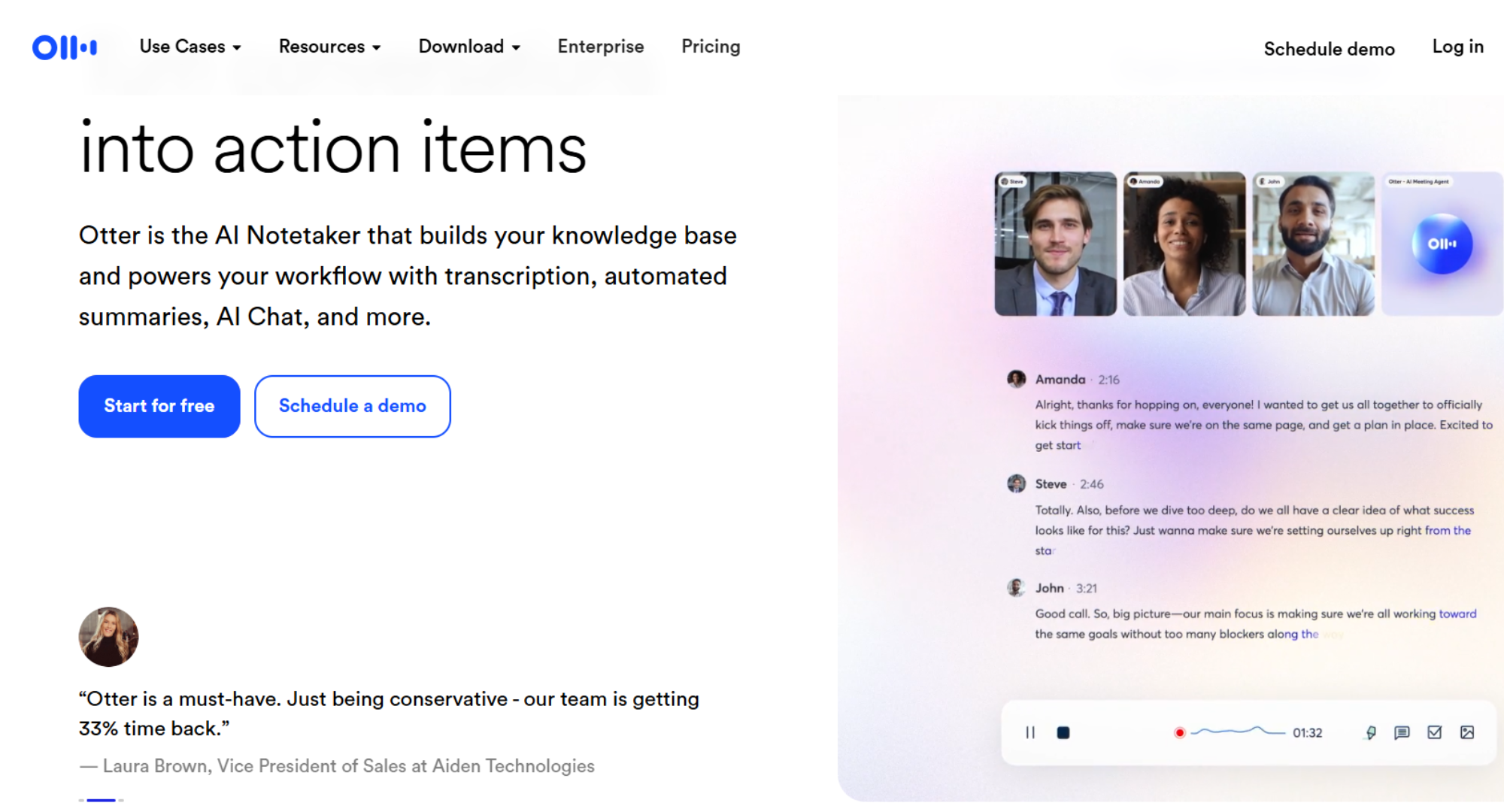
Otter is an AI-based meeting productivity tool that records, transcribes, and organizes spoken conversations into searchable text.
Features
It provides real-time transcription, meeting summaries, speaker identification, and searchable notes for easy follow-up.
Pros
Otter improves meeting documentation and helps teams retain important discussions, especially in remote and hybrid environments.
Cons
Transcription accuracy depends on audio quality and speaking clarity. The tool is limited to meeting-related productivity.
Read this :- ChatGPT vs Gemini vs Copilot: Understanding the Key Differences Between AI Giants.
6. Motion
Definition
Motion is an AI scheduling tool that automatically plans daily work by prioritizing tasks and adjusting calendars in real time.
Features
It reorganizes schedules based on deadlines, workload, and availability, helping users manage time more effectively.
Pros
Motion reduces daily planning effort and helps professionals manage multiple deadlines efficiently.
Cons
Users who prefer full manual control over scheduling may find the automation restrictive.
7. Todoist AI
Definition
Todoist AI is a task management enhancement that helps users organize to-do lists and identify priorities intelligently.
Features
It supports task categorization, priority suggestions, progress tracking, and daily planning.
Pros
Todoist AI is lightweight, easy to use, and effective for personal productivity and daily task management.
Cons
It is not designed for complex project management or large team collaboration.
8. Slack AI
Definition
Slack AI is an intelligent feature within Slack that helps teams manage communication more efficiently by summarizing and organizing conversations.
Features
It highlights key messages, summarizes long threads, and improves information retrieval across channels.
Pros
Slack AI reduces information overload and helps teams stay aligned without reviewing every message.
Cons
It is dependent on Slack usage and does not manage tasks or workflows directly.
9. Reclaim AI
Definition
Reclaim AI is a smart calendar management tool that automatically schedules tasks, meetings, and habits while protecting focus time.
Features
It balances priorities, prevents overbooking, and integrates with calendar platforms to optimize time usage.
Pros
Reclaim AI supports work-life balance and helps maintain realistic schedules.
Cons
The tool focuses only on time management and does not support documentation or project execution.
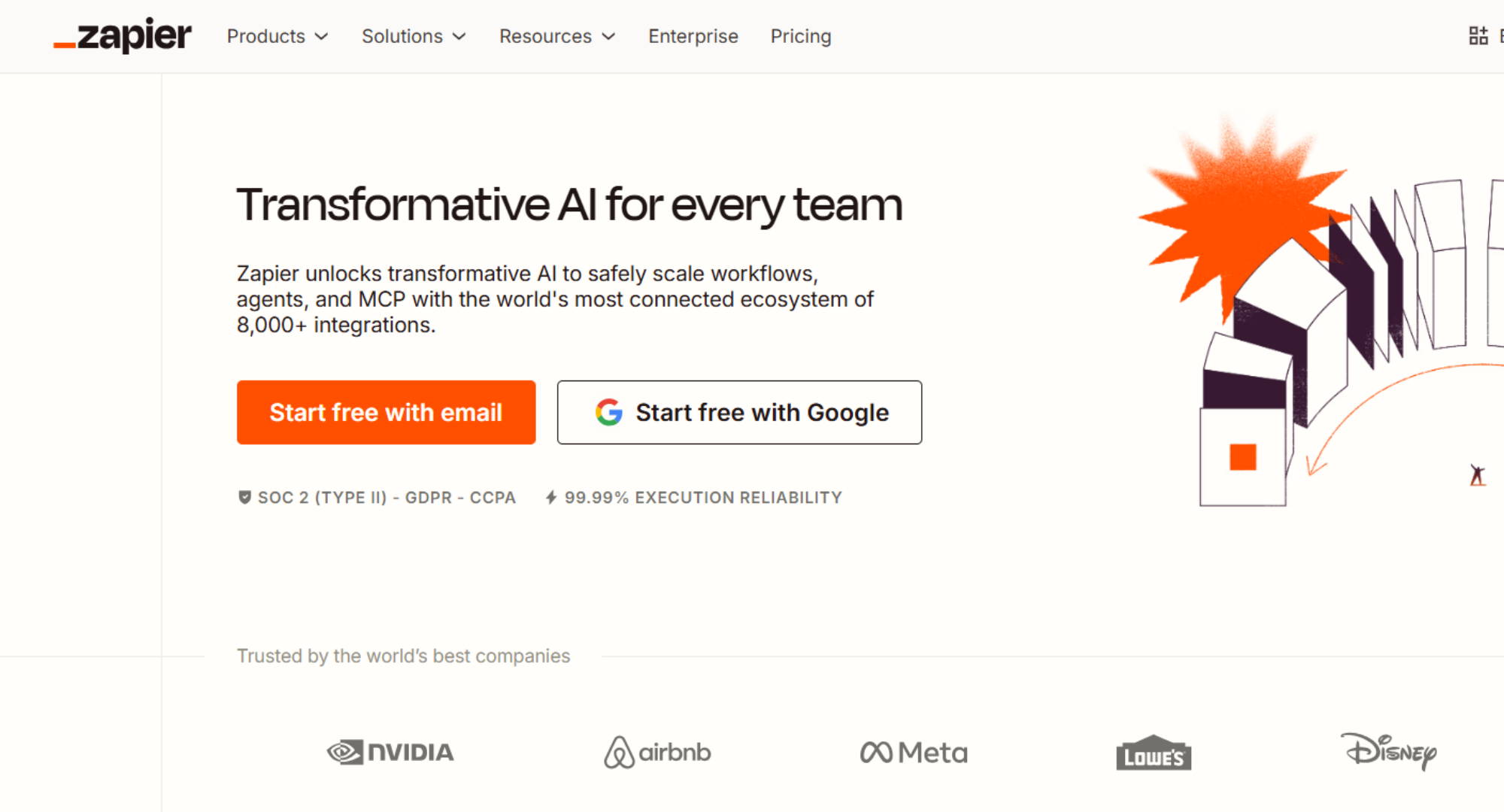
10. Zapier
Definition
Zapier is an automation platform that connects different applications to automate workflows without manual intervention.
Features
It triggers actions between apps based on predefined conditions, reducing repetitive manual tasks.
Pros
Zapier saves time by automating routine processes across platforms and supports scalable automation without coding.
Cons
Complex automations require careful setup, and excessive automation can create dependency if not monitored.
Professional Insight for Trust and Authority
The effectiveness of AI-Powered Productivity Tools depends on intentional selection and disciplined use. Professionals achieve the best results when tools are chosen based on real workflow needs rather than trends. When implemented thoughtfully, these tools improve clarity, consistency, and long-term productivity without replacing human judgment.
AI Powered Productivity Tools For Various Professions.
In business environments:- AI productivity tools support collaboration, reporting, and operational efficiency. They help teams stay aligned, reduce coordination delays, and maintain consistent output across departments. Businesses also benefit from improved visibility into performance and workflow bottlenecks.
For individuals:- these tools provide structure and clarity. They help manage daily priorities, reduce task overload, and improve time awareness. While businesses focus on scale and coordination, individuals benefit from focus, organization, and reduced mental effort. In both cases, success depends on intentional and limited tool usage.
Corporate professionals:- use AI productivity tools to organize tasks, manage meetings, prepare reports, and track ongoing projects. By reducing manual coordination and repetitive documentation, these tools help professionals focus on strategic thinking and accountability while maintaining clarity across teams and stakeholders.
Freelancers and independent professionals:- rely on AI productivity tools to manage multiple clients, deadlines, and deliverables simultaneously. These tools help them structure daily work, track progress, maintain communication quality, and ensure timely execution without increasing mental workload.
Managers and team leaders:- use AI-powered productivity tools to gain visibility into workflows, identify bottlenecks, and balance workloads across team members. This allows them to make informed decisions, improve coordination, and maintain consistent output without constant manual monitoring.
Challenges of Using AI Productivity Tools
Despite their benefits, AI productivity tools present certain challenges. Data privacy remains a key concern, especially when sensitive business information is involved. Choosing secure platforms and setting clear usage policies is essential.
Over-reliance on automation can also reduce critical thinking if users accept suggestions without review. Additionally, using too many tools at once can fragment workflows and create confusion instead of efficiency. Every AI tool also requires an adjustment period before delivering measurable results, which should be considered during adoption.
Best Practices for Maximizing AI Productivity Tools
To gain the most value from AI-powered productivity tools, users should begin by identifying specific workflow challenges rather than adopting tools without a clear purpose. AI suggestions should be treated as guidance and reviewed regularly for accuracy and relevance. Consistent training helps ensure proper usage and output quality.
Integrating AI tools gradually into existing systems allows for smoother adoption and better results. Measuring productivity impact over time helps determine whether a tool is delivering long-term value or needs adjustment.
Conclusion
AI-Powered Productivity Tools play a critical role in modern workflows by simplifying task management, improving focus, and supporting informed decisions. Their true value lies not in automation alone but in how thoughtfully they are implemented and reviewed. When used responsibly, these tools help individuals and organizations build efficient, scalable, and sustainable workflows that support long-term productivity.
FAQs
1. What are AI-Powered Productivity Tools and how can they improve my workflow?
AI-Powered Productivity Tools are software applications that use machine learning, natural language processing, and automation to assist with repetitive tasks like scheduling, writing drafts, organizing information, and tracking work. These tools analyze patterns in your workflow to offer suggestions, automate routine work, and help you focus on more strategic activities, resulting in improved efficiency and reduced manual effort.
2. Which AI productivity tools are most effective for everyday work?
Several AI productivity tools stand out due to their versatility and user adoption. Tools like ChatGPT help with content creation and planning, Notion AI supports task organization and documentation, Microsoft Copilot enhances writing and analysis across Microsoft 365 apps, and Reclaim AI helps with smart scheduling and focus time. These platforms are designed to handle common workflow challenges such as email overload, meeting planning, data summarization, and task prioritization.
3. Can AI productivity tools actually increase productivity in professional settings?
Yes. Many professionals report that AI tools can significantly increase work output by automating repetitive tasks and providing real-time suggestions for common work activities. For example, research indicates that a majority of knowledge workers who use AI in their jobs see efficiency improvements. However, effectiveness depends on proper adoption and understanding of the tools, as inexperienced or untrained users may not realize the full benefits and could even see increased workload from managing the tools themselves.
4. What are the risks or limitations of using AI productivity tools?
While these tools offer clear advantages, there are risks and limitations to consider. AI-generated content can sometimes be inaccurate or require revision, and over-reliance can weaken critical thinking if users accept all suggestions without review. Additionally, data privacy and security are important concerns, especially when handling sensitive information. Proper training and governance help mitigate these risks.
5. How should I choose the best AI productivity tool for my needs?
Choosing the right AI productivity tool starts with identifying the specific tasks or challenges you want to improve, such as writing assistance, scheduling, or task management. Evaluate whether the tool integrates with your existing workflows, supports your work context (individual use vs team use), and offers features that match your priorities. Many tools offer free trials or basic plans, which can help you test and compare before committing to a paid version.