Best Free Case Management Software for Lawyers In The USA
Let me be honest with you. When I first started looking into free case management software for lawyers, I thought it was going to be simple. Just search, pick the best one, done. Spoiler: it was not that simple.
I spent weeks testing platforms, reading real user reviews on G2, Capterra, and Software Advice, and talking to attorneys who actually use these tools every day. And here is what I found: most articles talk about free software but never tell you the truth, which is that very few legal tools are truly free forever. Most offer free trials, and a handful offer freemium plans with enough features to get real work done.
So in this guide, I am going to be straight with you. I will cover both. I will tell you which free case management software for lawyers offers a permanent free plan, and which ones offer a free trial long enough to evaluate properly. Because for a solo attorney or a small firm trying to cut costs, even a 30-day trial can tell you everything you need to know before committing.
What To Look For in Free Case Management Software
Before we get into the list, here are the key things to check when you evaluate any free case management tool for your law firm:
- Is it actually free, or just a trial? Clarify whether the free version is permanent or time-limited.
- Does it cover billing and time tracking? Even on a free tier, you want at least basic time recording.
- Can you store and access documents? Document management is non-negotiable for legal work.
- Is client communication built in? Look for a client portal or secure messaging.
- How good is data security? Legal client data requires encryption and compliance standards.
- What integrations does it support? Tools like Outlook, Gmail, and QuickBooks save you hours.
- Is there a mobile app? You are not always at your desk, and neither are your clients.
Here are the 8 tools I selected, split between the most popular options and a few underrated gems worth your attention.
Read This Also: Top 10 Accounting Software to Streamline Your Finances
Most Popular Free Case Management Software for Lawyers
1. Clio – Best Free Trial for Solo Attorneys and Small Firms
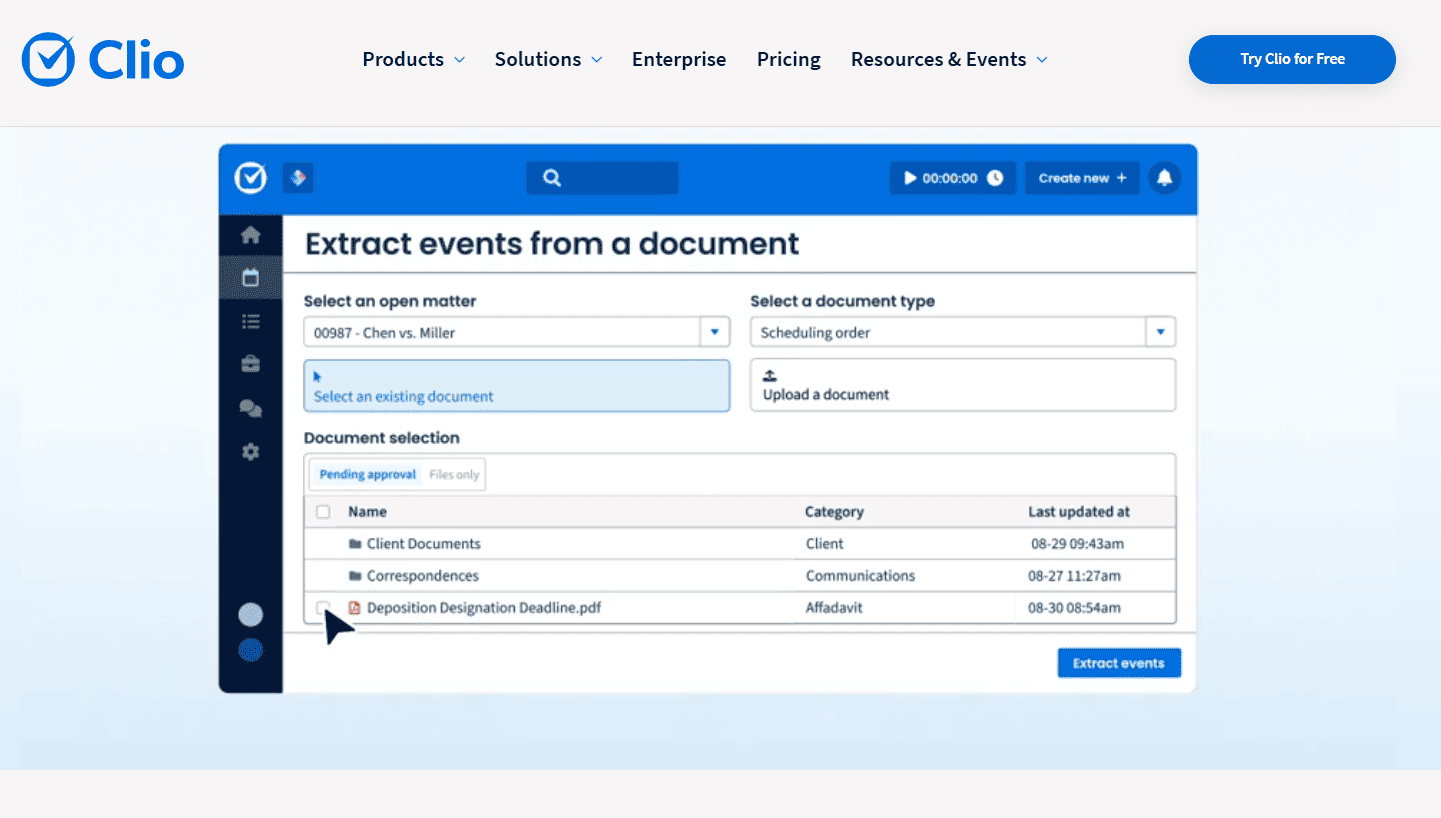
If you have spent any time researching legal practice management software, you have seen Clio’s name everywhere. And there is a reason for that.
Clio is the most widely used cloud-based legal practice management platform in the USA. It is recognized as a top choice in the 2024 Capterra Shortlist for Law Practice Management software and was named one of the top 10 companies across all industries by G2 in its Winter 2025 reports. That is not just legal tech, that is across every industry.
Clio does not offer a permanent free plan, but it does offer a 7-day free trial with no credit card required. That gives you full access to all features before you spend a dollar.
Free Trial: 7 days, no credit card required
Starting Price After Trial: $49/user/month (EasyStart plan, billed annually)
Best For: Solo lawyers and small to medium firms
Company Size: Around 80% of Software Advice reviewers using Clio come from businesses with 1 to 10 employees.
Key Features
- Case handling and matter tracking
- Time tracking and billing with invoicing
- Unlimited document storage
- Secure client portal for communication
- Trust account management and legal accounting
- Over 150 integrations including Google Drive, Outlook, and QuickBooks
- Mobile app for iOS and Android
- Court e-filing and document automation
What Makes Clio Stand Out
The platform uses 256-bit SSL encryption and is SOC 2 Type II certified, which means your client data is protected at a bank-level standard. The 7-day trial is enough to test billing workflows, document management, and client communication. Clio also appeared on the Forbes 2025 Cloud 100 for the second consecutive year, which tells you the platform is not going anywhere.
Limitation
The EasyStart plan at $49/user/month billed annually is not the cheapest option on this list. If budget is a serious concern after your trial, you may want to look at MyCase or PracticePanther as alternatives.
2. MyCase – Best Free Trial for Client Communication
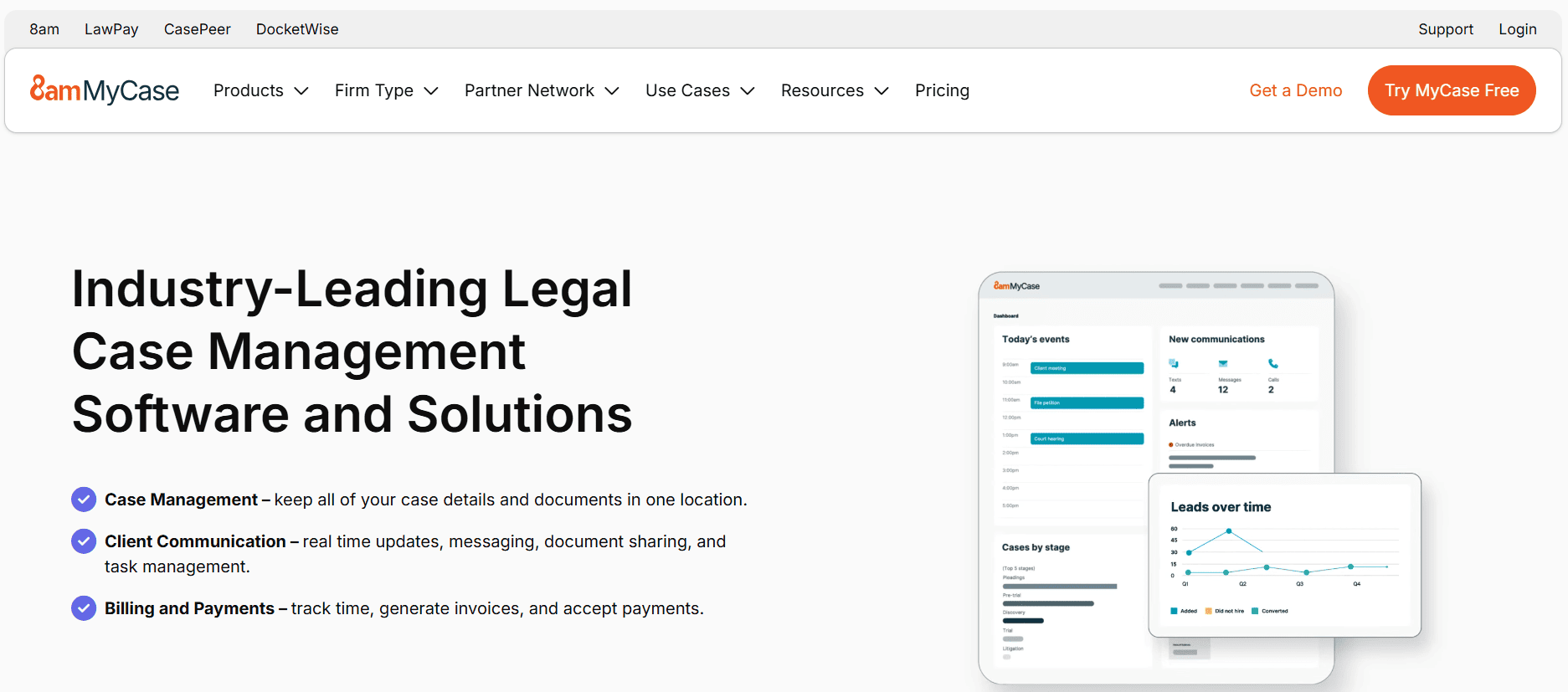
MyCase is trusted by over 15,000 law firms and ranked as the best legal case management software for litigation in 2025 by Software Advice. Its focus is on keeping everything in one place, from case tracking to client communication to billing.
The platform offers a 10-day free trial with no credit card required, giving you slightly more time than Clio to explore the platform.
Free Trial: 10 days, no credit card required
Starting Price After Trial: $39/user/month (Basic plan, billed annually)
Best For: Small to mid-sized firms focused on client communication
Company Size: 64% of users have between 2 and 10 employees
Key Features
- Centralized case management with activity dashboard
- Two-way text messaging with clients
- Electronic signature capabilities
- Document management with upload, storage, and sharing
- Integrated payments through MyCase Payments
- Billing, time tracking, and invoicing
- Secure client portal
- Calendar and task management with deadline tracking
What Makes MyCase Stand Out
MyCase earns high marks specifically for ease of use and customer support, with a 4.6 out of 5 rating on Software Advice. One standout feature is two-way text messaging, which many competitors do not include at lower price points. Some firms report gaining up to 3 additional billable hours daily through MyCase’s automated processes, which adds up fast.
Limitation
MyCase does not have a free permanent plan. Some users note that certain functions feel slightly less polished compared to Clio. However, the 10-day trial window and the lower starting price of $39/user/month make it one of the most accessible options on this list.
3. Filevine – Best Free Trial for Growing and Mid-Sized Firms

Filevine sits in a different category from the first two. It is an AI-powered legal management platform built for firms that handle high document volumes and need serious automation, not just basic case tracking.
Filevine’s search volume grew from around 14,800 monthly searches in early 2022 to over 27,100 by late 2025, which shows real organic growth driven by word-of-mouth inside the legal community. The platform offers a free trial, but pricing is custom and requires contacting their sales team for a quote.
Free Trial: Available (contact sales for access)
Starting Price After Trial: Approximately $65 to $87/user/month, custom quote required
Best For: Mid-sized firms and growing practices handling complex cases
Company Size: Best suited for firms with 10 or more users
Key Features
- AI-powered document review and automated drafting
- Deposition analysis tools
- Demand letter generation using case data (DemandsAI)
- Unlimited document storage including video, audio, and images
- Case and matter management with custom workflows
- Client portal for secure communication
- Advanced reporting and analytics
- Integrations with Outlook, Gmail, QuickBooks, and more
- LOIS AI integration for case-specific insights
- SOC 2 Type II and HIPAA compliant
What Makes Filevine Stand Out
Filevine’s AI features are the real differentiator. The LOIS AI integration allows attorneys to ask questions directly about specific cases and receive accurate, case-specific responses rather than generic answers. For firms handling personal injury, mass torts, or immigration cases, this kind of automation saves significant time on document-heavy work.
Limitation
Filevine is not the right fit for solo attorneys or very small firms. The pricing justified itself when automation, reporting, and AI document review get used daily across a team. If you are a one-person shop needing a simple case tracker, this platform has more firepower than you will realistically use.
4. PracticePanther – Best Free Trial for Tech-Savvy Lawyers
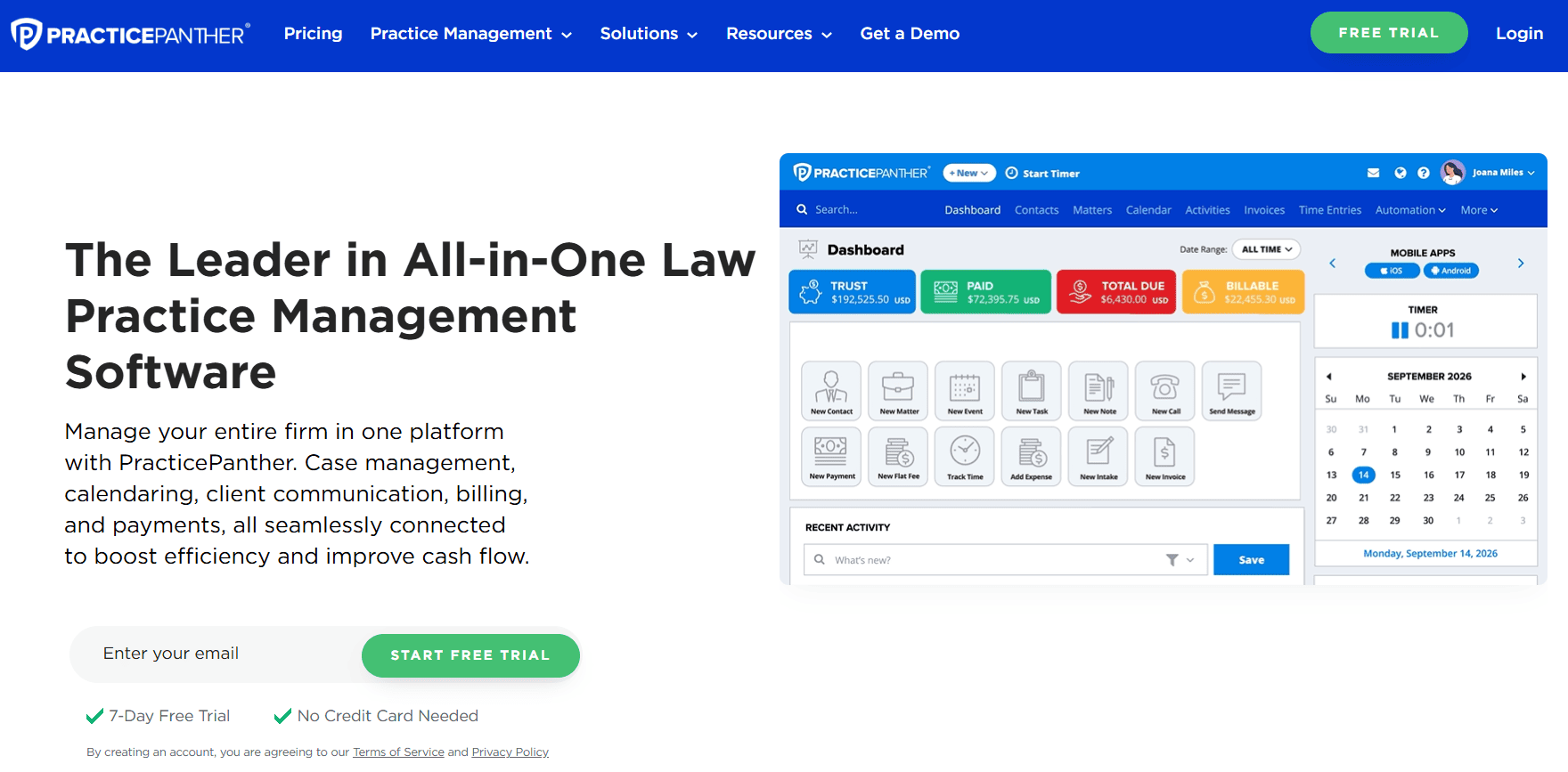
PracticePanther describes itself as the highest-rated, easiest-to-use legal practice management software for solo, small, and mid-sized law firms. The platform is trusted by tens of thousands of firms across 170 countries.
It earns its spot on this list because of how fast attorneys can get up and running. A 7-day free trial is available with no credit card requirement.
Free Trial: 7 days, no credit card required
Starting Price After Trial: $49/user/month (Solo plan, billed annually)
Best For: Tech-savvy solo attorneys and growing small firms
Company Size: Solo practitioners to firms of 50 or fewer users
Key Features
- Case and client management with unlimited custom fields
- Online payments and e-invoicing
- Document templates and cloud storage
- Recurring tasks and automated reminders
- Calendar sync with Google, Apple, and Outlook
- Email integration with Gmail and Microsoft Outlook
- Secure portal for clients
- Trust and operational accounting
- Custom reporting
- Mobile application available for iOS and Android
What Makes PracticePanther Stand Out
PracticePanther does not have additional setup or onboarding costs on top of the license, unlike Clio which has a one-time setup fee and CosmoLex which has a $399 setup fee. That makes the total cost of ownership lower than many competitors. In a 2025 update, the platform also added credit card expense tracking and redesigned its payment handling, showing ongoing product development.
Limitation
Some users report that reporting and analytics are less flexible than enterprise-level tools. If your firm needs highly customizable reports or deep practice area analytics, you may need to supplement with additional tools or upgrade to the Business plan at $89/user/month.
5. Smokeball – Best 30-Day Free Trial for Small Firms
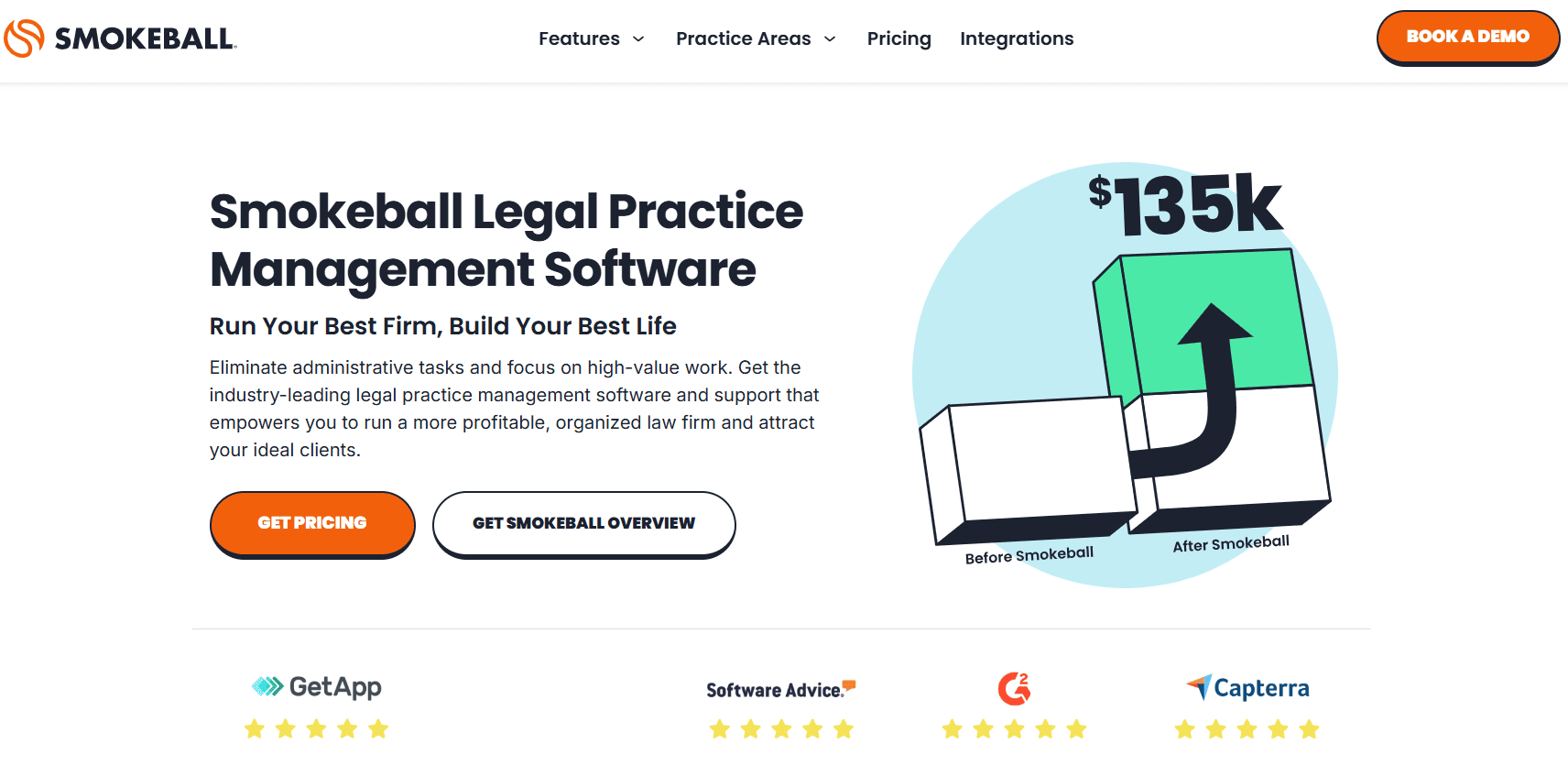
Smokeball does not get nearly enough attention outside of small firm circles, and that is a mistake. It holds a 4.8 out of 5 rating on Software Advice, one of the highest scores in its category, and was named the most affordable tool in a 2025 legal management software guide by the same platform.
What really sets Smokeball apart is its 30-day free trial, the longest trial period on this list. For attorneys who need time to properly evaluate a platform before committing, 30 days is a genuine advantage.
Free Trial: 30 days (Boost plan)
Starting Price After Trial: $49/user/month (Bill plan)
Best For: Small to medium firms, especially those heavily dependent on document work
Company Size: Majority of users are from firms with 2 to 10 employees
Key Features
- AutoTime for automatic tracking of time and activities
- Integrated document management support for Microsoft Office
- Library of over 20,000 automated legal forms across multiple jurisdictions
- Case and legal matter management
- Legal billing including hourly, flat rate, contingency, and LEDES billing
- Trust accounting and online payments integration with LawPay
- Secure client portal
- Calendaring and task management
- Archie AI assistant for document generation and summarization (Grow and Prosper+ plans)
- Industry-standard SSL encryption
What Makes Smokeball Stand Out
AutoTime is the feature users talk about most. It automatically tracks time spent on emails, phone calls, and documents inside Microsoft Office without you having to remember to start a timer. For attorneys who work heavily in Word and Outlook, this can capture billable time that typically gets lost. G2 reviewers consistently say the AutoTime feature alone often covers the subscription cost.
Limitation
Smokeball does not support macOS, which is a dealbreaker for attorneys using Apple computers. Some users also report performance issues including slow loading times and lag, particularly on older machines. The platform also does not allow standalone conflict searches, which some firms need as a separate workflow.
6. CosmoLex – Best for All-In-One Accounting and Case Management

CosmoLex takes the all-in-one approach further than almost any other tool on this list. While most legal platforms integrate with QuickBooks, CosmoLex replaces it entirely by building a complete legal accounting system directly into the platform.
The platform offers a free trial period, allowing firms to explore its combined case management and accounting features before purchasing.
Free Trial: Available (contact for details)
Starting Price After Trial: $89/user/month
Best For: Firms that want to eliminate separate accounting software
Company Size: Solo practitioners to mid-sized firms
Key Features
- Full legal accounting including general ledger, profit and loss reports, and balance sheet
- Trust accounting with three-way reconciliation
- Matter tracking and Case management
- Billing and Time tracking
- Cloud storage and Document management
- Client portal
- Online payment collection and Invoicing
- Calendar management and Task
What Makes CosmoLex Stand Out
The integrated accounting module means you do not need a separate subscription to QuickBooks or another accounting tool. For small firms paying for both a case management platform and accounting software, CosmoLex can actually reduce total monthly spend despite the higher per-user price. Trust accounting, which is one of the most compliance-sensitive areas of legal practice, is built in with automated checks to prevent overdrawing accounts.
Limitation
CosmoLex has a one-time setup fee of $399, which adds to the initial cost of switching. The platform is also on the pricier side at $89/user/month, so small solo practices with tight budgets may find PracticePanther or MyCase a better starting point.
7. CARET Legal – Best for Mid-Sized Firms Needing Deep Analytics
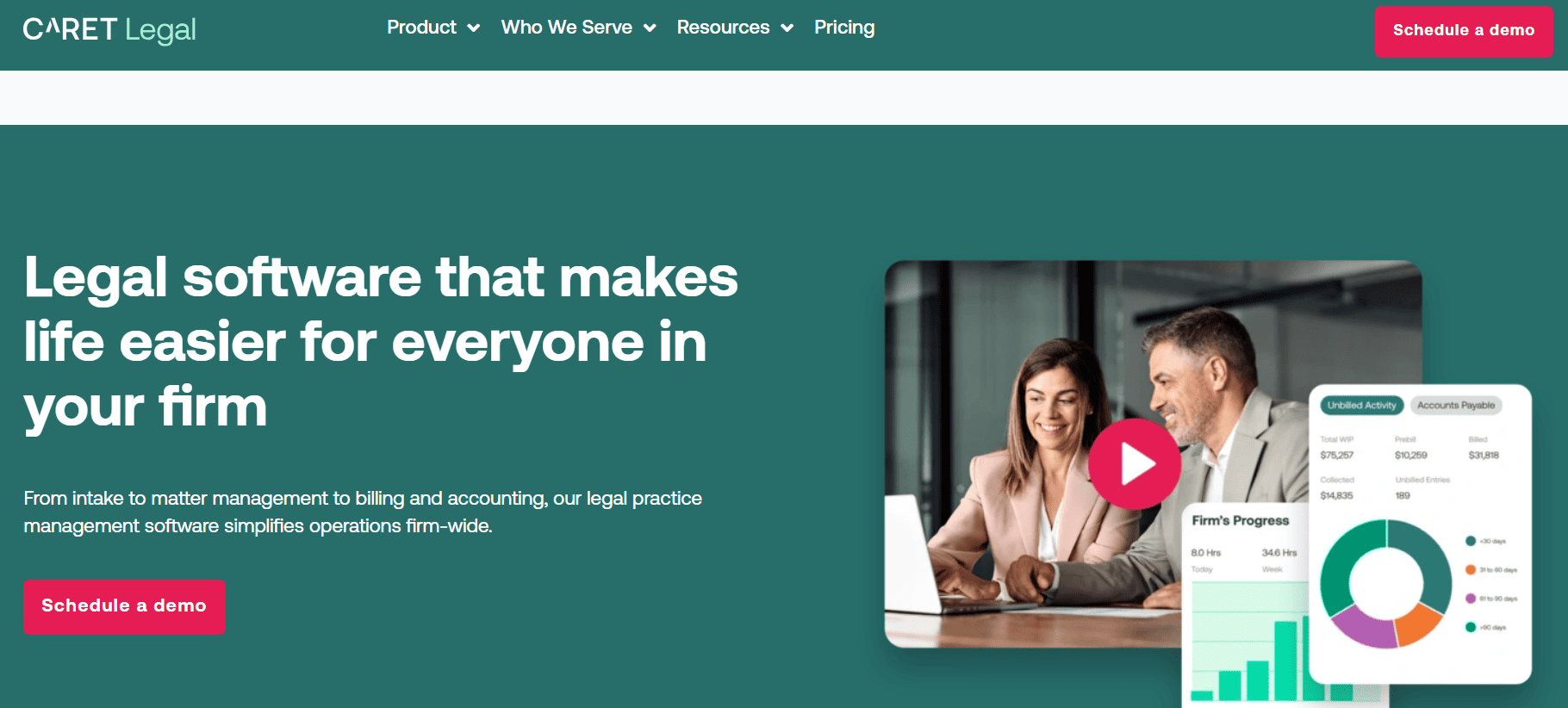
CARET Legal, formerly known as Zola Suite, is a rebranded and expanded cloud-based legal practice management platform. It won the Cloud-based Practice Management Platform of the Year award from the 2025 LegalTech Breakthrough Awards. The platform serves a wide range of practice areas including real estate law, employment law, insurance defense, litigation, personal injury, estate planning, intellectual property, criminal law, immigration law, and family law.
CARET Legal offers a free guided trial and demo for potential users to test the platform before committing.
Free Trial: Free guided trial available (contact for access)
Starting Price After Trial: Custom pricing per user, plus one-time implementation fees
Best For: Small to mid-sized firms needing deep analytics and integrated accounting
Company Size: Small firms of 2 to 10 users up to mid-sized firms of 30 or more
Key Features
- Comprehensive case management with matter dashboard and activity logs
- Automated workflows for scheduling and task follow-up
- Document storage and retrieval with integrated word processor
- Full billing and accounting including trust accounting and three-way reconciliation
- Client portal with encrypted communication
- CARET Analytics for configurable reports and dashboards
- SmartSuggest for matter-related contact recommendations
- Mobile app for time tracking, task management, and document scanning
- 24/7 customer support included in all plans
- SOC 2 and PCI DSS compliant
What Makes CARET Legal Stand Out
CARET Legal claims to help small and mid-sized firms capture an additional $20,000 in billable work per timekeeper annually through better tracking and automated workflows. The integrated CRM in the Enterprise Plus tier eliminates the need for a separate CRM tool. The full email inbox that syncs with Gmail and Google Workspace is a feature that former users frequently mention as a deciding factor when choosing CARET over competitors.
Limitation
Some users on G2 and Capterra report customer service issues including slow response times for billing questions and occasional bugs after platform updates. Pricing is not publicly listed, which makes it harder to compare costs upfront. The platform is a stronger fit for firms that plan to use it at scale rather than solo practitioners looking for a simple solution.
8. LEAP – Best for Document Automation and Form Libraries

LEAP is a globally recognized legal practice management platform used by law firms in the USA, the UK, and Australia. It combines case management, document automation, legal accounting, billing, and AI tools into a single cloud platform. LEAP won Best SaaS Product for Law and Legal Services at the 2024 SaaS Awards and Overall Practice Management Solution of the Year from LegalTech Breakthrough Awards.
LEAP does not publicly list pricing and requires contact with their team for a quote. It also does not offer a traditional free trial in the way other platforms do, but you can request a demo to see the platform in action.
Free Trial: Demo available on request (no standard free trial)
Starting Price After Trial: Custom quote required; sources indicate approximately $149/user/month for US firms
Best For: Small to mid-sized firms with high document volume and multi-jurisdiction work
Company Size: Solo practitioners to mid-sized firms
Key Features
- Automated document and form library for multiple jurisdictions
- Matter management with case files, emails, and documents in one location
- Automatic timekeeping and instant time recording
- Legal accounting that follows trust accounting regulations
- Billing and invoicing with customizable billing codes
- Matter AI to review case files and generate responses in seconds
- Mobile application with offline functionality
- Integrations with Microsoft 365, Xero, QuickBooks, and InfoTrack
- Open API functionality for personalized integrations
What Makes LEAP Stand Out
LEAP’s document automation and form library is widely described as its standout feature. Attorneys can auto-fill legal documents using matter data already in the system, eliminating manual data entry and reducing errors. The Matter AI feature allows attorneys to review an entire case file in seconds and generate accurate responses to correspondence, which multiple real users highlight as a genuine time-saver in reviews on Software Advice and GetApp.
Limitation
LEAP is one of the higher-priced options on this list. Reviewers frequently note the cost, and the lack of a free trial makes it harder to evaluate the platform before committing. The learning curve during initial setup also requires some investment of time, particularly for migrating from older systems.
Quick Comparison: Free Case Management Software for Lawyers
|
Software |
Free Trial |
Starting Price |
Best For |
|
Clio |
7 days |
$49/user/month |
Solo to medium firms |
|
MyCase |
Available |
$39/user/month |
Small firms, client comms |
|
Filevine |
Demo / quote based |
Custom pricing |
Mid-sized, AI-heavy firms |
|
PracticePanther |
7 days |
$49/user/month |
Tech-savvy small firms |
|
Smokeball |
Available |
$149/user/month |
Document-heavy small firms |
|
CosmoLex |
Available |
$109/user/month |
All-in-one with accounting |
|
CARET Legal |
Trial / demo available |
Custom pricing |
Mid-sized, analytics focus |
|
LEAP |
Demo only |
Custom pricing |
Multi-jurisdiction doc work |
How To Choose the Right Free Case Management Software for Your Firm
Going through this list, you probably noticed that no single platform is perfect for everyone. Here is a simple way to think about which free case management software fits your firm’s needs:
If you are a solo attorney on a tight budget: Start with MyCase or Clio. Both offer free trials without a credit card, and MyCase’s starting price of $39/user/month is one of the lowest on this list.
If you need more time to evaluate before committing: Smokeball’s 30-day free trial gives you the longest runway on this list. Use that time to test billing, document management, and client communication properly.
If accounting is your biggest pain point: CosmoLex eliminates the need for separate accounting software. The higher monthly cost may actually save you money if you are currently paying for both a case management tool and QuickBooks.
If your firm is growing past 10 users: Filevine or CARET Legal will serve you better. Both are built for firms that need automation, analytics, and collaboration at scale.
If document automation is critical to your work: LEAP’s form library and document automation tools are among the most comprehensive available, particularly for firms working across multiple jurisdictions.
If you want mobile-first access: PracticePanther and MyCase both earn strong reviews for their mobile apps. Both work well for attorneys who spend a lot of time outside the office.
Read This Also: The Best 1099 Software For Small Business
Frequently Asked Questions
Is there truly free case management software for lawyers?
Most legal case management platforms do not offer a permanent free plan. What you will typically find is a free trial ranging from 7 to 30 days. A few platforms like CaseFox do offer limited freemium plans, but they come with significant feature restrictions. The tools on this list offer the most generous trials in the industry.
What is the longest free trial available for legal software?
Smokeball offers the longest free trial on this list at 30 days on its Boost plan. That gives you a full month to test the platform across real casework before making a decision.
Which free case management software is best for a solo attorney?
For solo attorneys, Clio and MyCase are the most practical starting points. Both offer trials without credit card requirements, both have clean interfaces designed for smaller practices, and both start below $50/user/month after the trial period ends.
Can I manage billing through these platforms during the free trial?
Yes. Platforms like Clio, MyCase, PracticePanther, and Smokeball give you full access to billing and time tracking features during the trial period, not just case management. That allows you to test the full workflow before committing.
Final Thoughts
Finding the best free case management software for lawyers in the USA comes down to understanding what your firm actually needs, not just picking the tool with the longest feature list.
If you are starting out or looking to cut costs, Clio and MyCase offer the most practical entry points with solid free trials and competitive pricing. If you want more time to evaluate, Smokeball’s 30-day trial is hard to beat. And if your firm is scaling and needs AI-driven automation, Filevine and CARET Legal are worth the deeper look.
Every platform on this list offers at least a trial or demo. Take advantage of that. Sign up, run your real cases through the workflow, test billing, check document management, and see how the client portal feels. The best case management software is the one your whole team will actually use every day.
Pick one, test it, and let the software do what it is built for: getting your firm organized so you can focus on practicing law.