The Best 1099 Software For Small Business (2026 Guide)
If you’ve ever paid a freelancer, independent contractor, or vendor more than $600 in a year, you already know what comes next. Tax time, and Form 1099. For a lot of small business owners, this part of running a business feels like a headache they didn’t sign up for.
I get it. I’ve been there. Staring at a pile of contractor payment records in late January, wondering if I missed someone, second-guessing every number, and manually filling out forms that kept getting rejected. That was the last year I did it by hand.
Once I switched to dedicated 1099 software, everything changed. It took a process that used to eat up my whole weekend and turned it into something I finish before lunch. So in this guide, I want to walk you through the best 1099 software for small business, the ones I’ve actually tested and used, so you can stop dreading tax season and get back to running your business.
What Is a 1099 Form, and Why Does It Matter?
Before we talk about software, let’s make sure we’re on the same page.
A 1099 is an IRS information return. When your business pays a non-employee, whether that’s a freelancer, contractor, or service provider, $600 or more in a calendar year, you’re required to file a Form 1099-NEC (Non-Employee Compensation) with the IRS and send a copy to that contractor.
Miss the deadline, file incorrectly, or skip it entirely, and the IRS can hit you with penalties. For the 2025 tax year, late filing penalties range from $60 to $660 per form, depending on how late you file and whether the IRS believes it was intentional.
One important update for 2026: the One Big Beautiful Bill Act (OBBBA), signed into law in July 2025, raised the 1099-NEC and 1099-MISC reporting threshold from $600 to $2,000 starting January 1, 2026. This means for payments made in the 2026 tax year, you only need to issue a 1099 if you paid a contractor $2,000 or more. However, for the 2025 tax year (forms filed in early 2026), the old $600 threshold still applies. So if you’re filing now for work done in 2025, the $600 rule is what governs your forms.
x`How I Chose These Tools
I didn’t just browse a few websites and write up a list. Over the past few years, I’ve personally tested 1099 tools while managing contractors for my own projects. I looked at:
- Ease of use. Can someone who isn’t a tax professional figure it out quickly?
- Accurate IRS e-filing. Does it actually connect to the IRS and file correctly?
- Real pricing. What does it actually cost when you’re filing 10, 50, or 200 forms?
- Integrations. Does it work with QuickBooks, Xero, or Excel, or do you have to enter everything manually?
- Contractor delivery. Can it send copies to contractors by email or mail automatically?
- Support. Is help available when something goes wrong?
These five tools passed the test. Let me show you why.
The 5 Best 1099 Software for Small Business
1. Tax1099 (Best Overall for Small Businesses)
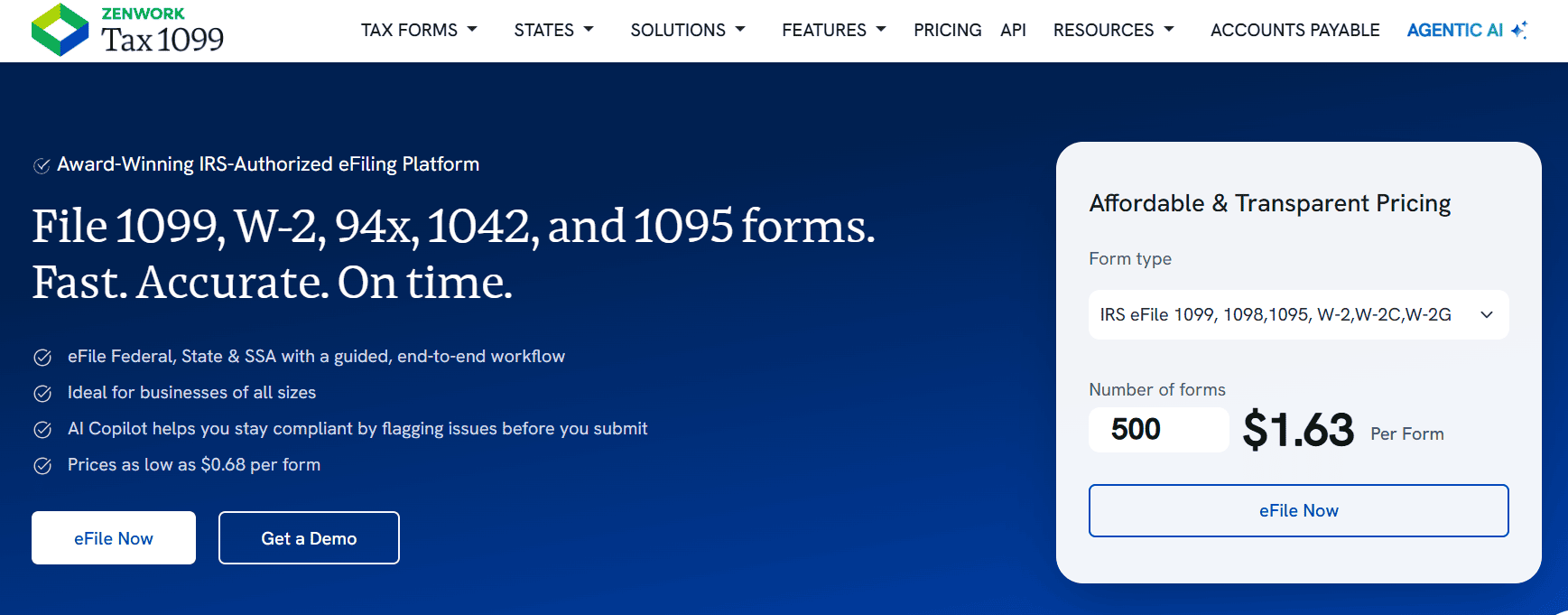
Tax1099 is the one I come back to every tax season. It’s built specifically for businesses that need to file information returns and it handles 1099s, W-2s, 1098s, and more cleanly, without requiring you to have an accounting degree.
The setup is fast. You create an account, add your payer information, enter or import your contractor data, and hit file. The platform connects directly with the IRS, and the whole process takes a fraction of the time it used to.
What I appreciate most is the breadth of integrations. Tax1099 connects with QuickBooks Online, QuickBooks Desktop, Xero, Zoho Books, FreshBooks, BILL, Sage Intacct, and more. If your accounting data lives somewhere, there’s a good chance Tax1099 can pull it in automatically. You can also upload via Excel or CSV, which is helpful if you keep contractor records in a spreadsheet.
The platform also includes real-time TIN (Taxpayer Identification Number) matching, which lets you verify contractor information before you file. It’s a simple step that prevents a lot of rejected forms. USPS address validation is also built in, so mailed copies don’t bounce back.
For small business owners who want to e-file without thinking too hard about it, Tax1099 is the clearest choice.
Who it’s best for: Small business owners who want an all-in-one filing solution with solid integrations and strong IRS compliance tools.
Pricing (as of 2026):
Tax1099 uses a volume-based tiered pricing model, so the more forms you file, the lower your per-form cost:
| Forms Filed | Cost Per Form |
| First 20 forms | $2.99 each |
| 21–150 forms | $2.30 each |
| 151–500 forms | $1.31 each |
| 501–1,000 forms | $0.68 each |
| 1,000+ forms | Custom quote |
The platform also has three annual subscription tiers:
- Essential (Free). Pay per form only. Includes IRS e-filing, QuickBooks and Xero integrations, USPS address validation, audit trails, AI-assisted filing, and 4-year secure storage. No upfront subscription fee. Best for seasonal or low-volume filers.
- Teams ($249/year). Everything in Essential, plus multi-user access, team creation, and 250 free TIN matches.
- Scale ($349/year). Everything in Teams, plus workflow management, user management, action tracking, API access, and free Notice Management (worth $199).
Add-on services include print and mail at $1.90 per form (domestic), IRS-compliant eDelivery at $0.25 per form, and real-time TIN matching at $1.00 per match.
2. eFileMyForms (Best for Transparent, No-Frills Pricing)
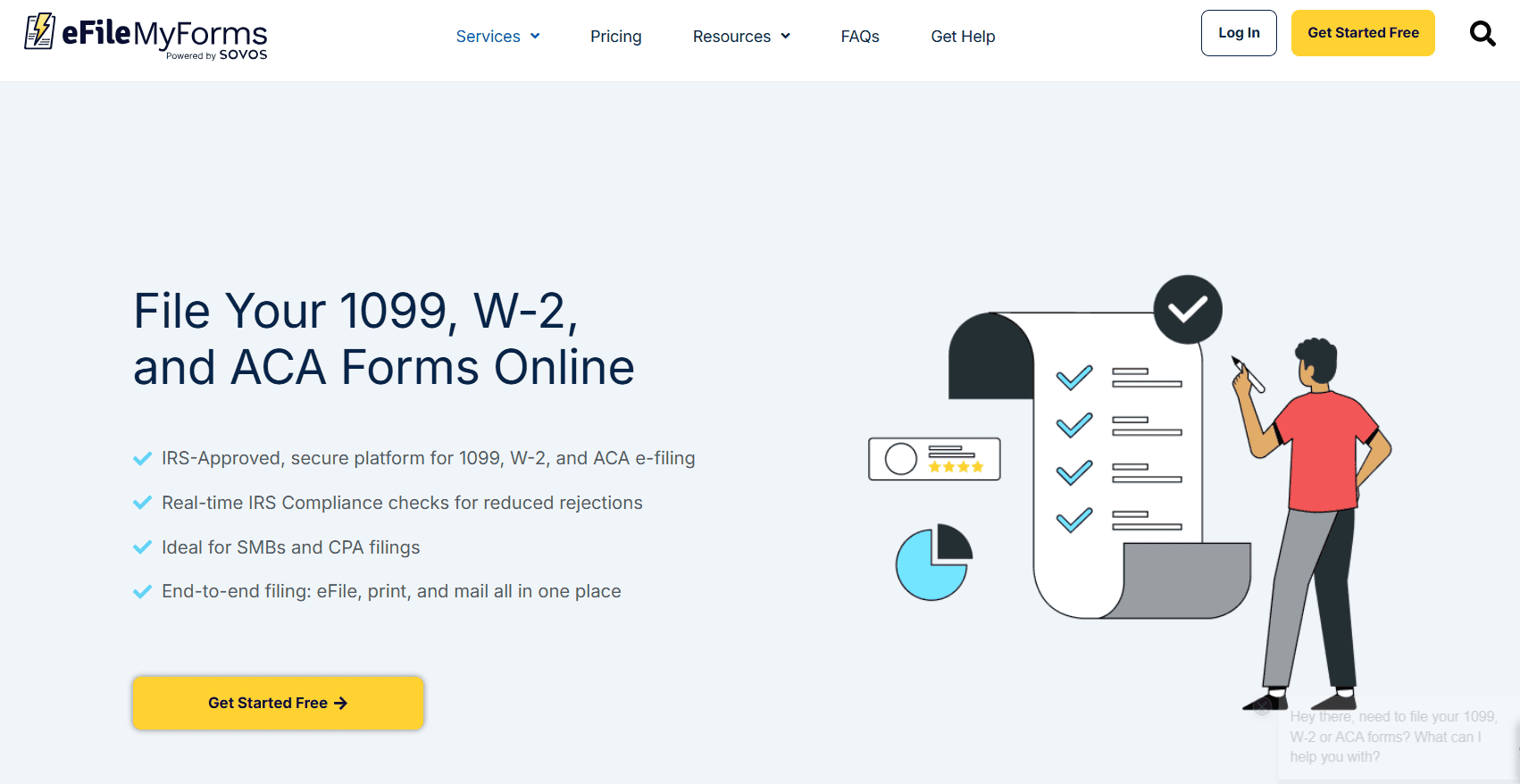
eFileMyForms is a Sovos product. Sovos is one of the largest tax compliance companies in the world, and that heritage shows in how reliable and clean the platform is. It doesn’t have as many bells and whistles as Tax1099, but for many small businesses, that’s exactly the point. You don’t need bells and whistles. You need to file your 1099s and move on.
The platform supports 1099-NEC, 1099-MISC, W-2, 1098, 5498, ACA forms (1095-B and 1095-C), and 1042-S. You can file with the IRS only or choose the full service that includes printing and mailing recipient copies. There’s also a state filing add-on for 1099-NEC direct state reporting, available for eligible states at $1.49 per state return.
Data entry is clean and simple. You enter your payer and recipient information, upload if needed, and submit. eFileMyForms also integrates with QuickBooks and Xero, so you can pull contractor data directly from your accounting software.
One thing I genuinely appreciate about eFileMyForms: there are no hidden fees, no monthly subscriptions, and no minimum order sizes. You pay per form, period. The pricing is posted clearly on their site, which is refreshing in an industry where some platforms bury the real numbers.
Who it’s best for: Small business owners who want straightforward, pay-as-you-go e-filing without a learning curve or an annual subscription.
Pricing (as of 2026):
| Forms Per Order | eFile Only | eFile, Print & Mail |
| 1–20 forms | $2.99 | $4.89 |
| 21–75 forms | $2.69 | $4.59 |
| 76–150 forms | $2.39 | $4.19 |
| 151–250 forms | $1.99 | $3.89 |
| 251–500 forms | $1.79 | $3.69 |
| 501–1,000 forms | $1.39 | $3.29 |
| 1,000+ forms | $1.19 | $2.99 |
Optional add-ons: 1099-NEC Direct State Reporting at $1.49 per state return and TIN Matching at $1.00 per match.
There are also optional subscription plans for teams. The Plus plan costs $149/year and supports up to 10 users with 250 free TIN matches. The Premium plan costs $399/year and supports up to 20 users with unlimited TIN matches. Note that the subscription fee does not include form fees.
3. QuickBooks 1099 E-File (Best for Existing QuickBooks Users)

If your business already runs on QuickBooks, this one is a no-brainer. QuickBooks 1099 e-filing is built directly into the platform. No extra accounts to set up, no data imports to manage, no learning a new tool. Your contractor payment data is already in QuickBooks, and the software uses it to generate and e-file 1099-NEC and 1099-MISC forms automatically.
The experience is genuinely seamless. QuickBooks tracks your contractor payments throughout the year, flags which vendors cross the $600 threshold, and when January comes, it prepares your 1099s in just a few steps. You review, approve, and file. QuickBooks then sends digital copies to your contractors automatically.
One important note: QuickBooks 1099 e-filing isn’t a standalone product. It’s included with QuickBooks Contractor Payments and QuickBooks Online Payroll Core plans. If you’re not already a subscriber, you’ll need to factor that into your cost decision.
For businesses that manage employees and contractors, QuickBooks Payroll Core handles payroll tax calculations, W-2s, and 1099s all in one place. That’s a genuinely useful setup if you’re juggling both.
Who it’s best for: Small business owners already using QuickBooks who want the most integrated, lowest-friction 1099 filing experience.
Pricing (as of 2026):
QuickBooks 1099 e-filing is included within these plans:
- QuickBooks Contractor Payments at $25/month (includes 20 contractors, plus $2 per additional contractor). Includes unlimited 1099-NEC and 1099-MISC e-filing and next-day direct deposit for contractors.
- Contractor Payments + Simple Start at $63/month (includes 20 contractors, plus $2 per additional contractor). Adds full bookkeeping features on top of contractor payments.
- QuickBooks Payroll Core at $50/month plus $6.50 per employee per month. Includes full payroll, automated payroll tax filing, and 1099 e-file for contractors.
All plans include unlimited 1099 e-filing. Contractor copies are automatically sent digitally.
4. efile4Biz (Best for Full-Service “Do It For Me” Filing)
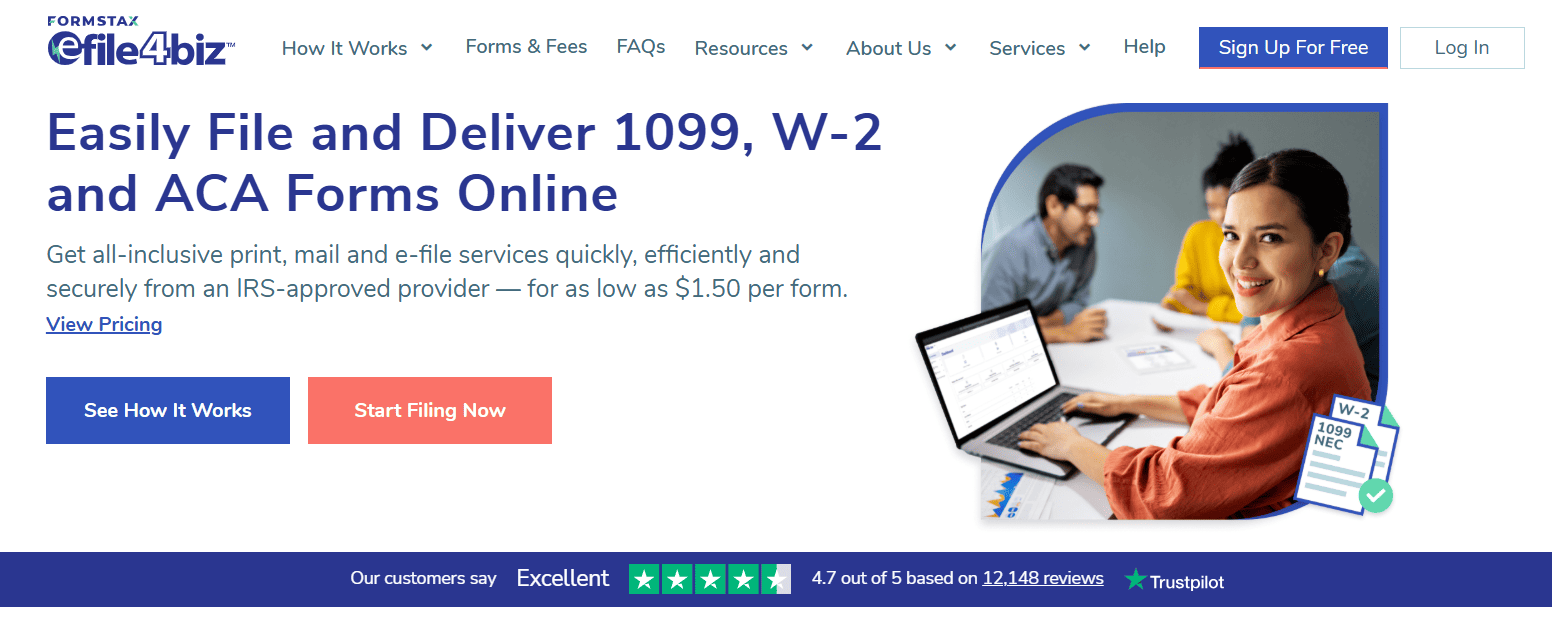
efile4Biz takes a slightly different approach than the other tools on this list. Instead of positioning itself purely as software you use, it works more like a full-service filing platform. You enter your data, and they handle the printing, mailing, and IRS submission from start to finish.
This works really well for small business owners who want to avoid touching the logistics entirely. You don’t need to worry about whether you printed the right form, whether your envelope had the right formatting, or whether your submission reached the IRS. efile4Biz is an IRS-authorized transmitter and an AICPA SOC 2 certified platform, so your data is handled with serious security standards.
The platform supports a wide range of forms: 1099-NEC, 1099-MISC, 1099-B, 1099-C, 1099-DIV, 1099-G, 1099-INT, 1099-K, 1099-R, 1099-S, 1098, 1098-T, W-2, 1042-S, ACA forms, and more. It integrates with QuickBooks Desktop, QuickBooks Online, and Xero for data imports, or you can upload via Excel template.
One thing worth knowing: efile4Biz automatically skips Form 1096 (the 1099 transmittal cover sheet), because when you e-file, the platform calculates and transmits that information electronically on your behalf. That’s one less form to think about.
Who it’s best for: Small business owners who want a fully managed filing experience. Just enter the data and let the service handle everything else.
Pricing (as of 2026):
efile4Biz uses a tiered per-form pricing model with three filing service options:
| Forms Per Order | eFile Only | eFile, Print & Mail | Print & Mail Only |
| 1–25 forms | $3.40 | $5.25 | $2.20 |
| 26–75 forms | $3.25 | $4.95 | $2.10 |
| 76–150 forms | $3.00 | $4.60 | $2.00 |
| 151–250 forms | $2.75 | $4.25 | $1.95 |
| 251–500 forms | $2.40 | $3.60 | $1.90 |
| 501–1,000 forms | $2.05 | $3.05 | $1.75 |
| 1,001–2,000 forms | $1.25 | $1.95 | $1.55 |
| 5,001+ forms | $1.00 | $1.50 | $1.20 |
Optional subscription plans for teams:
- Basic (Free). 1 user, pay as you go.
- Plus ($149/year). Up to 10 users, 250 free TIN matches, priority support.
- Premium ($399/year). Up to 20 users, unlimited TIN matches, unlimited callback support.
TIN Matching costs $1.00 per record. There is no minimum order size, no hidden fees, and signing up is free. You only pay when you file.
5. Yearli (Best for Small Businesses That File Multiple Form Types)
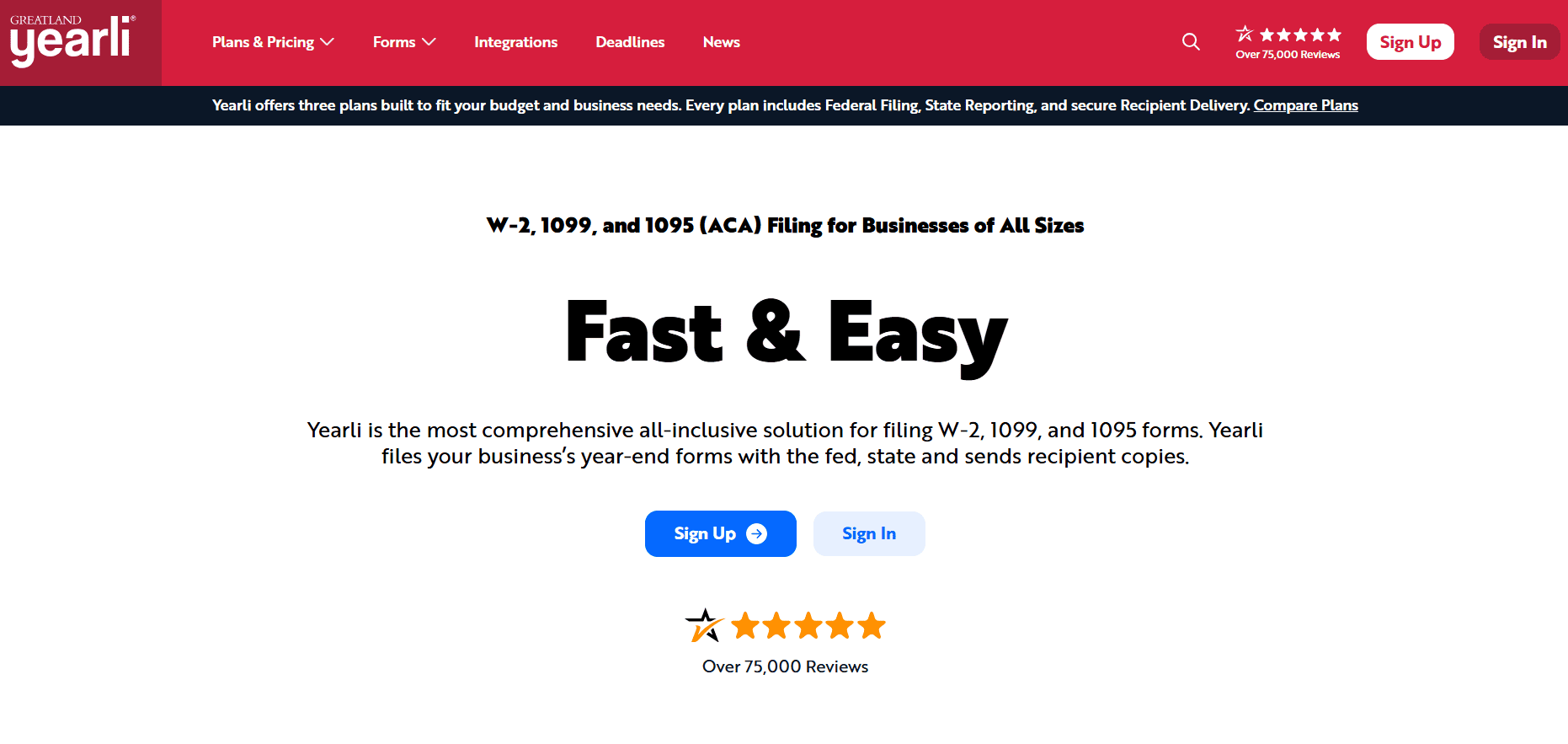
Yearli is made by Greatland Corporation, which has been in the tax form compliance business since 1985. That kind of track record matters when you’re trusting a platform to get your IRS filings right. Yearli is the modern cloud-based version of their filing platform, and it covers a wider range of forms than most small business tools: W-2, W-2c, 1099 (most types), 1098, 1095/ACA, 94X payroll forms, 1042/1042-S, and more.
What sets Yearli apart is how comprehensive the all-in-one experience feels. Every plan includes federal e-filing, state reporting where applicable, and recipient print and mail, all in the base price per form. You don’t have to add up costs from multiple service tiers to figure out what you’ll actually pay. The filing fee covers the full cycle.
The platform supports data imports from accounting software and offers recipient online retrieval, so contractors can log in and download their own copies digitally. That feature alone saves a lot of back and forth.
Yearli has over 75,000 reviews. That’s a lot of small business owners who’ve processed tax forms through this platform and come back year after year.
Who it’s best for: Growing small businesses that need to file multiple form types such as W-2s, various 1099s, and ACA forms, and want one subscription that covers everything.
Pricing (as of 2026):
Yearli offers three annual subscription tiers plus custom enterprise pricing:
- Core (Free to start). Annual subscription is free; you pay per form filed. Includes federal e-file, direct state filing, recipient print and mail, most popular 1099 and W-2 forms, and online chat support.
- Performance ($129/year). Everything in Core, plus TIN Matching, phone support, 1098 forms, 1095/ACA forms, and additional forms library access.
- Premier ($799/year). Everything in Performance, plus 1042 and 1042-S forms, multi-user licenses, advanced data reporting, user permissions and teams, prior year reporting, local printing, employer forms portal, custom mail inserts, Canada and Puerto Rico forms, and single sign-on (at additional cost).
- Custom. Tailored enterprise pricing for high-volume or complex filing needs.
Per-form filing fee (all plans):
| Pricing Period | Cost Per Form |
| Standard (most of the year) | $4.99 per form |
| Peak (Jan 30–Feb 2 and Feb 27–Mar 2) | $5.99 per form |
The per-form price at Yearli includes federal e-file, state reporting, and recipient print and mail all together. Keep that in mind when comparing it to competitors who price those services separately.
How to Choose the Right 1099 Software for Your Business
Now that you know your five options, here’s how to think about which one fits your situation.
You already use QuickBooks? Go with QuickBooks 1099 e-filing and stop thinking about it. The integration is seamless, and you don’t need a separate tool.
You want the lowest per-form cost with no annual subscription? Tax1099’s Essential plan lets you file with no upfront commitment and one of the most competitive per-form rates. eFileMyForms is also strong here, especially for low to mid volume filers.
You want someone to handle everything, from printing to mailing to filing, without you managing the details? efile4Biz’s full-service eFile, Print & Mail option is built for exactly that.
You file more than just 1099-NEC, including W-2s, ACA forms, and 1042-S? Yearli’s comprehensive form library and all-inclusive per-form pricing keeps everything in one place and makes the math easy.
You have a team that needs to collaborate on filings? All five platforms offer multi-user subscription plans. Tax1099 Teams, efile4Biz Plus, and Yearli Performance all give you team access without requiring enterprise pricing.
Things to Look for in Any 1099 E-File Software
Whether you go with one of these five or explore other options, here are the features that actually matter for a small business:
IRS authorization. The platform should be an IRS-authorized e-file transmitter. All five tools on this list carry that credential.
Automatic form generation. You should be able to import or enter payment data, and the software should build the correct 1099 form for you, not the other way around.
Contractor copy delivery. The software should send recipient copies by email or physical mail without you having to handle that separately.
State filing. Many states require a separate state-level 1099 filing in addition to federal. Check whether the platform supports your state and whether it’s included or costs extra.
TIN verification. Before you file, it’s worth verifying that contractor names and Tax ID numbers match IRS records. All five platforms offer TIN matching, either included or as an add-on.
Deadline awareness. The IRS 1099-NEC deadline for the 2025 tax year was January 31, 2026. If you’re reading this and that date has passed, you still need to file. Late is better than never, and the right software will still process your forms.
What Happens If You Skip Filing 1099s?
This comes up a lot from small business owners who are new to working with contractors, and the answer is worth taking seriously.
According to IRS penalty guidelines for the 2025 tax year, the penalty structure for small businesses works like this:
- $60 per form if you file within 30 days after the deadline
- $130 per form if you file after 30 days but before August 1
- $340 per form if you file after August 1
- $680 per form for intentional disregard, with no maximum cap
The IRS defines a small business as one with average annual gross receipts of $5 million or less. Even at that level, the maximum annual penalty cap for unintentional late filing is $1,366,000. That number is unlikely to apply to most small businesses, but the per-form penalties are real and apply to every missed or late form.
Good 1099 software costs a few dollars per form. The alternative can cost hundreds or thousands. The math isn’t complicated.
2026 Rule Change Every Small Business Owner Should Know
If you work with contractors regularly, there is one big change in 2026 you need to be aware of.
The One Big Beautiful Bill Act, signed in July 2025, raised the 1099-NEC and 1099-MISC reporting threshold from $600 to $2,000 starting January 1, 2026. This change applies to payments made in the 2026 tax year and will be filed in early 2027.
What this means in practice:
For payments made in 2025 (filed now in 2026): the $600 threshold still applies. File as normal.
For payments made in 2026 (filed in 2027): you only need to issue a 1099 if total payments to a contractor reach $2,000 or more in the calendar year.
The threshold is also set to be indexed for inflation starting in 2027, meaning it will adjust slightly upward each year going forward.
This is genuinely good news for small businesses that make a lot of small payments to different contractors. Fewer forms to file means less administrative work. But it does not reduce your obligation for the current filing season, and it does not change the mandatory e-filing requirement if you file 10 or more returns.
Frequently Asked Questions
Do I have to e-file my 1099s? Starting with the 2023 tax year, the IRS lowered the e-filing threshold to 10 or more forms. If you file 10 or more information returns in a year (across all return types), you’re required to file electronically. All five tools on this list handle IRS e-filing automatically.
Can I file 1099s myself without software? Yes, you can file paper forms manually if you file fewer than 10. But it involves ordering IRS-approved paper forms, filling them out correctly, mailing recipient copies, and submitting Form 1096 with your paper returns. For most small businesses, using software is faster, cheaper in terms of time, and far less error-prone.
What’s the difference between 1099-NEC and 1099-MISC? The 1099-NEC reports non-employee compensation, meaning payments to independent contractors for services. The 1099-MISC covers other miscellaneous payments such as rent, royalties, attorney fees, and certain other categories. If you’re paying a freelancer for their work, that’s 1099-NEC. All five tools support both.
What is TIN matching, and do I need it? TIN (Taxpayer Identification Number) matching lets you verify that a contractor’s name and ID number on file match IRS records before you submit. The IRS can reject returns with TIN mismatches, which means you have to correct and refile, costing time and potentially triggering late penalties. If you have contractors whose information you’ve never verified, TIN matching is worth the small per-match cost.
Is there free 1099 software? Not truly. You still pay per form when you file. But several platforms on this list, including Tax1099, efile4Biz, and Yearli, offer free sign-up with no annual subscription fee at the base tier, so you only pay when you actually file.
Final Thoughts
1099 filing doesn’t have to be the most stressful part of running a small business. The right 1099 software handles the heavy lifting. It pulls in your data, generates accurate forms, files with the IRS, and gets copies to your contractors so you can focus on the work that actually grows your business.
Here’s a quick recap of who each tool serves best:
- Tax1099 is best overall with great integrations and strong compliance features.
- eFileMyForms is best for transparent pay-as-you-go pricing.
- QuickBooks 1099 e-file is best if you are already in the QuickBooks ecosystem.
- efile4Biz is best for a full-service experience with end-to-end filing.
- Yearli is best for businesses filing multiple form types under one plan.
All five are IRS-authorized, genuinely built for small businesses, and actively maintained for the current tax year. Pick the one that fits how you work, and give yourself back your January.