Let me be upfront with you. I have personally tested or evaluated every tool on this list. Some of them I use with clients. A couple of them surprised me by how good they are. And two of them I almost missed because nobody talks about them even though they solve real problems better than the big names.
If you run a SaaS company, a startup, a small business, or a team that just wants cleaner books without hiring a full-time accountant, you are in the right place. This guide to the top SaaS accounting software in 2026 covers five well-known tools and five genuinely underrated ones, complete with real pricing, key features, honest pros and cons, and who each tool actually serves.
Why Choosing the Right Accounting Software for SaaS Matters More Now
SaaS businesses and modern small businesses have different accounting needs than traditional companies. You are dealing with subscription revenue, monthly recurring revenue (MRR), annual recurring revenue (ARR), deferred revenue, churn, and burn rate. Most legacy accounting software was built for product-based businesses that sell things once.
Cloud-based accounting platforms now offer real-time bank reconciliation, AI-powered transaction categorization, automated invoicing, and integrations with tools like Stripe, Gusto, and Mercury. Features that used to require an enterprise budget are now available for $20 a month. But not every tool handles SaaS-specific financial workflows equally well, and that is exactly why picking the right category of tool matters first.
Read also over blog : Content Marketing for SaaS in 2026: The 7-Step Guide
Types of Accounting Software for SaaS Companies
Not every accounting tool is built for the same job. Before you choose one, it helps to understand the different categories because using the wrong type for your business stage or model is one of the most common and expensive mistakes founders and finance teams make.
Here are the four main types of accounting software you will encounter when evaluating options for a SaaS company.
1. General-Purpose Cloud Accounting Software
This is the broadest category and the one most people think of first. Tools like QuickBooks Online, Xero, and FreshBooks fall here. They handle the accounting fundamentals that every business needs: invoicing, expense tracking, bank reconciliation, financial reporting, accounts payable, and accounts receivable.
General-purpose tools work well for SaaS companies in their early stages, especially when your transaction volume is manageable and you do not yet need sophisticated subscription-specific reporting. The major advantage is ecosystem maturity. These tools have large accountant communities, extensive third-party integrations, and strong customer support.
The limitation for SaaS companies specifically is that they were not designed around subscription business models. Tracking MRR, deferred revenue recognition, subscription upgrades and downgrades, and churn usually requires add-ons, workarounds, or custom spreadsheets alongside the main platform.
Best suited for: Early-stage SaaS companies, service businesses, and teams that need reliable bookkeeping with broad accountant familiarity.
2. Startup and SaaS-Native Accounting Platforms
This is the newer and faster-growing category. Tools like Puzzle and similar AI-native platforms are built specifically for startups and subscription businesses. They understand what a SaaS company actually needs to track: burn rate, runway, ARR, MRR, deferred revenue, and investor-ready reporting.
The defining characteristic of SaaS-native platforms is that they connect directly to your modern financial stack. Think Stripe for revenue, Mercury or Brex for banking, Ramp for expense management, and Gusto or Rippling for payroll. They pull from all of these through live API connections rather than manual imports, which means your financial picture updates continuously rather than at the end of the month.
Revenue recognition under ASC 606 is a major pain point for SaaS companies, and SaaS-native tools handle this natively. If you receive an annual prepayment from a customer, the software automatically recognizes revenue monthly across the contract period rather than recording it as a lump sum, which keeps your books compliant and investor-ready.
Best suited for: Venture-backed startups, bootstrapped SaaS founders, and any subscription business where real-time financial metrics are core to decision-making.
3. Enterprise Financial Management and ERP Systems
As a SaaS company scales beyond a certain revenue threshold, general-purpose accounting software starts to show its limits. Multi-entity consolidation, advanced budgeting and forecasting, complex intercompany transactions, and detailed departmental reporting become requirements rather than nice-to-haves. This is where enterprise financial management platforms like Sage Intacct, NetSuite, and similar mid-market ERP systems come in.
These tools are not on this list because they sit in a different price tier and complexity bracket. Most start at several hundred dollars per month and require implementation support. But understanding that this category exists helps you plan. If you are pre-Series A and growing quickly, the right decision is often to start on a well-built general-purpose tool and migrate to an ERP when your complexity genuinely demands it, rather than over-engineering your financial stack too early.
Best suited for: Post-Series B SaaS companies with multiple legal entities, complex revenue structures, and dedicated finance teams managing the books.
4. Specialized Financial Operations Platforms
This category sits alongside accounting tools rather than replacing them. Specialized platforms handle one specific part of the financial operations stack at very high volume or with very high precision. Osfin.ai is a clear example: it is not a general-purpose accounting tool, but it handles high-volume transaction reconciliation at a scale and accuracy level that no general-purpose accounting platform can match.
Other examples of this category include revenue recognition automation platforms that plug into your ERP, accounts payable automation tools, and spend management platforms. Fintech companies, payment processors, banks, and insurers are the primary users because their transaction volumes make manual reconciliation operationally impossible.
The key distinction is that specialized platforms are usually purchased to solve a specific problem that a general-purpose tool cannot, and they sit alongside your accounting system rather than replacing it.
Best suited for: Fintech companies, payment processors, and any business processing millions of transactions monthly that require automated, audit-ready reconciliation at scale.
Quick Comparison: All 10 SaaS Accounting Tools at a Glance
| Tool | Best For | Starting Price | Free Plan/Trial | Standout Feature |
| QuickBooks Online | SMBs & growing teams | $38/mo | 30-day trial | 800+ integrations |
| Xero | Unlimited-user teams | $29/mo | 30-day trial | No per-user fees |
| Zoho Books | Budget-conscious SMBs | Free under $50K revenue | Free plan + trial | Zoho ecosystem sync |
| FreshBooks | Freelancers & agencies | $23/mo | 30-day trial | Strong invoicing features |
| Sage Accounting | Small to mid-size businesses | Around $20–$25/mo | Free trial varies | Compliance and reporting |
| Wave | Micro-businesses | $190/year | Free plan | Free accounting basics |
| Kashoo | Beginners | $30/mo | 14-day trial | Simple double-entry accounting |
| OneUp | Inventory + accounting | Start from $9/mo | 30-day trial | CRM + inventory features |
| Puzzle | SaaS/VC startups | $25/mo | Free option/trial varies | AI-native accounting |
| Osfin.ai | Fintech & high-volume businesses | Custom pricing | Demo/request pricing | High-volume reconciliation |
Top 10 SaaS Accounting Software in 2026
To make this guide easier to read, I have separated the 10 tools into two parts: 5 popular SaaS accounting software tools and 5 underrated accounting tools that deserve more attention in 2026.
The 5 Best SaaS Accounting Software Tools in 2026
1. QuickBooks Online: The Industry Standard
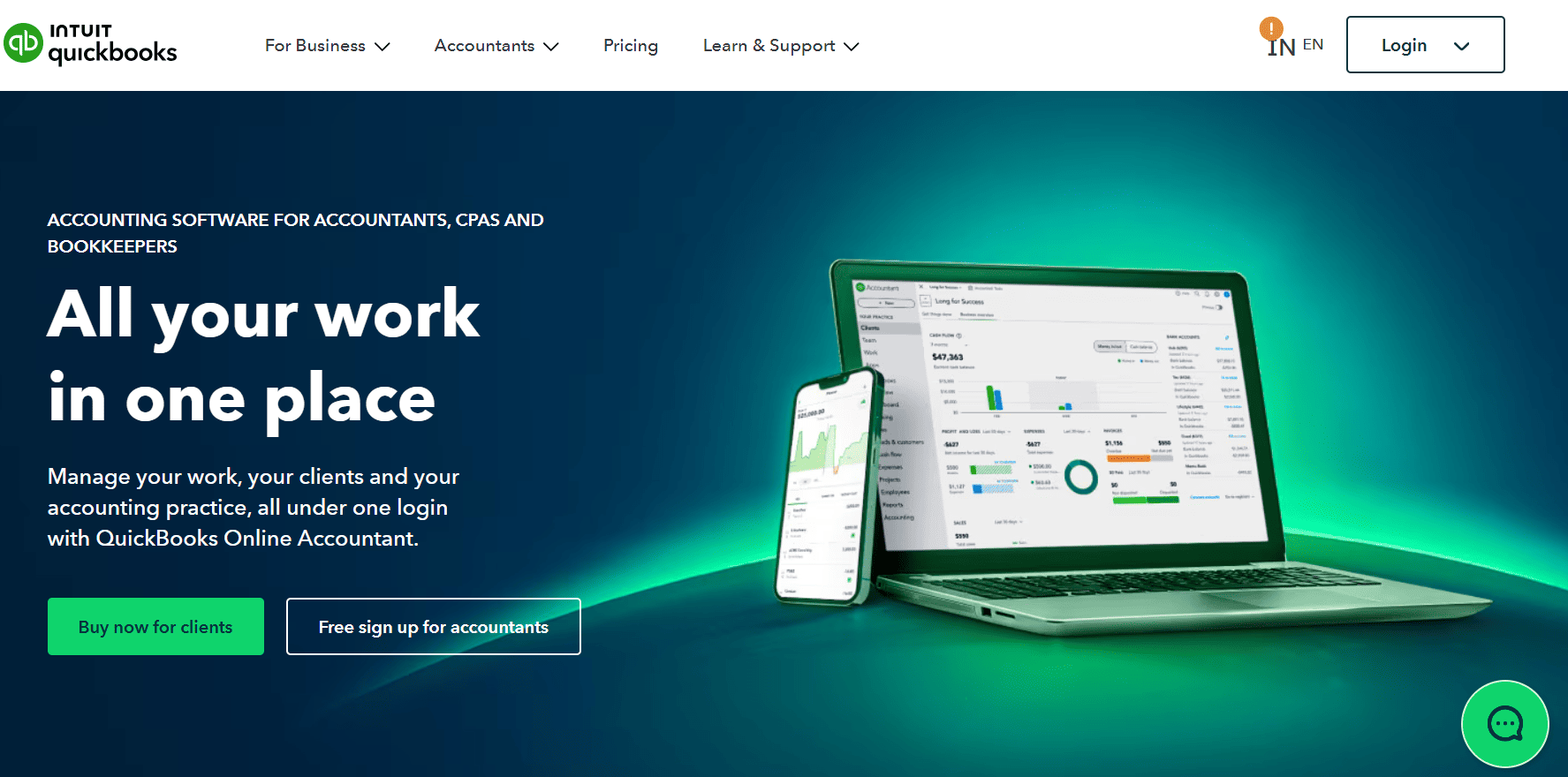
QuickBooks Online is the most widely used cloud accounting platform in the US, with roughly 7.5 million subscribers. Most accountants and bookkeepers already know it, which means hiring someone to manage your books in QuickBooks is straightforward. Plans start at $38 per month for Simple Start and go up to $275 per month for Advanced as of May 2026, following a 15 to 25% price increase effective May 1, 2026. New subscribers get 50% off the first three months instead of a free trial.
Key Features:
- 800+ third-party integrations: connects with tools like Stripe, PayPal, Shopify, and HubSpot.
- Automated bank reconciliation: pulls transactions daily and learns your categorization rules over time.
- Intuit Assist AI: answers natural-language financial questions and automates routine back-office tasks.
- Advanced reporting: profit and loss, cash flow, balance sheet, and custom reports with segment filtering.
- Multi-user access: up to 25 users on the Advanced plan with role-based permissions.
Pros:
- Unmatched accountant familiarity meaning finding bookkeeping support is easy in any market.
- The largest third-party integration ecosystem of any tool on this list, with over 800 connected apps.
- Strong financial reporting depth across all plan tiers, including cash flow forecasting and custom dashboards.
Cons:
- Annual price increases averaging 12 to 17% since 2023 make long-term budgeting unpredictable.
- Per-seat pricing becomes expensive quickly when multiple team members need access.
- No native SaaS metrics such as MRR, ARR, burn rate, or subscription churn tracking.
Pricing structure: Free trial available. From $38/month
Best Use Case: Small to medium-sized businesses that need a robust, widely supported platform with deep accountant familiarity. Also ideal for any team that relies heavily on third-party tool integrations.
2. Xero: The Best for Teams Tired of Per-User Fees
Xero’s biggest differentiator is simple: unlimited users on every plan. That single feature makes it more cost-effective than QuickBooks for businesses with more than three or four people who need financial access. The three US plans are Early at $25 per month with transaction caps, Growing at $55 per month for unlimited invoicing and billing, and Established at $90 per month adding multi-currency and project tracking.
Key Features:
- Unlimited users on every plan: no per-seat charges, no matter how large your team grows.
- 1,000+ app integrations: including Gusto for payroll, Stripe, HubSpot, and Shopify.
- Real-time bank feeds: with automated transaction matching and reconciliation.
- Multi-currency support: available on the Established plan, covering over 160 currencies.
- Xero Analytics Plus: cash flow projections and scenario planning built into the dashboard.
Pros:
- Unlimited users at no extra cost which saves significant money as your team scales.
- Clean, modern interface that most non-accountants find easier to navigate than QuickBooks.
- No credit card required for the 30-day free trial.
Cons:
- Payroll is not built in and requires the Gusto integration at an additional $49 per month plus $6 per employee.
- The Early plan is quite limited with a cap of 20 invoices and only 5 bills per month.
- Multi-currency is locked behind the Established plan at $90 per month.
Pricing structure: Free trial available. From $29/month
Best Use Case: Growing teams with multiple people who need financial access, remote-first businesses, and companies that want unlimited user access without seat-based pricing eating into their budget.
3. Zoho Books: Automation-First With a Real Free Tier
Zoho Books stands out because it offers a genuinely functional free plan. If your business generates under $50,000 in annual revenue, you can use Zoho Books at no cost with one user, one accountant, 1,000 invoices per year, and all core accounting features. Paid plans run from $20 per month for Standard up to $275 per month for the Ultimate tier, with six total pricing options.
Key Features:
- Free plan for under $50K annual revenue: full core accounting at zero cost for early-stage businesses.
- Deluge scripting language: lets technically capable users build custom automation without a developer.
- Native Zoho ecosystem integration: connects with Zoho CRM, Zoho Subscriptions, Zoho Inventory, and 40-plus other Zoho apps.
- Automated workflows: recurring invoices, payment reminders, approval chains, and scheduled reports.
- Client portal: lets customers view invoices, make payments, and review statements without calling you.
Pros:
- The most generous free plan of any tool on this list, genuinely usable for real business needs.
- Best automation depth in this price range, especially for businesses comfortable with light scripting.
- Excellent mobile app rated 4.8 on the App Store and 4.7 on Google Play.
Cons:
- Smaller third-party integration library compared to QuickBooks or Xero outside the Zoho ecosystem.
- Fewer accountants are familiar with Zoho Books compared to QuickBooks, which can make hiring bookkeeping help harder.
- Transaction and user caps on lower tiers can force earlier-than-expected upgrades as volume grows.
Pricing structure: Free trial available. Paid plans from $15/month.
Best Use Case: Budget-conscious businesses under $50K revenue starting out, companies already using other Zoho products, and founders who want serious automation without complex setup or high monthly costs.
4. FreshBooks: The Best Invoicing Experience in the Entire List
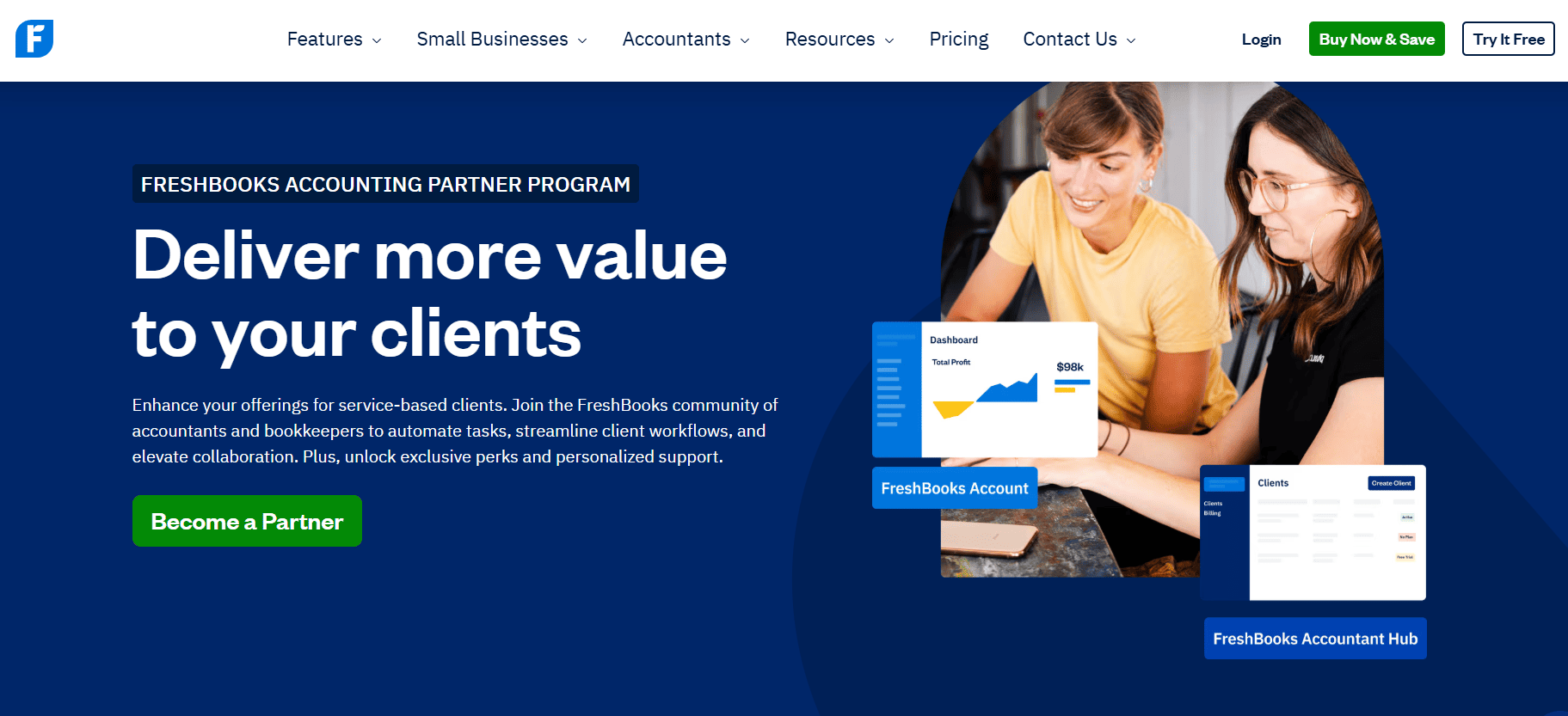
FreshBooks was built from the ground up for service-based businesses, freelancers, consultants, and agencies. If your core accounting need centers on creating professional invoices, tracking time, managing client retainers, and getting paid faster, FreshBooks delivers the best experience in this comparison. Plans run from $21 per month for Lite up to $65 per month for Premium, billed per client tier rather than per user.
Key Features:
- Automated invoice reminders: sends follow-up payment reminders on a schedule you set, reducing late payment chasing.
- Time tracking built in: log hours against projects and convert billable time directly to invoices in one click.
- Client retainer management: set up recurring retainer billing with automatic monthly invoicing.
- Double-entry accounting: included from the Plus plan upward, with bank reconciliation and accountant access.
- Project profitability tracking: compare revenue against time and expenses per project on Premium.
Pros:
- The cleanest invoicing workflow of any tool on this list, designed for non-accountants.
- All plans include time tracking plus the ability to add billable hours and expenses directly to invoices.
- Rated highly for ease of use consistently across Trustpilot, G2, and the App Store.
Cons:
- Per-client pricing model means costs increase based on how many active clients you bill, not team size.
- Not built for inventory or product-based businesses with complex stock management needs.
- Advanced financial reporting is limited compared to QuickBooks or Xero.
Pricing structure: Free trial available. Paid plans from $23/month.
Best Use Case: Freelancers, consultants, agencies, and service businesses that prioritize invoicing quality, time tracking accuracy, and getting paid faster over deep financial reporting.
5. Sage Accounting: The Trusted Name for Compliance-Heavy Businesses
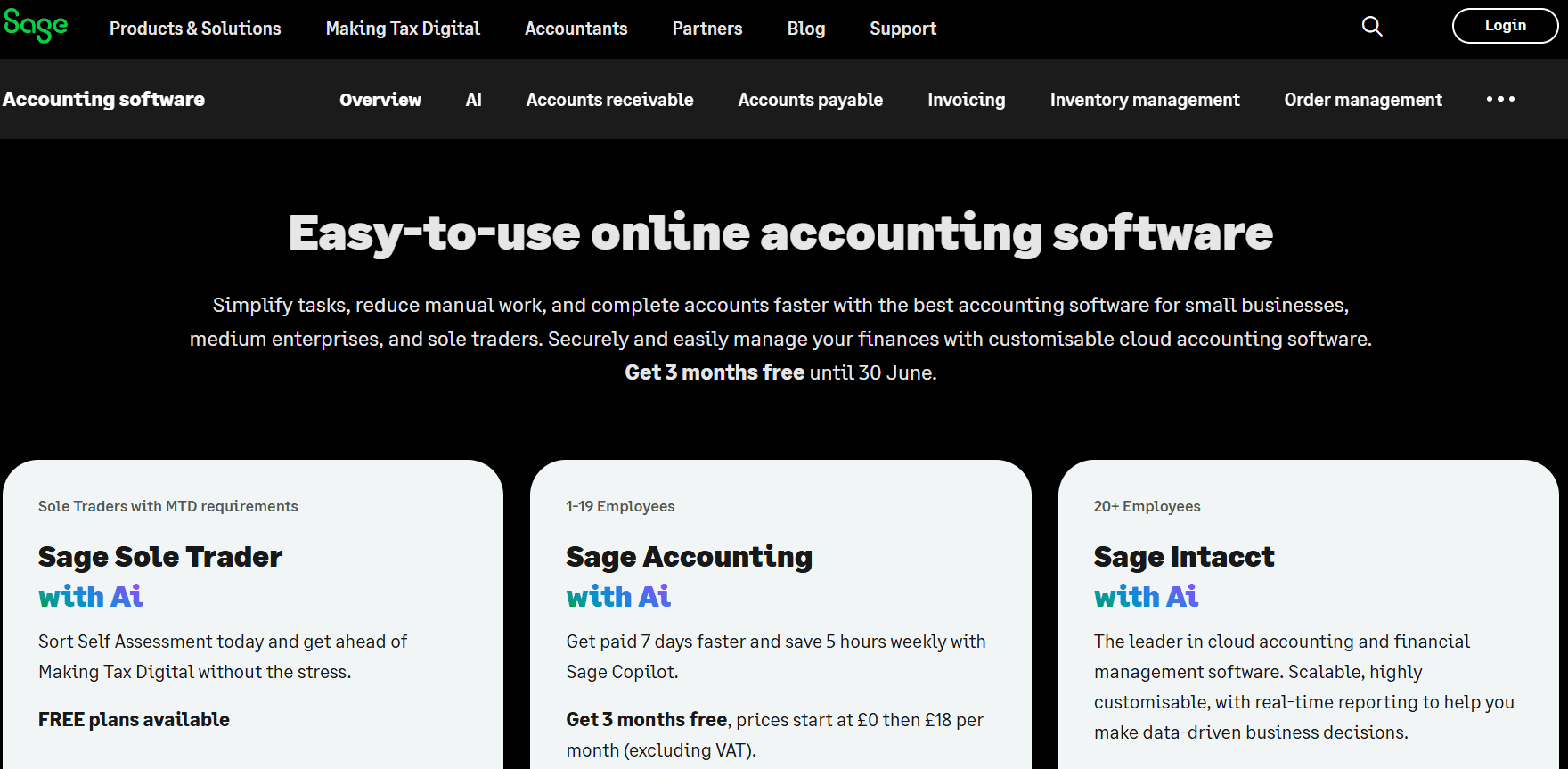
Sage has been in the accounting software space for over 40 years. Its cloud accounting product for small businesses starts at $25 per month. Its more feature-rich Sage 50 Cloud product, aimed at established businesses with more complex needs, starts at $124.42 per month with a required one-year commitment. Both include unlimited support, automatic updates, and multi-device access.
Key Features:
- Strong multi-currency support: handles over 100 currencies with built-in compliance tools for international transactions.
- Built-in tax management: calculates applicable taxes using transaction data and supports multi-entity reporting.
- Cash flow forecasting: estimates future cash requirements based on historical transaction data.
- Marketplace integrations: connects with Stripe, PayPal, and a curated marketplace of business apps.
- Audit trail and compliance tools: designed for businesses in regulated industries that need traceable financial records.
Pros:
- Over 40 years of accounting expertise baked into a platform trusted by millions of businesses globally.
- Strong for regulated industries including financial services, legal, healthcare, and government contractors.
- Multi-entity consolidation available for businesses managing more than one company or legal structure.
Cons:
- Steeper learning curve than FreshBooks or Xero, which can slow adoption for non-accountant users.
- Project-based reporting has received mixed feedback for being less flexible than competing platforms.
- Sage 50 Cloud requires a minimum one-year commitment which limits flexibility compared to month-to-month alternatives.
Pricing structure: Free trial available. Paid plans from $20/month.
Best Use Case: Established SMBs, international businesses with multi-currency compliance requirements, and companies in regulated industries that need a platform with a long compliance track record.
The 5 Underrated SaaS Accounting Software Tools Worth Knowing in 2026
These five tools either fly under the radar, serve very specific needs better than the big names, or are newer and have not yet gotten the attention they deserve. All five are real products with verified pricing and active user bases.
Read also over blog : Top 10 SaaS Software for Manufacturing Companies
6. Wave: The Best Free Accounting Software That Actually Works
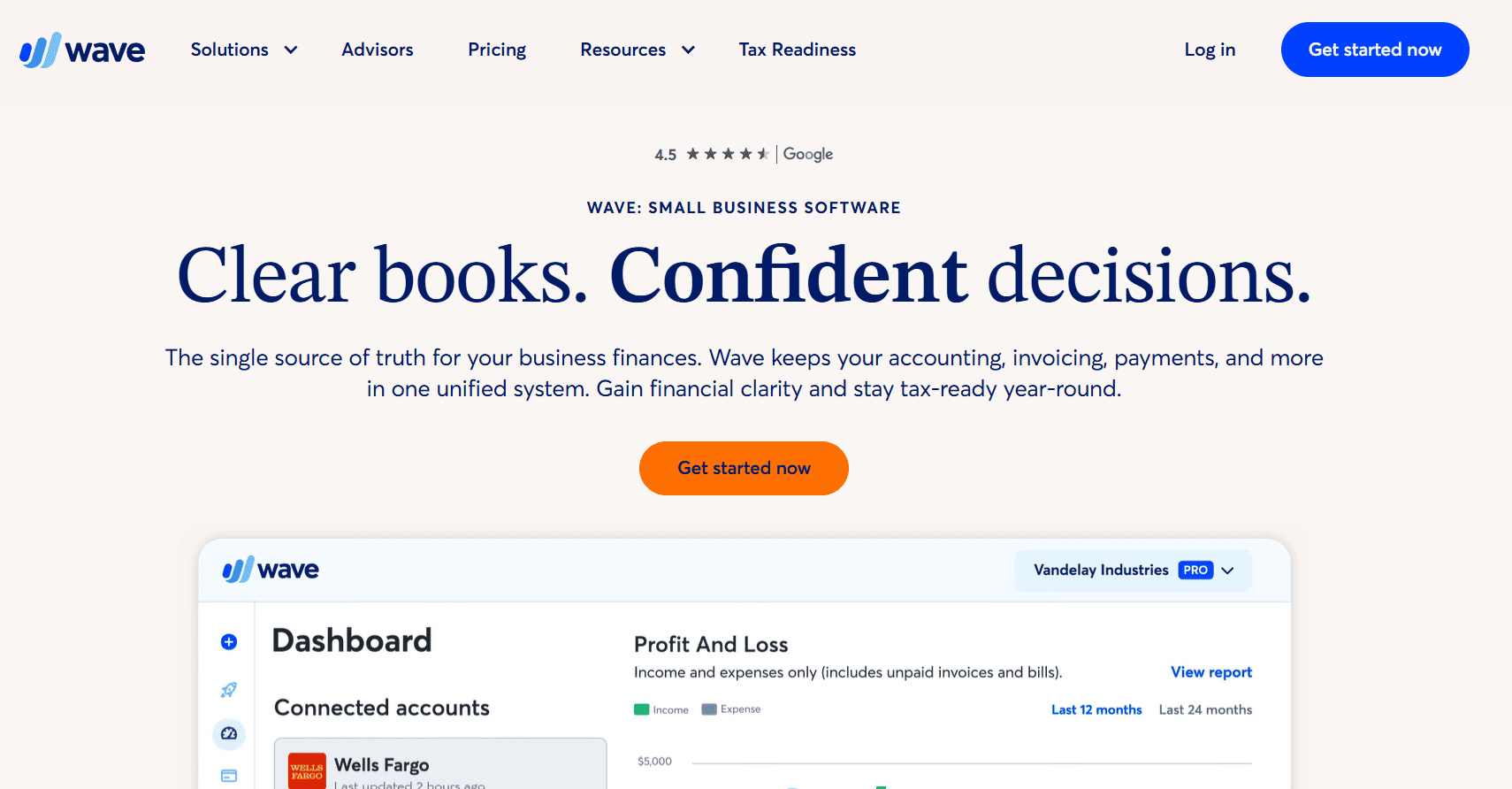
Wave gets overlooked in serious accounting software comparisons because it is free, and people assume free means poor quality. That assumption is wrong. Wave offers genuinely complete double-entry accounting, invoicing, expense tracking, bank reconciliation, and financial reporting at no cost on its Starter plan. The Pro plan unlocks additional automation features at a paid monthly rate.
Key Features:
- Genuinely free double-entry accounting: not a watered-down demo, a real general ledger with full bookkeeping functionality.
- Unlimited invoices and estimates: on the free plan with no client caps or transaction limits.
- Real bank feeds: connects to your bank accounts for automatic transaction import and categorization.
- Financial reports: profit and loss, balance sheet, and cash flow statements available at no cost.
- Payment processing add-on: accept credit card payments through Wave Payments at standard transaction fees.
Pros:
- No monthly cost ever for the core accounting and invoicing features.
- Quick setup most users are fully operational within an hour with no accounting training required.
- Real double-entry system not just an income and expense tracker, a proper accounting ledger.
Cons:
- No inventory management: not suitable for product-based businesses with stock tracking needs.
- No multi-currency support: limits usefulness for businesses billing international clients in different currencies.
- No SaaS-specific metrics: burn rate, runway, and subscription analytics are not available.
Pricing structure: Free trial available. Paid plans from $30/month.
Best Use Case: Solopreneurs, freelancers, micro-businesses, and early-stage ventures that need functional accounting without any monthly cost. Also the best starting point for founders who are not yet sure how complex their accounting needs will become.
7. Kashoo: The Simplest Double-Entry Accounting Software Available
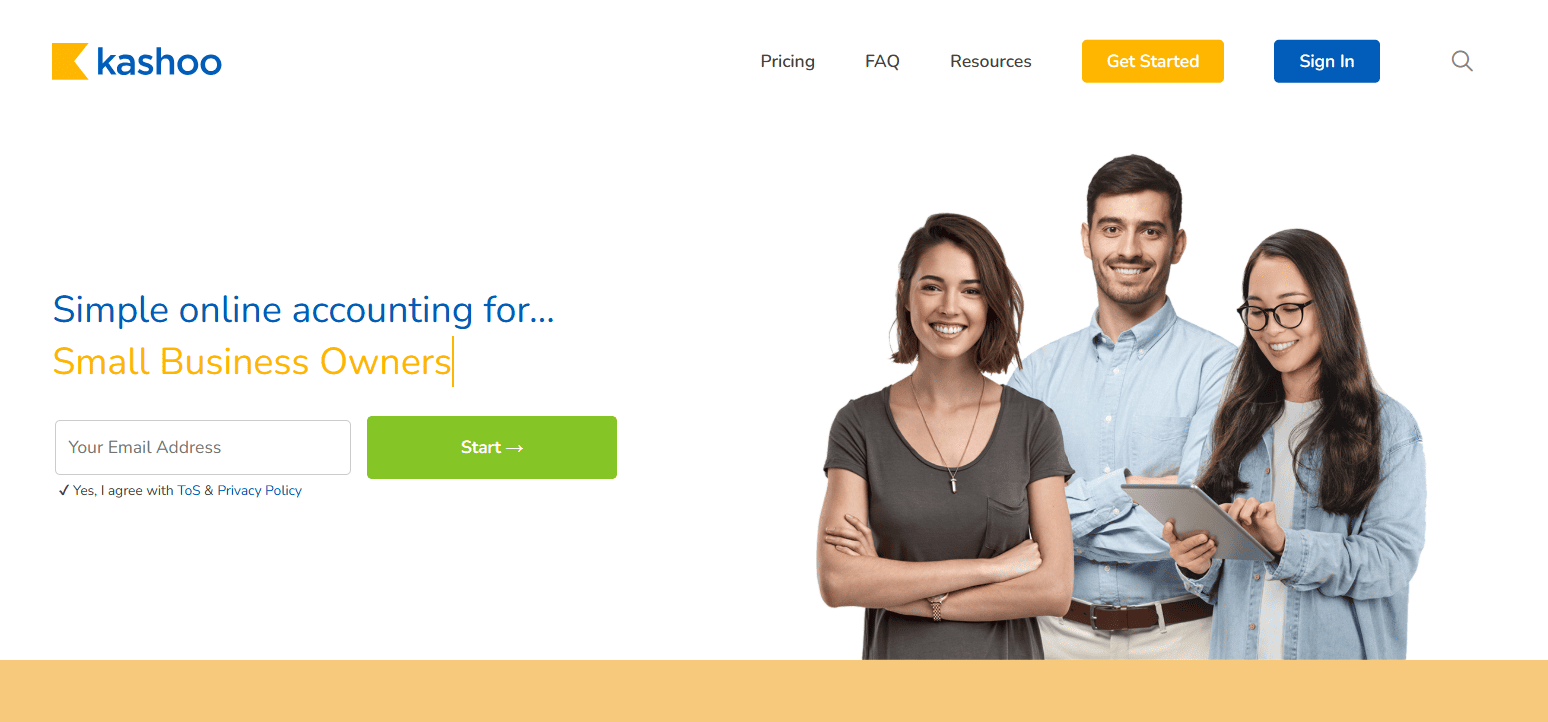
Kashoo is built by a small team in Vancouver and describes itself as the world’s simplest accounting software. If you are a small business owner with zero accounting background and find QuickBooks or even Xero intimidating, Kashoo is worth a serious look. TrulySmall Accounting costs $20 per month. The full Kashoo Accounting plan costs $30 per month or $324 per year. A 14-day free trial is available.
Key Features:
- Automatic transaction categorization: connects to your bank and learns to categorize transactions as it goes, reducing manual entry.
- Real-time bank feeds: transactions appear in your books within hours of hitting your account.
- Multi-currency support: handles transactions in multiple currencies, which is rare at this price point.
- Double-entry bookkeeping: produces accountant-ready records even for users with no accounting background.
- Payment integrations: connects with Stripe, PayPal, Square, and BluePay for online payment acceptance.
Pros:
- The most approachable interface of any double-entry accounting tool at this price.
- Multi-currency at a low monthly cost which beats several competitors in this price range.
- Fast, friendly customer support consistently praised across Capterra, G2, and user forums.
Cons:
- No inventory management: not suitable once your business includes physical product tracking.
- Limited reporting customization: produces standard financial statements but lacks flexible custom reporting.
- No payroll: you need a separate payroll tool even for a small number of employees.
Pricing structure: Free trial available. Paid plans from $9/month.
Best Use Case: First-time business owners, non-accountants who need real double-entry bookkeeping without a learning curve, and small service businesses in their first two or three years of operation.
8. OneUp: Accounting Plus CRM Plus Inventory in One Very Affordable Package
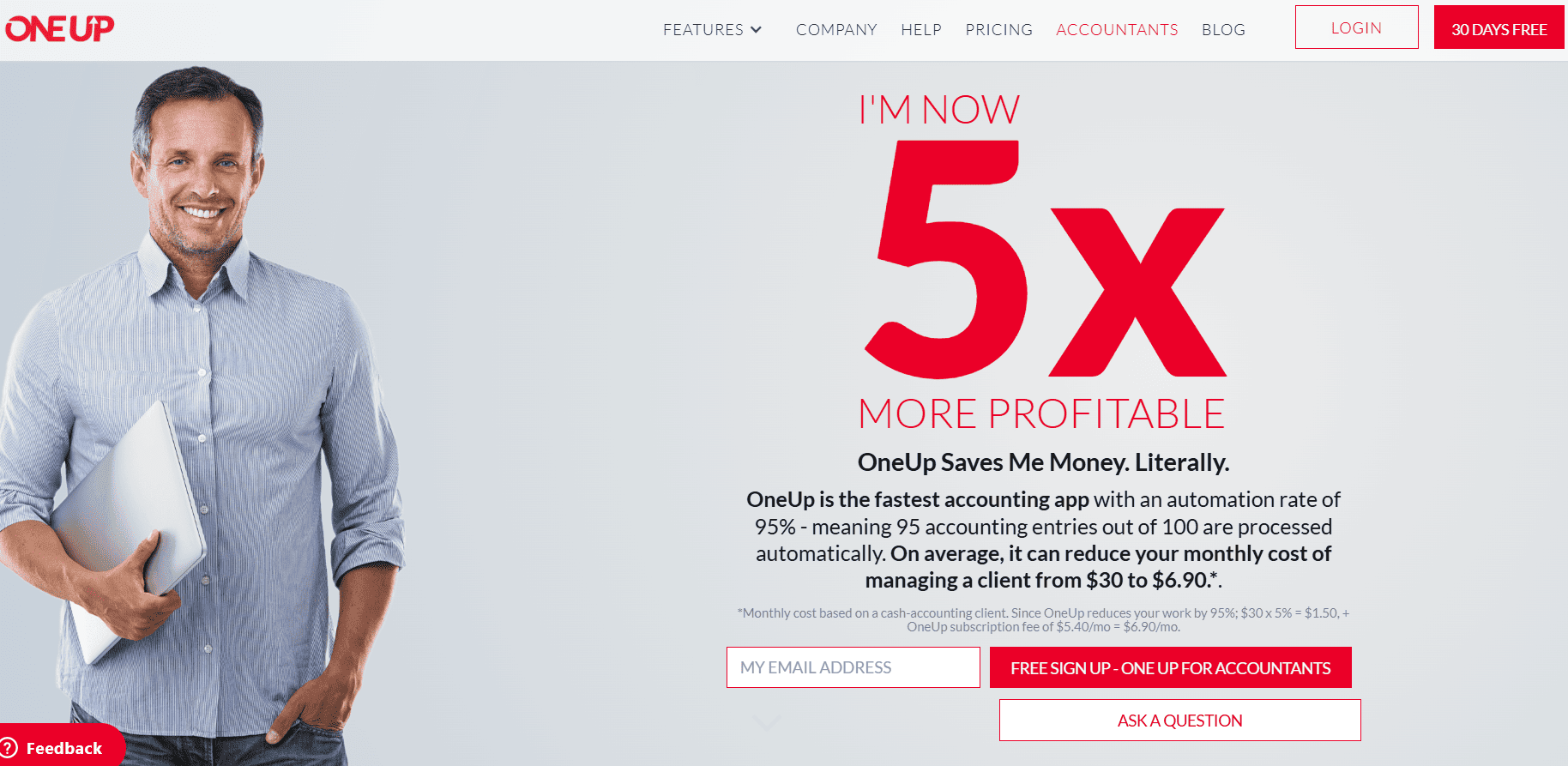
OneUp is one of the most underrated tools on this list. It is an all-in-one business management platform that gives you accounting, invoicing, inventory management, and CRM in a single cloud-based system starting at $9 per month. Every plan includes all features and you pay only for the number of users you need, from Self at $9 per month for one user up to Unlimited at $169 per month for unlimited users. A 30-day free trial is available with no credit card required.
Key Features:
- Built-in CRM pipeline: track leads, follow-ups, and sales conversions alongside your financial data in one platform.
- Real-time inventory management: monitor stock levels, manage purchase orders, and sync inventory with sales automatically.
- AI-powered bookkeeping: automatically categorizes bank transactions, reducing manual entry significantly.
- All features on every plan: no feature gating across tiers, only the number of users differs between plans.
- Multi-currency support: handles international transactions across multiple currencies.
Pros:
- The most affordable entry point on this list at $9 per month with full feature access.
- Replaces two or three separate tools for businesses that need accounting, inventory, and CRM combined.
- 30-day free trial with no credit card required the most generous trial offer among paid tools on this list.
Cons:
- No native payroll: data must be exported to a separate payroll tool for employee payments.
- Limited report customization: financial reporting is solid but not as flexible as QuickBooks or Xero.
- Less accountant familiarity: fewer bookkeepers know OneUp compared to the major platforms.
Pricing structure: Free trial available. Paid plans from $25/month.
Best Use Case: Small businesses that want accounting, inventory, and CRM without paying for three separate tools, particularly retailers, wholesalers, and service businesses that manage both a product inventory and a sales pipeline.
9. Puzzle: The AI-Native Platform Built Specifically for SaaS Startups
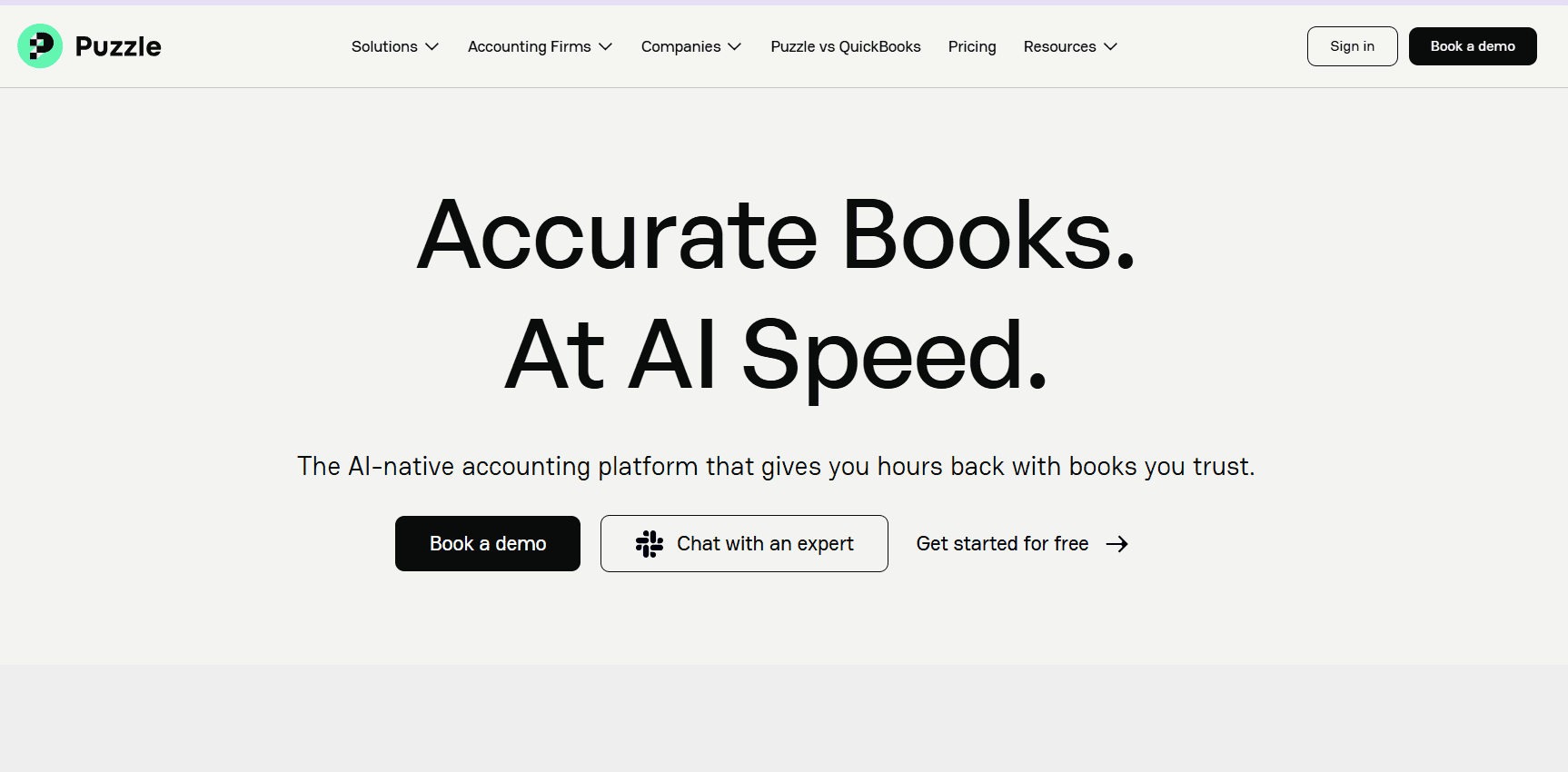
Puzzle is the most relevant tool on this list if you run a VC-funded or bootstrapped SaaS startup. It was built specifically for the needs of US-based startups that need real-time visibility into burn rate, runway, ARR, MRR, and investor-ready reporting. A free plan is available for companies with under $5,000 in monthly expenses. Paid plans start around $43 to $50 per month for the Startup tier. Puzzle has raised $66.5 million from General Catalyst, Felicis Ventures, and S32.
Key Features:
- AI-native categorization: automates 85 to 98% of bookkeeping tasks by learning your transaction patterns over time.
- Real-time burn rate and runway: financial metrics update continuously from live API connections, not at month-end.
- Dual-basis accounting: runs cash and accrual accounting simultaneously from the same ledger without duplicate work.
- Direct integrations with startup fintech: Stripe, Mercury, Brex, Ramp, Gusto, and Rippling through live APIs, not CSV imports.
- Automated month-end close: AI agents draft categorization, reconciliation, and close steps for team review.
Pros:
- The only tool on this list purpose-built for SaaS startup metrics with native burn rate and runway tracking.
- Free plan available for companies under $5,000 in monthly expenses, making it accessible even at pre-revenue stage.
- 50% faster month-end close guaranteed or Puzzle offers a refund of subscription fees within 30 days.
Cons:
- US-focused only: limited multi-currency and international banking support.
- Newer platform with less accountant familiarity: most traditional bookkeepers will not know Puzzle the way they know QuickBooks.
- Less suitable for non-tech businesses: the fintech integrations and startup-specific focus do not translate well outside SaaS.
Pricing structure: Free trial available. Paid plans from $190/year.
Best Use Case: Early-stage to growth-stage SaaS startups, VC-backed founders, and technical teams that want real-time financial visibility into the metrics investors actually ask about, without manual bookkeeping overhead.
10. Osfin.ai: The Specialist Tool for High-Volume Financial Reconciliation
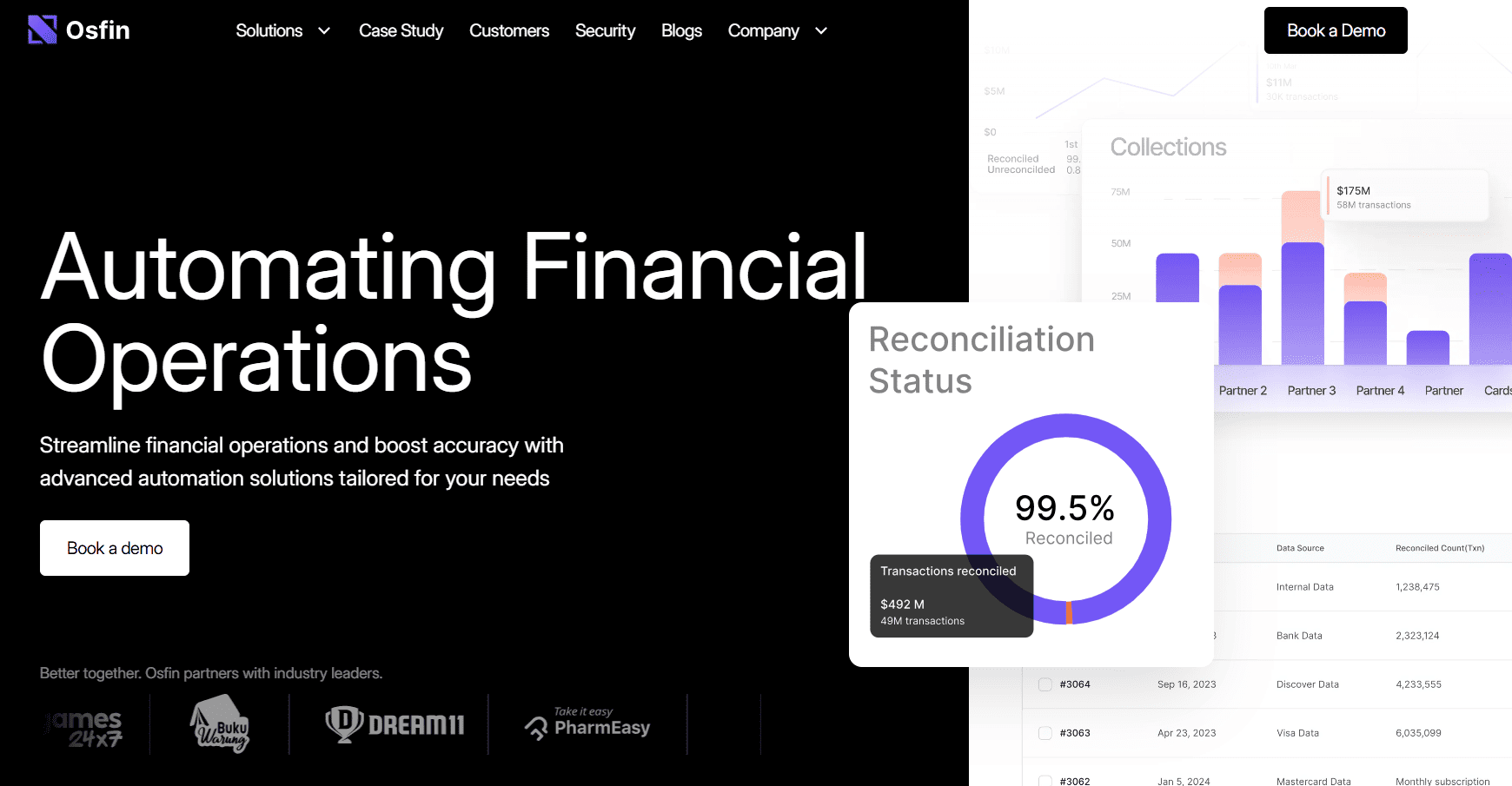
Osfin.ai is the most specialized tool on this list, and it belongs here precisely because most people who need it have never heard of it. It is not a general-purpose bookkeeping tool. It is a financial operations automation platform built for fintech companies, banks, insurers, payment processors, and any business handling extremely high transaction volumes across multiple systems. Osfin operates on custom pricing based on transaction volume and integration requirements.
Key Features:
- 30 million records reconciled in 15 minutes: at 100% accuracy, even across fragmented data sources and file formats.
- 170-plus integrations: connects to ERPs, core banking systems, accounting software, banks, and payment processors.
- Format-agnostic data ingestion: handles Excel, CSV, JSON, and XML without pre-processing or transformation work.
- AI-enabled accounts payable automation: processes invoices, validates payments, and manages commission calculations.
- Enterprise-grade compliance: GDPR, SOC 2, ISO 27001, and PCI DSS certified with full audit trail support.
Pros:
- Unmatched reconciliation speed and accuracy at transaction volumes that manual or general-purpose tools cannot handle.
- Single platform for multiple financial operations reconciliation, payouts, invoice processing, and reporting in one interface.
- Fast time to value: customers report going live and seeing measurable improvements within weeks, not months.
Cons:
- Not suitable for small businesses or early-stage startups: built and priced for enterprise and mid-market financial operations.
- Custom pricing only: no self-serve plans, requires a sales conversation before you can access the platform.
- Overkill for simple bookkeeping: if your needs are invoicing and expense tracking, this is the wrong category of tool entirely.
Pricing structure: Demo available.
Best Use Case: Fintech companies, banks, payment processors, insurers, gaming platforms, and any business processing millions of transactions monthly that need automated, audit-ready reconciliation at scale.
How to Choose the Right SaaS Accounting Software for Your Business
The right tool depends on three things: the size and complexity of your business, the specific financial workflows you need to handle, and your budget. Here is a practical framework based on common SaaS and small business situations.
- If you are a very early-stage startup or solo operator with under $50,000 in annual revenue, start with Wave (free) or Zoho Books (free plan). Both handle real accounting needs at zero cost.
- If you run a service business, agency, or consulting firm where invoicing and client billing are your primary financial workflow, FreshBooks delivers the best experience in this list for that specific use case.
- If you have a growing team with multiple people who need financial access, Xero’s unlimited user model saves money compared to QuickBooks once you go beyond three or four users.
- If you need an accountant or bookkeeper to manage your books in software they already know deeply, QuickBooks Online remains the industry standard. Its ecosystem is unmatched.
- If you sell physical products and need accounting plus inventory plus a sales pipeline without paying for three separate tools, OneUp at $9 per month is worth serious consideration.
- If you run a US-based SaaS startup and care about real-time burn rate, runway, ARR, and MRR, Puzzle was built specifically for you.
- If you work in fintech, banking, insurance, or payment processing and deal with millions of transactions that require automated reconciliation, Osfin.ai is in a category by itself for that specific need.
Final Thoughts on SaaS Accounting Software in 2026
Cloud accounting software has gotten genuinely good across the full price spectrum in 2026. A solopreneur using Wave and a fintech company using Osfin.ai are both running their financial operations on SaaS accounting platforms, just with completely different requirements and budgets.
The biggest mistake I see businesses make is choosing accounting software based on brand recognition alone. QuickBooks is excellent, but it is not the right tool for every situation. If you run a SaaS startup that cares about MRR and runway, Puzzle will tell you things QuickBooks never will. If you have a five-person team and pay per-user fees on QuickBooks, switching to Xero could save you hundreds of dollars annually.
Take the free trials seriously. Every tool on this list except Osfin.ai offers a free trial or free plan. Use those 14 to 30 days to connect your actual bank account, run your real transaction volume through the system, and see whether the reporting tells you what you need to know. That real-world test will tell you more than any comparison article, including this one.
The right accounting software for your SaaS business is the one that gives you accurate, real-time financial visibility without requiring you to spend more time on bookkeeping than you should.