Managing a wholesale distribution business is not simple. You have dozens – sometimes hundreds – of buyers, each with different order volumes, pricing agreements, and reorder schedules. On top of that, you have to track leads, follow up on quotes, manage your internal team, and still keep an eye on inventory. Doing all of that inside a spreadsheet or through email threads is a recipe for things falling through the cracks.
That is where a CRM (Customer Relationship Management) tool comes in. The good news is that getting started does not require a large budget. There are solid free CRM options out there that work really well for wholesale distributors – from small operations with 10 clients to growing businesses managing hundreds of accounts.
I have personally tested and used most of these tools across different distribution setups. In this article, I will walk you through the top 10 free CRM software options for wholesale distributors, what makes each one worth trying, and who each tool is best suited for.
Read also over blog : What Is CRM Software?
What Is a CRM for Wholesale Distributors?
A CRM for distributors is a platform that helps you manage customer relationships, track sales pipelines, handle bulk orders, and organize all your buyer communication in one place. It is not just a contact list – it is the central hub where your entire sales operation lives.
For wholesale distributors specifically, a good CRM should handle B2B sales processes, support bulk quote management, integrate with inventory or ERP systems, and give your team visibility into every customer account without anyone needing to dig through old emails.
Types of CRM Software for Wholesale Distributors
Before picking a tool, it helps to understand the different categories. Not every CRM is built the same way, and the right type depends on what your business actually needs.
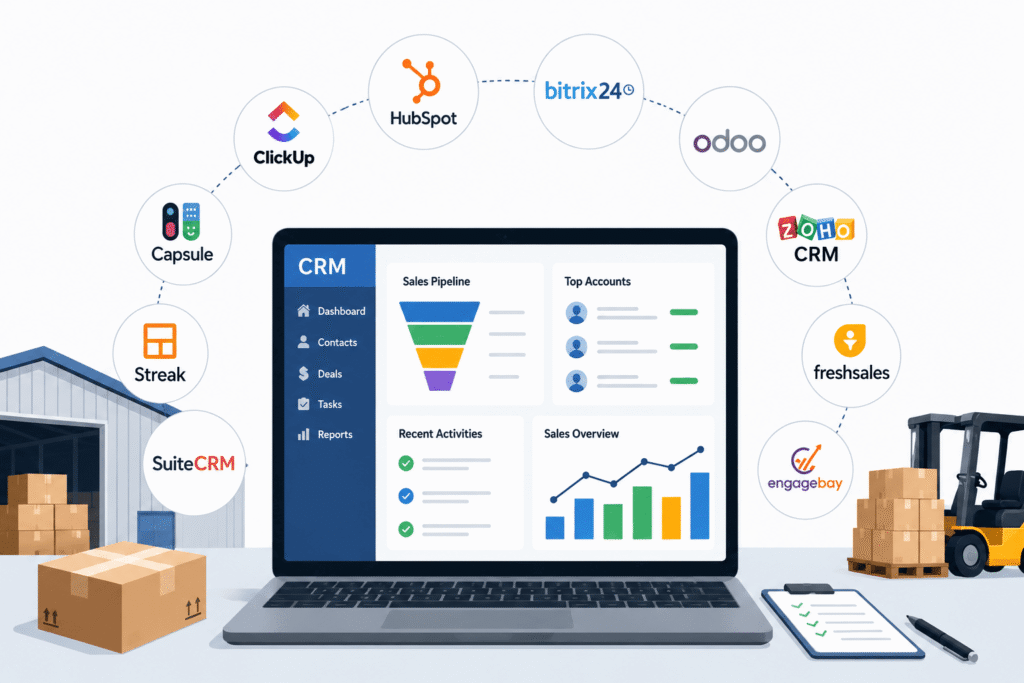
All-in-One CRM Platforms – These combine sales, marketing, and customer service into a single system. HubSpot CRM and EngageBay fall into this category.They work well for businesses that want an all-in-one solution without paying for multiple subscriptions.
Open-Source CRM Software – Tools like SuiteCRM and Odoo CRM give you the source code, meaning you can customize them as deeply as you need. They are free to download, but you will need to host them yourself. Best for businesses with IT support.
ERP-Integrated CRM – Odoo CRM fits here too, since it connects natively with inventory, accounting, and purchasing modules. If your wholesale operation is growing and you need one system for operations and CRM together, this type makes sense.
Collaboration-First CRM – Bitrix24 is the best example. It bundles CRM with project management, team chat, and HR tools. For distributors who also manage internal workflows and large teams, this is a strong option.
Lightweight / Simple CRM – Capsule CRM and Streak sit in this category. They are quick to set up, easy to learn, and focused on the core: contacts, pipeline, and follow-ups. Great for small distribution businesses or solo operators.
Project-Management CRM Hybrids – ClickUp CRM fits here. It is not a traditional CRM, but it lets you build one using customizable templates and boards. Works well for distributors who are already using ClickUp for operations.
Read also over blog : Types of CRM – Which CRM is Best for Your Business?
What Are You Looking for in a CRM for Wholesale Distribution?
Before jumping into the list, take a moment to think about what actually matters for your business. Not every CRM feature is relevant for wholesale distributors. Here are the things that genuinely matter:
Bulk Account Management – You are not dealing with hundreds of individual retail consumers. You manage accounts – businesses, retailers, chains – and each one has its own relationship history, pricing tiers, and contacts. Your CRM needs strong account-level organization.
Sales Pipeline Visibility – Distributors often have long B2B sales cycles. You need to see where every deal stands at a glance, from first inquiry to signed order.
Quote and Order Tracking – Some CRMs let you generate quotes, track approvals, and log order history. This matters a lot in distribution where quoting is a regular part of the sales process.
Integration with Inventory or ERP – A CRM that connects with your inventory system or accounting software saves you from duplicating data. Odoo and Bitrix24 both do this well.
Team Collaboration – If your sales reps, inside sales team, and account managers all work on the same accounts, your CRM needs to support team access without chaos.
Automation for Follow-Ups – In wholesale businesses, following up with buyers quickly can significantly increase revenue. Even basic automation for reminders and email follow-ups makes a real difference.
Quick Comparison: Top 10 Free CRM for Wholesale Distributors
| CRM Tool | Free Plan Users | Key Free Feature | Best For |
|---|---|---|---|
| HubSpot CRM | Unlimited | Contact management, deal pipelines, email tracking | Small to mid-size distributors |
| Bitrix24 | Unlimited | CRM + project management + team collaboration | Mid to large teams |
| Odoo CRM | Unlimited | One free app (CRM), ERP-ready | ERP-integrated operations |
| Zoho CRM | Up to 3 users | Automation, lead scoring, multi-channel | Small teams in Zoho ecosystem |
| Freshsales | Up to 3 users | Built-in calling, visual pipeline | Small agile sales teams |
| EngageBay | Up to 15 users | CRM + email marketing + helpdesk | Startups and lean teams |
| ClickUp CRM | Unlimited | Custom CRM templates, kanban boards | ClickUp users needing a pipeline |
| Capsule CRM | Up to 2 users | Simple contact + pipeline management | Solopreneurs, micro-businesses |
| Streak CRM | 1 user | Gmail-native CRM, email pipelines | Gmail-first solo operators |
| SuiteCRM | Unlimited | Full open-source, enterprise-grade | Tech-savvy teams needing control |
Top 10 Free CRM Software for Wholesale Distributors
1. HubSpot CRM
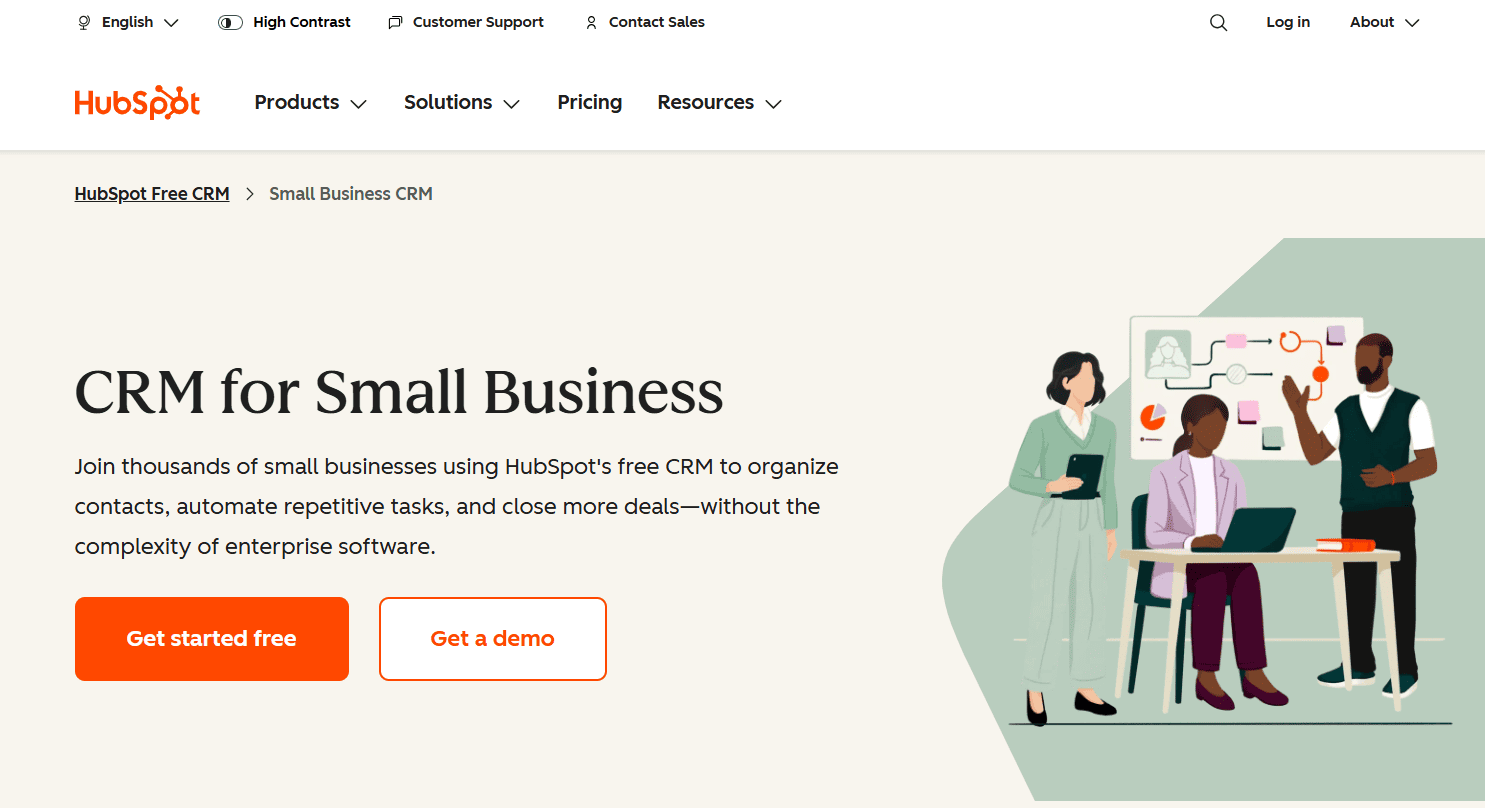
If you have ever searched for a free CRM, HubSpot is probably the first name that came up. And there is a reason for that. HubSpot’s free CRM is genuinely useful – not just a trial with a timer ticking down.
The free plan gives you unlimited contacts, unlimited users, a visual sales pipeline, deal tracking, email logging, live chat, meeting scheduling, and basic reporting. For a wholesale distributor just getting started with CRM software, this covers most of what you need right out of the box.
What makes HubSpot especially strong for distributors is its account-level organization. You can group contacts under company records, track every interaction with a buyer account, and see the full history of a relationship without hunting through old emails. It also has over 2,000 app integrations, so connecting your inventory tool or accounting software is usually possible.
The honest trade-off: automation is locked behind paid plans. If you want to set up workflow automations – like automatically sending a follow-up email three days after a quote – you need to upgrade. The free plan has no workflow builder. That said, for contact management, deal tracking, and basic email activity, it is hard to beat.
Pricing:
- Free: $0 (up to 2 users, up to 1,000 contacts)
- Starter: $15/seat/month (billed monthly) or $9/seat/month (billed annually)
- Professional (Standalone CRM): $50/user/month
- Enterprise (Standalone CRM): $75/user/month
- Full CRM Suite Professional plan starts at $1,300 per month (includes 5 seats)
Free Plan Limits: No workflow automation, limited reporting, “Powered by HubSpot” branding on some tools.
Best Company Size: 10 to 250 employees. HubSpot’s free plan is excellent for solo operators and small teams, and the upgrade path to Starter ($15/seat/month) is smooth when you are ready.
Best for: Small to medium wholesale distributors who want a polished, all-in-one CRM with room to grow.
2. Bitrix24
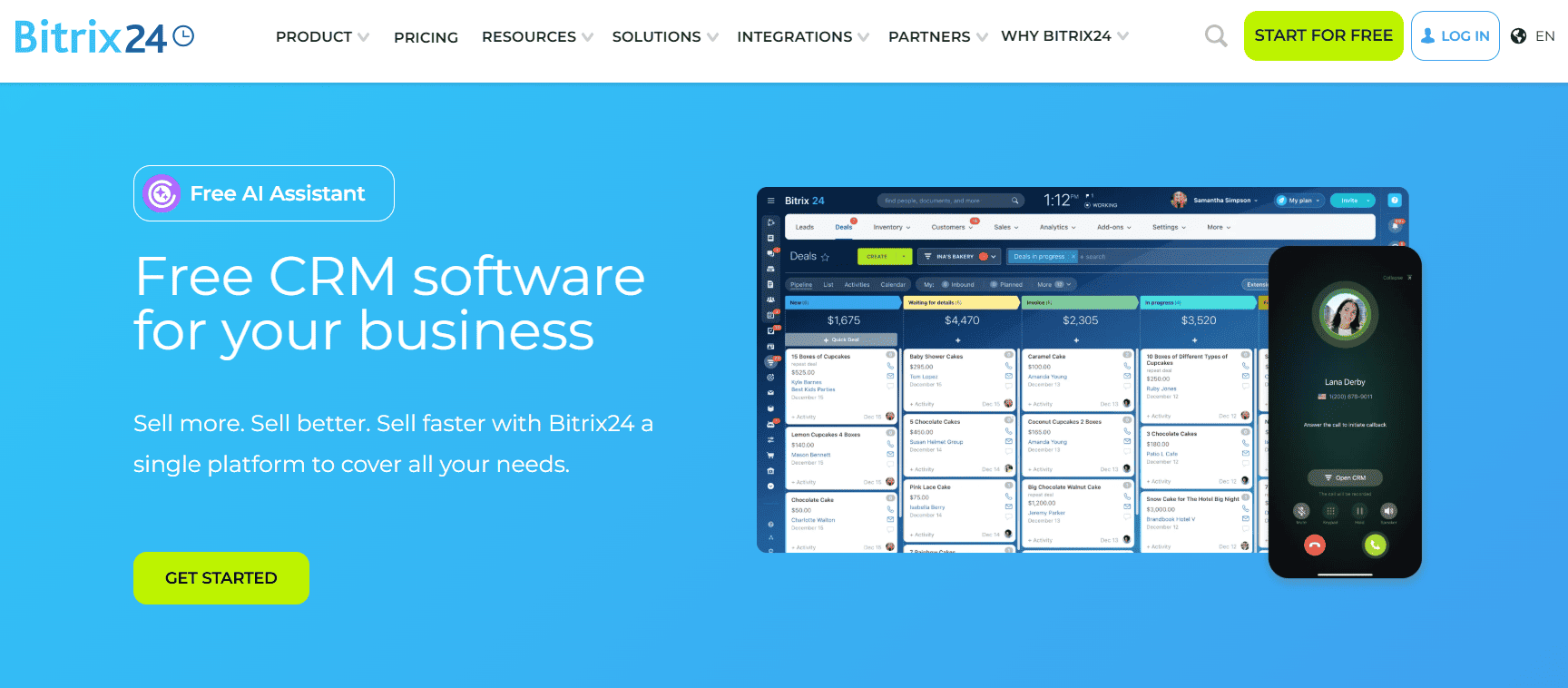
Bitrix24 is a massive platform. When you first log in, it can feel a bit overwhelming because it does so much – CRM, project management, team chat, HR tools, website builder, and even an online store builder. But once you get oriented, it is genuinely powerful for distribution teams.
The free plan supports unlimited users and unlimited contacts. That alone makes it stand out. Most free CRMs cap you at two or three users, which does not work for a distributor with a full sales team. Bitrix24 gives you 5 GB of storage, a Kanban-style CRM pipeline, deal management, quotes, and invoices – all on the free tier.
For wholesale distributors specifically, the combination of CRM and project management is useful. You can track a customer deal in the CRM while also managing the order fulfillment or delivery task in the project management side – all under the same roof.
One real caveat: the interface has a steep learning curve. And there is a quirk that many users overlook – Bitrix24 deletes free accounts after 50 days of inactivity. If your sales cycle has slow periods, make sure you log in regularly or back up your data.
Pricing:
- Free: $0 (unlimited users, 5 GB storage)
- Basic: $61/month (billed monthly) or $49/month (billed annually) – up to 5 users, 24 GB storage
- Standard: $124/month (billed monthly) or $87/month (billed annually) – up to 50 users
- Professional: $249/month (billed monthly) or $199/month (billed annually) – up to 100 users
Free Plan Limits: 5 GB storage, some advanced CRM features gated, interface complexity.
Best Company Size: 50 to 500 employees. The unlimited user policy makes Bitrix24 one of the best options for mid-size distributors with multiple sales reps needing simultaneous access.
Best for: Mid-size and larger distribution businesses that need CRM, team collaboration, and project management in one system.
3. Odoo CRM
Odoo is different from most CRMs on this list because it is actually part of a larger ERP (Enterprise Resource Planning) ecosystem. The free plan – called “One App Free” – lets you use one Odoo application forever, with unlimited users and unlimited contacts. If you choose CRM as your one free app, you get a visual Kanban pipeline, activity scheduling, lead management, and basic reporting at zero cost.
The real power of Odoo shows up when you start growing. When your distribution business needs to connect CRM with inventory tracking, purchase orders, or accounting, Odoo already has all those modules. You just activate them – though paid apps cost extra. The transition from free CRM to a connected business suite is smoother than with almost any other tool on this list.
The trade-off is that Odoo’s interface can feel more complex than a lightweight CRM. It is built like an ERP, not a simple sales tool, so there is some learning involved. But for a distributor who knows they will eventually need inventory-CRM integration, starting in Odoo now makes sense.
Pricing:
- One App Free: $0 (unlimited users, one Odoo app forever)
- Standard (cloud): starts at approximately $9.90/user/month (billed annually) for small teams
- Custom (cloud): pricing varies based on apps selected and number of users
- Self-hosted (Community Edition): free forever, no user limits, you cover server costs
Free Plan Limits: Only one app free at a time. Adding a second app triggers paid pricing.
Best Company Size: 50 to 500 employees, especially businesses in manufacturing, wholesale retail, or professional services that anticipate needing deeper ERP functionality.
Best for: Wholesale distributors who want a CRM that connects naturally with inventory, accounting, and purchasing – now or later.
4. Zoho CRM
Zoho CRM’s free plan is notable for one reason that most free CRMs skip: it includes basic automation. Most tools lock automation behind a paywall, but Zoho gives you workflow rules even on the free tier. For a distributor who wants to automate simple follow-ups or lead assignments without upgrading, this matters.
The free plan supports up to 3 users and includes lead and contact management, deal tracking, basic reporting, and integration with other Zoho apps like Zoho Forms, Zoho Campaigns, and Zoho Inventory. If your business already uses any Zoho product, adding Zoho CRM is a natural fit because the data flows between apps automatically.
The main limitation is the 3-user cap. As soon as you add a fourth sales rep, you are looking at the paid plan starting at around $14/user/month. For a solo operator or very small team, though, Zoho’s free plan gives you more automation capability than almost anything else at zero cost.
Pricing:
- Free: $0 (up to 3 users, core CRM features)
- Standard: $14/user/month (billed annually) or $20/user/month (billed monthly)
- Professional: $23/user/month (billed annually) or $35/user/month (billed monthly)
- Enterprise: $40/user/month (billed annually) or $50/user/month (billed monthly)
- Ultimate: $52/user/month (billed annually)
Free Plan Limits: 3 users maximum, 500 records cap in some modules.
Best Company Size: 1 to 50 employees. Zoho CRM free works well for small family-owned distribution businesses or early-stage distributors testing their first CRM.
Best for: Small wholesale distribution teams already using Zoho tools, or those who want automation on a free plan.
5. Freshsales
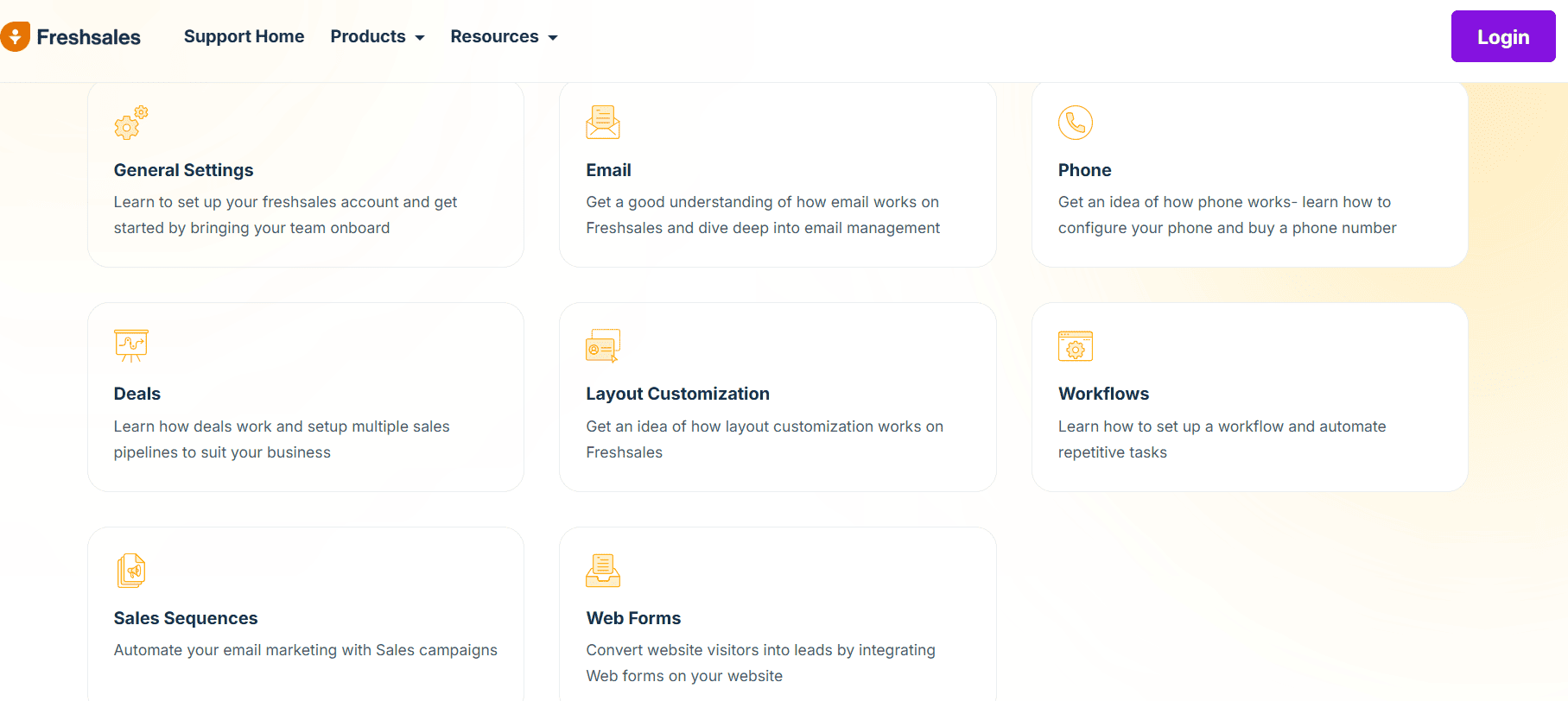
Freshsales, made by Freshworks, is designed for speed and simplicity. The free plan supports up to 3 users and includes contact management, visual deal pipeline, lead capture forms, basic email integration, and – notably – built-in phone capabilities. Most free CRMs do not include calling features natively, but Freshsales does. You can get a phone number and make calls directly from the CRM, which is useful for inside sales reps in a distribution business who are constantly on the phone with buyers.
The interface is clean and modern. Your team can get up and running without any real training, which is a genuine advantage for busy distribution businesses that do not have time for a long onboarding process.
The limitation to watch for: the free plan caps contacts at 1,000. For a distributor with a growing buyer list, you will hit that limit faster than you expect. Once you do, you are looking at the paid Growth plan at around $9/user/month.
Pricing:
- Free (Growth): $0 (up to 3 users, 1,000 contacts)
- Growth: $9/user/month (billed annually) or $15/user/month (billed monthly) – 1,000 contacts included
- Pro: $39/user/month (billed annually) – adds AI forecasting, multiple pipelines, WhatsApp
- Enterprise: $69/user/month (billed annually) – custom modules, dedicated account manager
Free Plan Limits: 3 users, 1,000 contacts, no workflow automation, no email sequences.
Best Company Size: 1 to 100 employees. Best for small, phone-heavy distribution sales teams that want a fast, clean tool without complexity.
Best for: Small distribution sales teams that need built-in phone and email without a complicated setup.
6. EngageBay
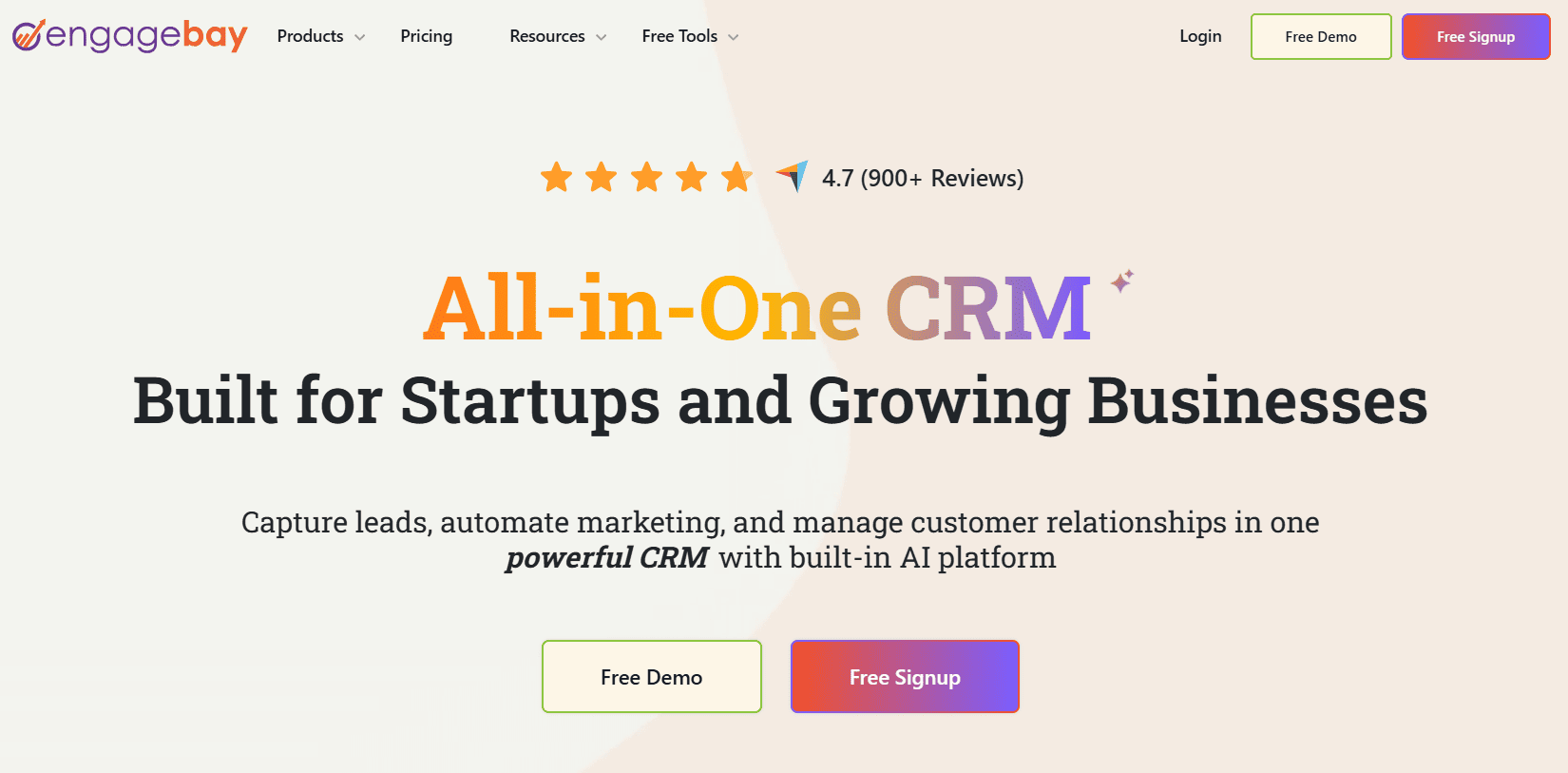
EngageBay is often overlooked, which is a mistake. Its free plan supports up to 15 users – which is unusually generous – and bundles CRM, email marketing, lead scoring, landing pages, live chat, and helpdesk tools together. Most platforms make you pay for each of those separately.
For a small wholesale distributor that wants to run email campaigns to buyers while also tracking deals and supporting existing customers, EngageBay handles all three in one place. You get 500 contacts and 1,000 branded emails per month on the free plan, which is a decent starting point for a distributor with a focused buyer list.
The catch: EngageBay adds its branding to your outgoing emails on the free plan, which can feel unprofessional when emailing retail buyers or B2B clients. It is not a dealbreaker for internal testing, but something to factor in if client-facing email is a priority.
Pricing:
- Free: $0 (up to 15 users, 250 contacts, 1,000 branded emails/month)
- Basic (All-in-One): $14.99/user/month (billed monthly) or $13.79/user/month (billed annually) – 500 contacts
- Growth (All-in-One): $64.99/user/month (billed monthly) or $59.79/user/month (billed annually) – 5,000 contacts, marketing automation
- Pro (All-in-One): $119.99/user/month (billed monthly) – unlimited contacts, full feature set
Free Plan Limits: 250–500 contacts depending on plan version, EngageBay branding on emails, 2 email sequences only.
Best Company Size: 1 to 50 employees. Ideal for distribution startups that want an all-in-one tool at the lowest possible cost before committing to a paid plan.
Best for: Lean distribution startups that need CRM, email marketing, and basic helpdesk without paying for three separate tools.
7. ClickUp CRM
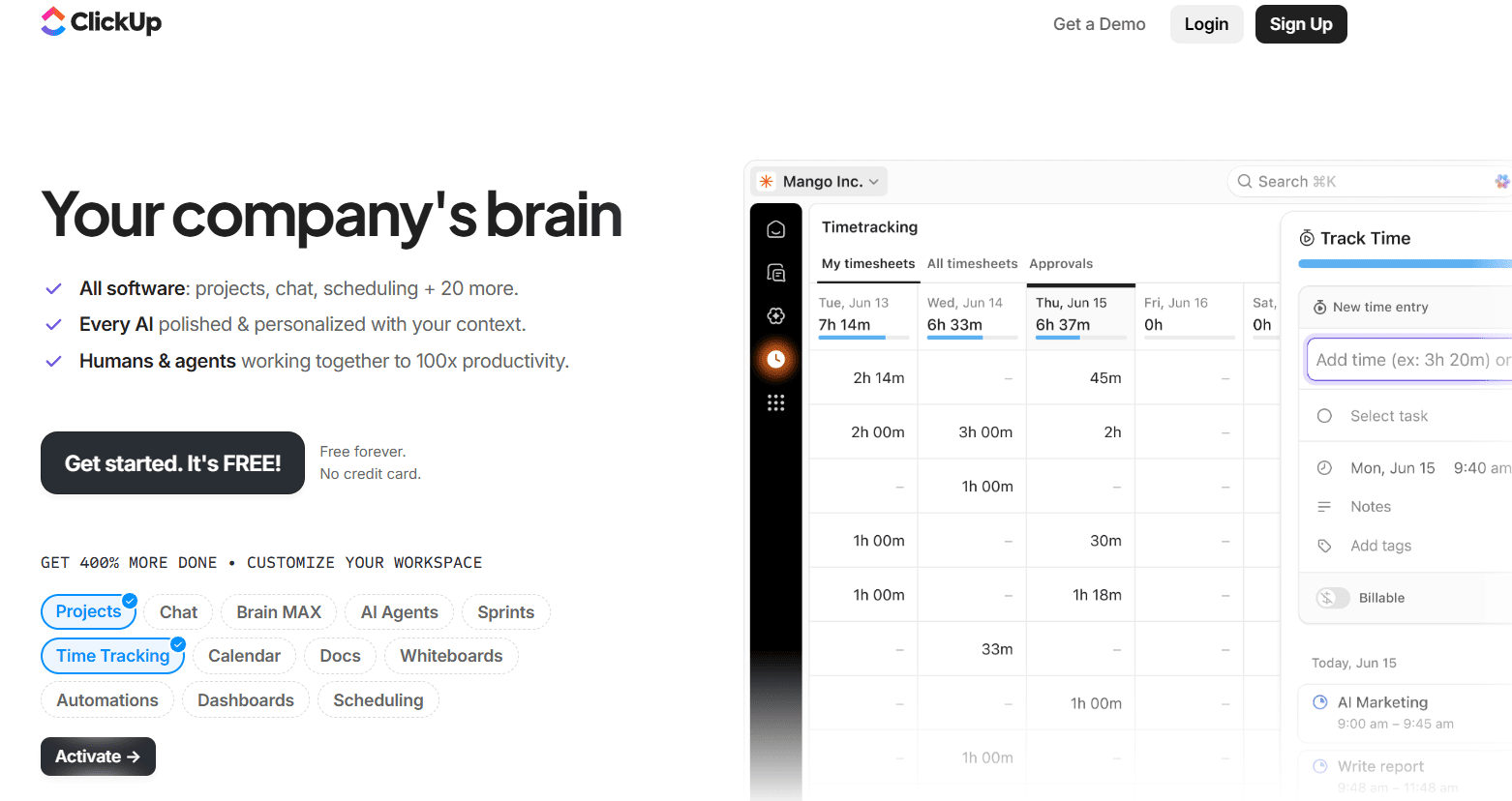
ClickUp is not a traditional CRM – it is a work management platform that you can turn into a CRM using its highly flexible templates and custom fields. The free plan includes unlimited users, kanban boards, task management, basic automations (100 uses/month), and a CRM template that gives you a visual pipeline for tracking buyer accounts and deals.
For a distributor who already manages logistics, procurement, or fulfillment tasks inside ClickUp, adding a CRM layer inside the same workspace makes a lot of sense. Your sales reps can see both the deal status and the fulfillment tasks tied to the same client – without switching between tools.
The trade-off is that ClickUp requires more configuration than a purpose-built CRM. It does not come ready out of the box with sales-specific workflows. You build them. If you have time to set it up properly, it is a powerful and free option.
Pricing:
- Free Forever: $0 (unlimited users, 100 MB storage, 100 automation uses/month)
- Unlimited: $7/user/month (billed annually) or $10/user/month (billed monthly) – unlimited storage, 1,000 automations/month
- Business: $12/user/month (billed annually) or $19/user/month (billed monthly) – advanced dashboards, unlimited automations
- Enterprise: Custom pricing – white labeling, dedicated support, advanced permissions
Free Plan Limits: 100 MB storage, 100 automation uses per month, limited integrations.
Best Company Size: 1 to 200 employees, particularly teams already on ClickUp for project management.
Best for: Wholesale distributors already using ClickUp for operations who want to add a lightweight CRM without switching tools.
8. Capsule CRM
Capsule CRM is about simplicity. It strips away everything that is not essential and focuses on doing the basics extremely well: contact management, sales pipeline, task reminders, and Gmail/Outlook integration. If you have tried HubSpot or Bitrix24 and found them overwhelming, Capsule is the antidote.
The free plan covers up to 2 users and 250 contacts. You get a clean sales pipeline view, daily task reminders, AI content assistance for writing emails, and two-factor authentication. It is not feature-heavy, but for a solo distributor or a pair of account managers handling a focused client list, it is more than enough.
Capsule also connects with Gmail and Outlook natively, so emails to and from buyers get logged automatically. That alone saves a surprising amount of manual work.
Pricing:
- Free: $0 (up to 2 users, 250 contacts, single pipeline)
- Starter: $18/user/month (billed annually) – 30,000 contacts, email templates, premium integrations
- Growth: $36/user/month (billed annually) – 60,000 contacts, multiple pipelines, project boards, workflow automations
- Advanced: $54/user/month (billed annually) – 120,000 contacts, advanced customization
- Ultimate: $72/user/month (billed annually) – 240,000 contacts, dedicated account manager, priority support
Free Plan Limits: 2 users, 250 contacts, 50 MB storage.
Best Company Size: 1 to 10 employees. Capsule is purpose-built for micro-businesses and individual operators who want a clean, professional tool that just works.
Best for: Solo distributors or very small teams that want a simple, fast, no-fuss CRM with zero learning curve.
9. Streak CRM
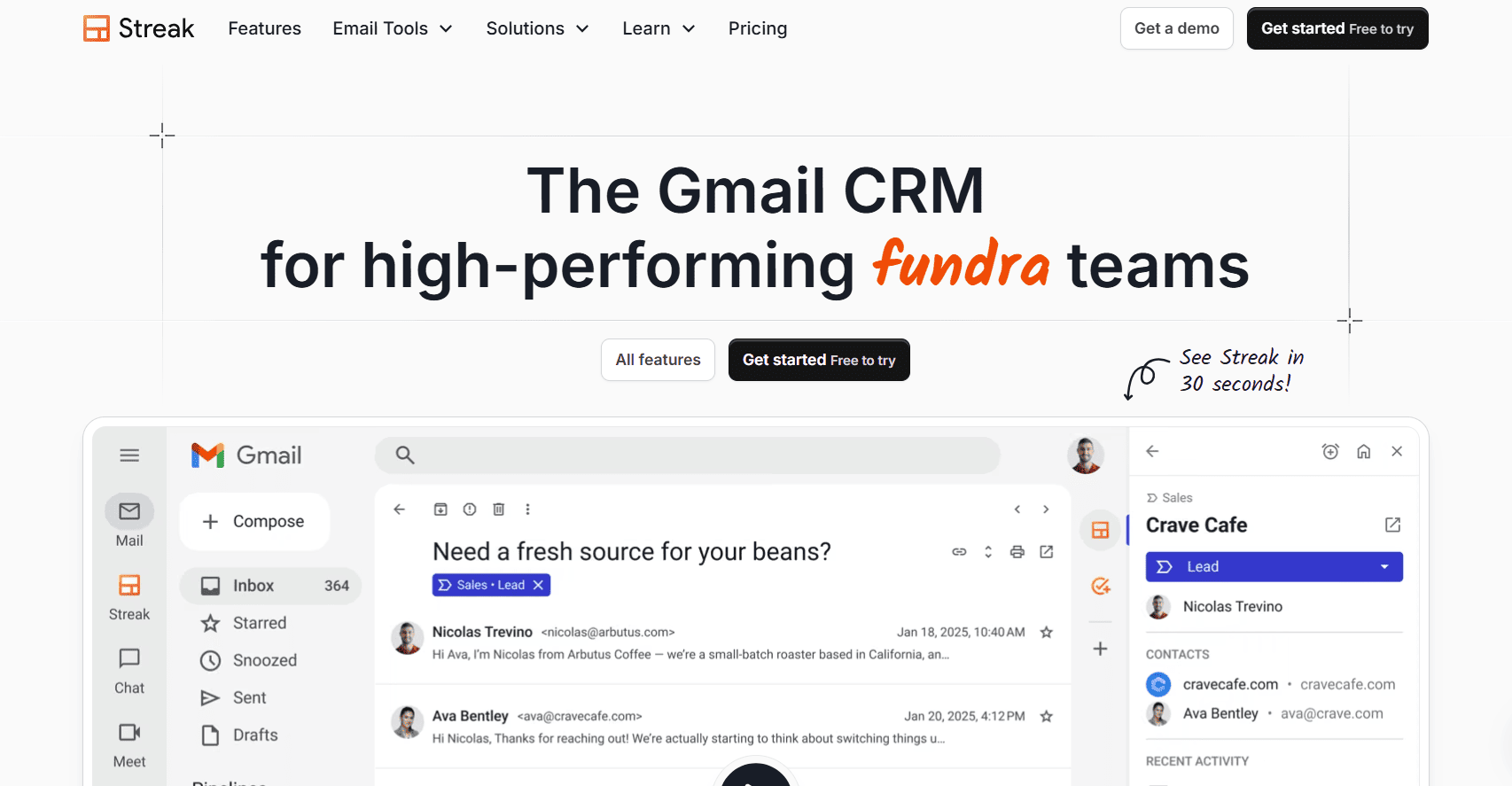
Streak is built entirely inside Gmail. You install it as a Chrome extension, and it adds CRM functionality directly into your inbox. Your pipeline, contact records, email tracking, and deal stages all live inside Gmail – no separate tab, no new platform to learn.
For a distributor who handles most buyer communication through email and does not want to switch between tools, Streak removes a lot of friction. The free plan includes email tracking, 50 mail merges per month, and 500 basic CRM actions. It is honestly best for one person – a solo distributor or a single account manager handling a manageable client list.
The big limitation is scalability. Once your team grows beyond one or two people, Streak’s per-user pricing gets expensive fast – the jump to shared pipelines requires the Pro plan at $49/user/month, which is a steep leap. But as a starting point for a Gmail-native operator, it is hard to beat.
Pricing:
- Free: $0 (solo use only, basic email tracking, no shared pipelines)
- Pro: $49/user/month (billed monthly) or approximately $39/user/month (billed annually) – shared pipelines, mail merge, core team CRM
- Pro+: $89/user/month – advanced automation, reporting, AI Co-Pilot
- Enterprise: $159/user/month – custom roles, data validation, dedicated support
Free Plan Limits: Single-user effective use, 50 mail merges/month, 500 CRM actions, no shared pipelines on free.
Best Company Size: 1 to 5 employees. Streak is the right pick for a solo wholesale buyer or small two-person team deeply embedded in Google Workspace.
Best for: Wholesale distributors who live inside Gmail and want a CRM that does not require them to learn a new platform.
10. SuiteCRM
SuiteCRM is an open-source CRM with no licensing fees whatsoever. You download the software and host it on your own server. What you get in return is a genuinely enterprise-level CRM – leads, contacts, accounts, quotes, invoices, campaigns, cases, workflow automation, reporting, and more – all without paying a monthly subscription.
For a wholesale distributor with in-house IT resources or a developer on the team, SuiteCRM is remarkable value. You can customize every module, build new ones specific to your business, and integrate it with your ERP or inventory systems through its REST API. There are no user limits, no contact limits, and no artificial feature walls.
The honest downside: self-hosting is real work. You need a server, someone to manage updates and backups, and the patience to navigate a UI that is functional but not as modern as cloud-native CRMs. If you do not have technical resources, this is not the right tool. But if you do, SuiteCRM gives you more capability than almost anything else on this list – for free.
Pricing:
- Community Edition (Self-Hosted): $0 forever – full CRM features, unlimited users, you handle hosting
- SuiteCRM Cloud (hosted by SugarCRM/partners): pricing varies by provider, typically starts around $35–$85/user/month depending on host and support level
- On-premise enterprise support contracts available through certified partners
Free Plan Limits: Requires self-hosting, technical setup, and ongoing maintenance. You pay for server costs, not software.
Best Company Size: 100 to 1,000+ employees with in-house IT support. SuiteCRM is particularly strong for distributors who need deep customization or have strict data sovereignty requirements.
Best for: Technically capable distribution businesses that want enterprise-grade CRM features with full data control and zero licensing fees.
Best CRM by Company Size
Choosing the right CRM also depends on how big your team is. Here is a practical breakdown based on real-world use across distribution businesses:
| Company Size | Recommended CRM | Underrated Pick |
| 1–10 employees | HubSpot CRM, Capsule CRM | Streak CRM (Gmail-native teams) |
| 10–50 employees | HubSpot CRM, Zoho CRM | EngageBay, Freshsales |
| 50–200 employees | Bitrix24, Freshsales | Odoo CRM, ClickUp CRM |
| 200–500 employees | Bitrix24, Odoo CRM | SuiteCRM |
| 500–1,000+ employees | Odoo CRM, HubSpot (paid) | SuiteCRM, Bitrix24 |
Read also over blog : How to Choose the Right CRM for Your Business
Final Thoughts
There is no single “best” free CRM for wholesale distributors. The right tool depends on your team size, how technical your setup is, and which features matter most for your sales process.
If you are just getting started and want something polished and reliable, HubSpot CRM is the most logical starting point. If your team is larger and you need collaboration built in, Bitrix24 handles that better than anything else on this list at no cost. If your distribution business is growing and you know you will eventually need inventory or accounting integration, Odoo CRM is the smartest foundation to build on. And if you are a solo operator working out of Gmail all day, Streak removes more friction than any other option.
Start with what fits your situation today. Every tool on this list has a path to upgrade when your business outgrows the free tier – and all of them are genuinely free to start without a credit card.