
Managing customer relationships doesn’t stop after closing a sale. In fact, retaining existing customers and growing those relationships is often more valuable than constantly chasing new ones. According to Bain & Company, even a 5% increase in customer retention can raise profits by 25% to 95%, making account management a key business priority.
For many US businesses, keeping track of client interactions, renewals, support requests, and upsell opportunities across spreadsheets or disconnected tools quickly becomes overwhelming. This is where account management software becomes valuable. The right platform helps your sales, customer success, and support teams work from the same customer data, improving collaboration and delivering a better client experience. In this guide, we’ll compare five of the best account management software solutions for US businesses, highlight their strengths and limitations, and help you choose the one that best fits your team’s needs.
What Is Account Management Software, Really?
Account management software is the system your team uses to keep track of every customer account after the deal closes, not just before it. It stores contact history, renewal dates, support tickets, notes from past calls, and every touchpoint a client has had with your business. Instead of a sales rep guessing when a contract is up for renewal, or a customer success manager digging through old emails to remember what a client complained about last quarter, everything sits in one record.
This is different from a plain lead-tracking tool. A basic CRM software focuses on getting a prospect from lead to closed deal. Account management software keeps working after that point, helping teams protect the relationship, spot upsell opportunities, and catch churn risk before it becomes a lost customer. If you want a deeper breakdown of how this fits into the broader SaaS category, I covered the fundamentals in what B2B SaaS actually means for growing companies.
Salesforce frames this well too. Their own explainer describes how good account management software helps teams track every touchpoint, spot upsell opportunities, and shape outreach around what each customer actually needs, which lines up with what I have seen play out inside actual client accounts.
Key Features Of Account Management Software
Before I rank anything, I run it through the same checklist every time:
- Contact and company records that update automatically instead of relying on manual entry
- Pipeline and account tracking so nothing slips between departments
- Reporting and dashboards that a manager can actually read without a tutorial
- Integration support with email, calendar, and accounting tools
- Realistic pricing for the size of team actually using it, not just the sticker price on the homepage
Keep these five in mind as you read through each tool. They matter far more than which platform has the flashiest homepage.
Quick Comparison: Best Account Management Software For US Businesses
|
Software |
Best For |
Starting Price (per user/month) |
Free Plan |
|
HubSpot |
All-in-one CRM plus marketing and service |
Free, paid tiers scale up |
Yes |
|
Salesforce |
Enterprise-grade customization and scale |
$25 (Starter Suite) |
No, free trial only |
|
Capsule CRM |
Simple, clean account and contact tracking |
Free, Starter at $18 |
Yes |
|
Nutshell |
Unlimited contacts without per-contact fees |
$16 to $19 (Foundation) |
No, free trial only |
|
Maximizer |
Compliance-heavy, relationship-driven niches |
$65 (Base) |
No, free trial only |
Now let’s get into why each one earned its spot.
Top 5 Account Management Software For US Businesses
1. HubSpot
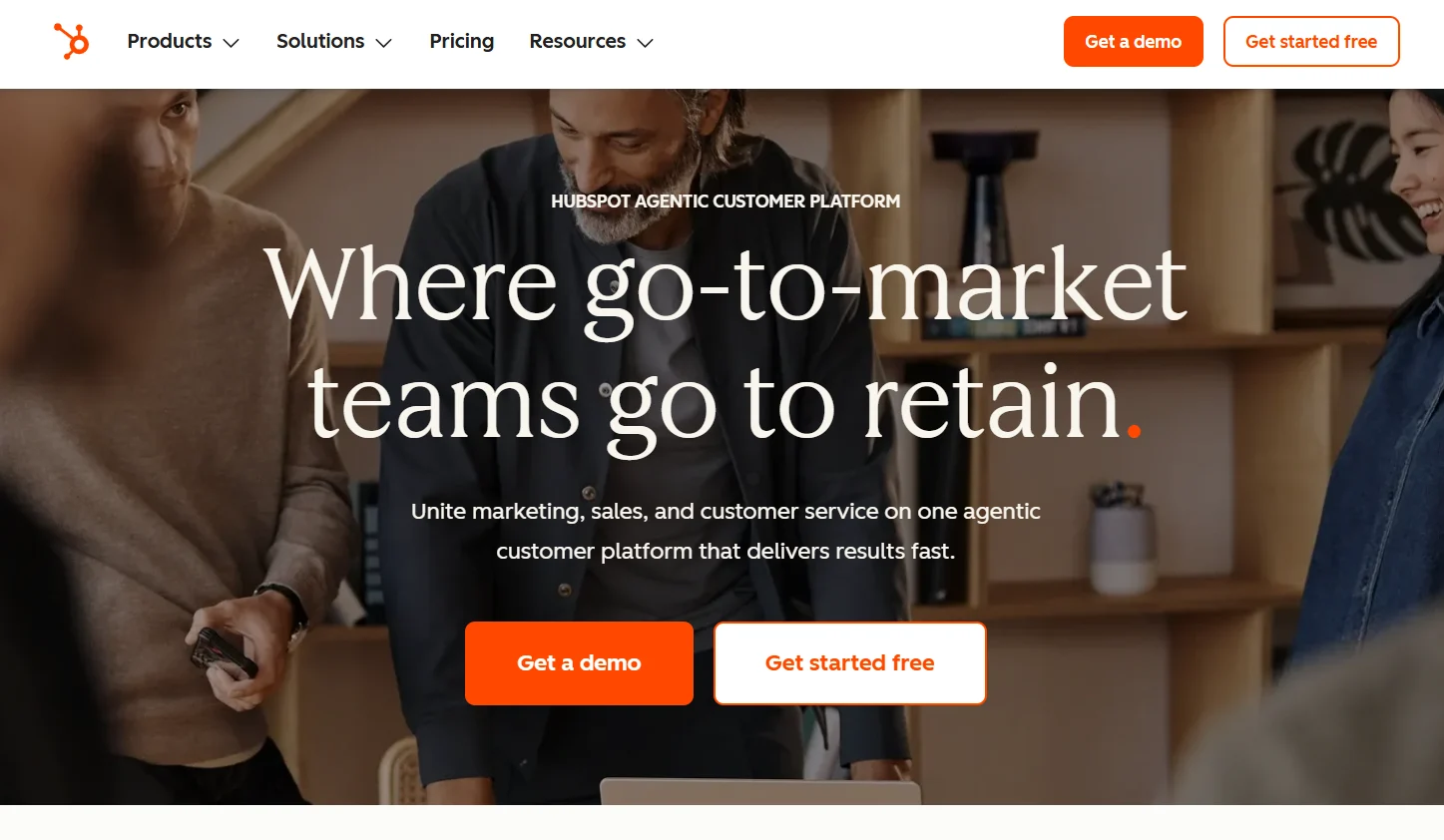
HubSpot is usually the first CRM I mention to anyone starting from scratch, and there is a reason for that. It gives you contact records, deal tracking, and account management in the same place your marketing emails and support tickets already live. When I tested it for client account tracking, the biggest win was the automatic timeline on every record. Every email, call, note, and website visit shows up in one chronological feed, so nobody on the team has to ask “did anyone follow up with this client yet?”
The account management side works through company records, where you associate multiple contacts with one organization and track activity at the account level rather than just the individual contact level. This matters a lot for B2B teams managing multi-stakeholder accounts, since one client relationship often involves five or six different people across departments.
Pricing: HubSpot’s CRM has a genuinely usable free tier for up to two users, then scales through Starter, Professional, and Enterprise tiers across its Sales, Marketing, Service, and Operations Hubs. Pricing depends heavily on which Hub combination you need, so I always tell people to check HubSpot’s current pricing page directly before budgeting, since bundle pricing shifts often.
What stood out to me:
- The free plan alone beats most competitors’ entry-level paid plans
- Duplicate contact detection saves real cleanup time
- HubSpot Academy’s free courses are genuinely useful for onboarding a new hire
Where it falls short:
- Costs climb fast once you need advanced automation or multiple Hubs
- The sheer number of features can overwhelm a small team that just wants basic account tracking
Best for: Growing US businesses that want marketing, sales, and account management working from a single shared database instead of three disconnected tools.
2. Salesforce
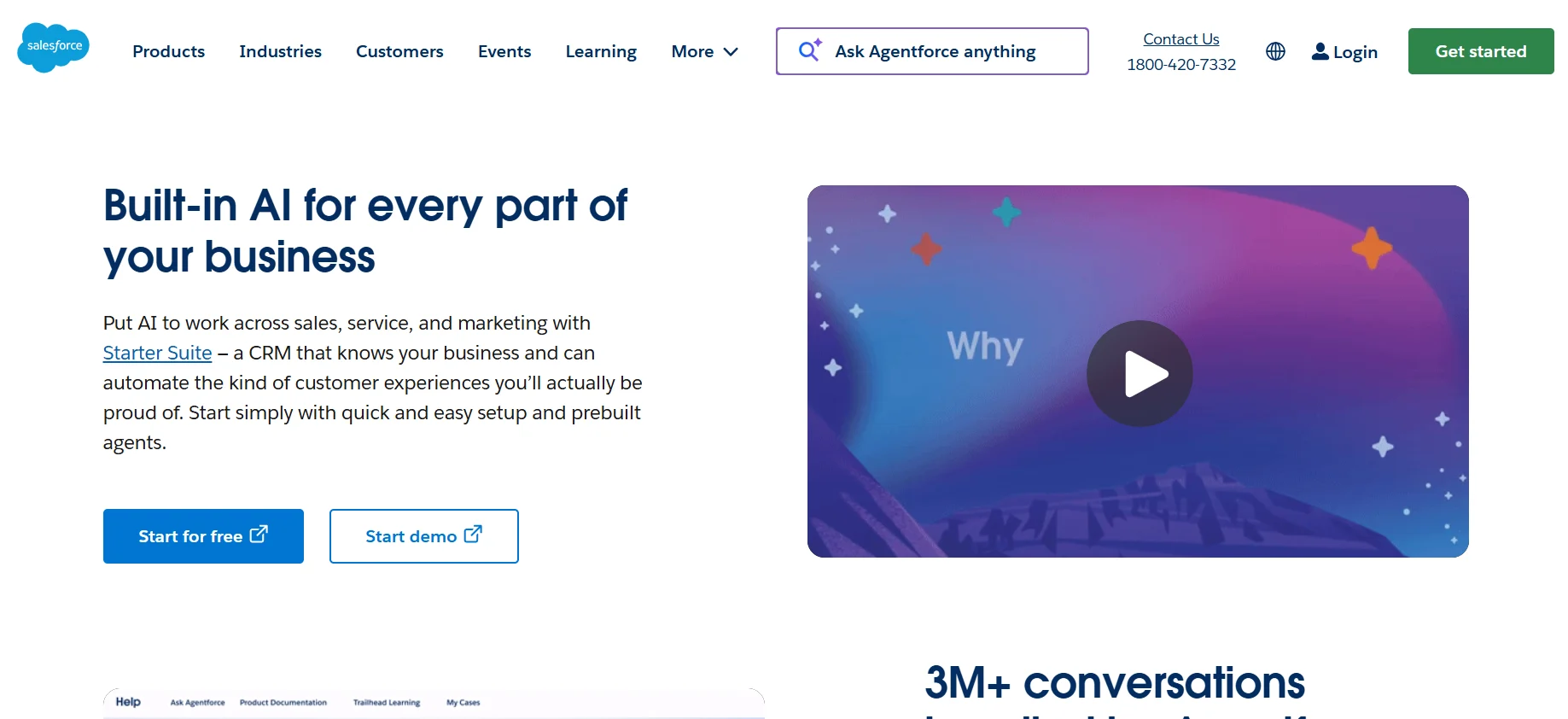
Salesforce is the tool most enterprise teams eventually land on, and once you have used it properly, you understand why. Its account management capabilities go deeper than almost anything else on this list. You can build custom account hierarchies, set up territory management for reps covering different regions, and layer in Einstein AI for account scoring and next-best-action recommendations.
What I appreciate most after working inside Salesforce orgs is how much control you get over permissions. Large account teams often need different people seeing different levels of client data, and Salesforce lets you build that structure without workarounds.
Pricing: Salesforce’s Sales Cloud starts at $25 per user per month for the Starter Suite with basic lead, account, and contact management. The Pro Suite runs $100 per user per month and adds forecasting and quoting. Enterprise, the tier most mid-size teams actually land on, runs $175 per user per month with full API access and advanced pipeline tools, and Unlimited climbs to $350 per user per month. These figures come straight from Salesforce’s own published pricing as of mid-2026, and they do shift, so double-check before you budget a full rollout.
What stood out to me:
- Account hierarchy and territory management are genuinely built for complex B2B relationships
- The AppExchange marketplace has an integration for almost anything you need
- Reporting depth is hard to match once you get past the basic tiers
Where it falls short:
- Cost adds up quickly once you factor in implementation and add-ons
- New users often need real training before they feel comfortable in the interface
Best for: Mid-market and enterprise US businesses with dedicated staff who can configure and maintain a more complex system.
3. Capsule CRM
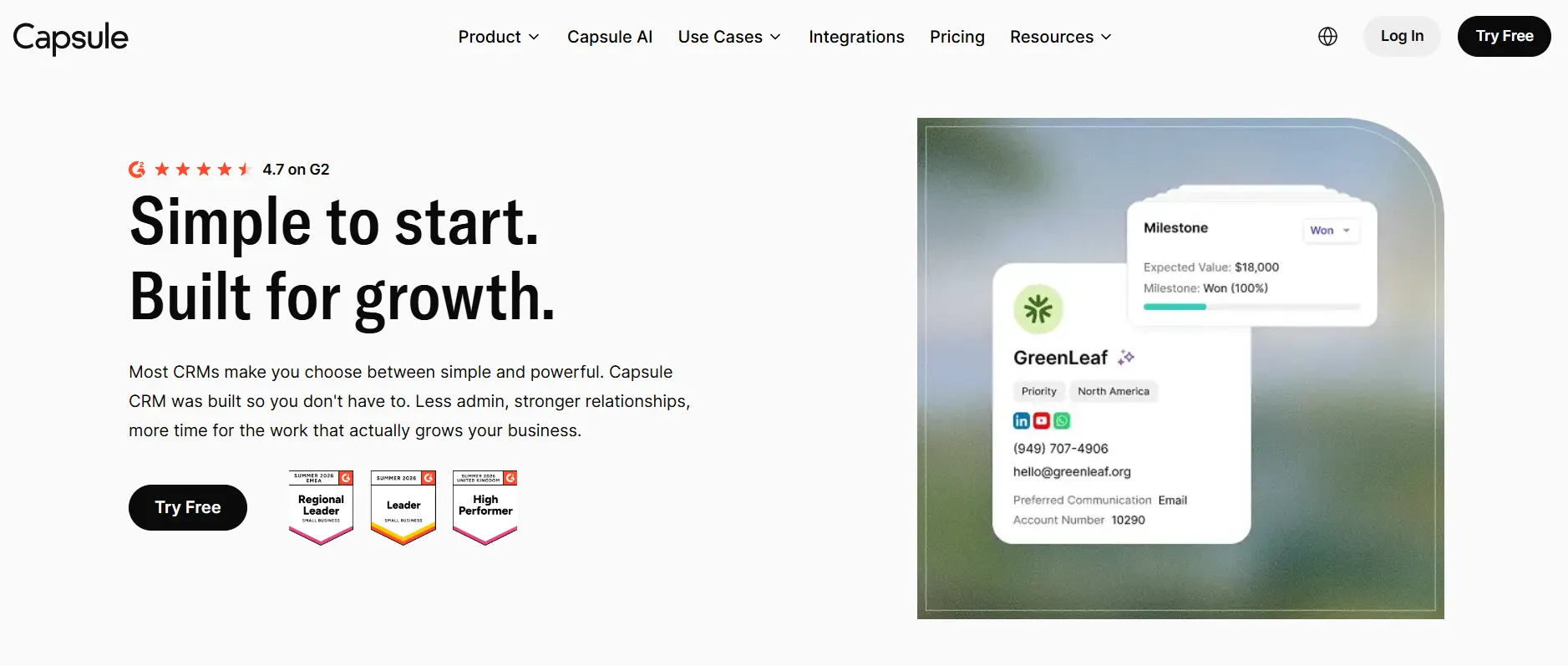
Capsule CRM takes the opposite approach from Salesforce, and honestly, that is exactly why some teams love it. It strips account management down to the essentials: contacts, organizations, sales pipelines, and tasks, all wrapped in a clean interface that takes almost no time to learn. Capsule’s own product page lists account management directly as a core feature, describing it as a way to manage B2B relationships and define how accounts connect to each other, which matches what I saw when testing it firsthand.
I like Capsule for smaller teams that got burned trying to configure a heavier CRM and gave up halfway through. The drag-and-drop pipeline and simple tagging system mean a new hire can start logging client interactions on day one.
Pricing: Capsule offers a genuinely usable free plan for up to two users and 250 contacts. The Starter plan runs $18 per user per month, Growth is $36, Advanced sits at $60, and Ultimate reaches $75 per user per month with dedicated onboarding and account management support.
What stood out to me:
- Onboarding is fast, most teams are functional within an hour
- Zero onboarding fees, unlike some competitors that charge for setup
- Clean interface that non-technical team members actually enjoy using
Where it falls short:
- Two-way email sync is not available on any plan, which means relying on a BCC dropbox workaround
- Reporting is basic compared to HubSpot or Salesforce
Best for: Small US businesses, consultants, and service teams under 10 people who want simple, reliable account tracking without a steep learning curve.
4. Nutshell
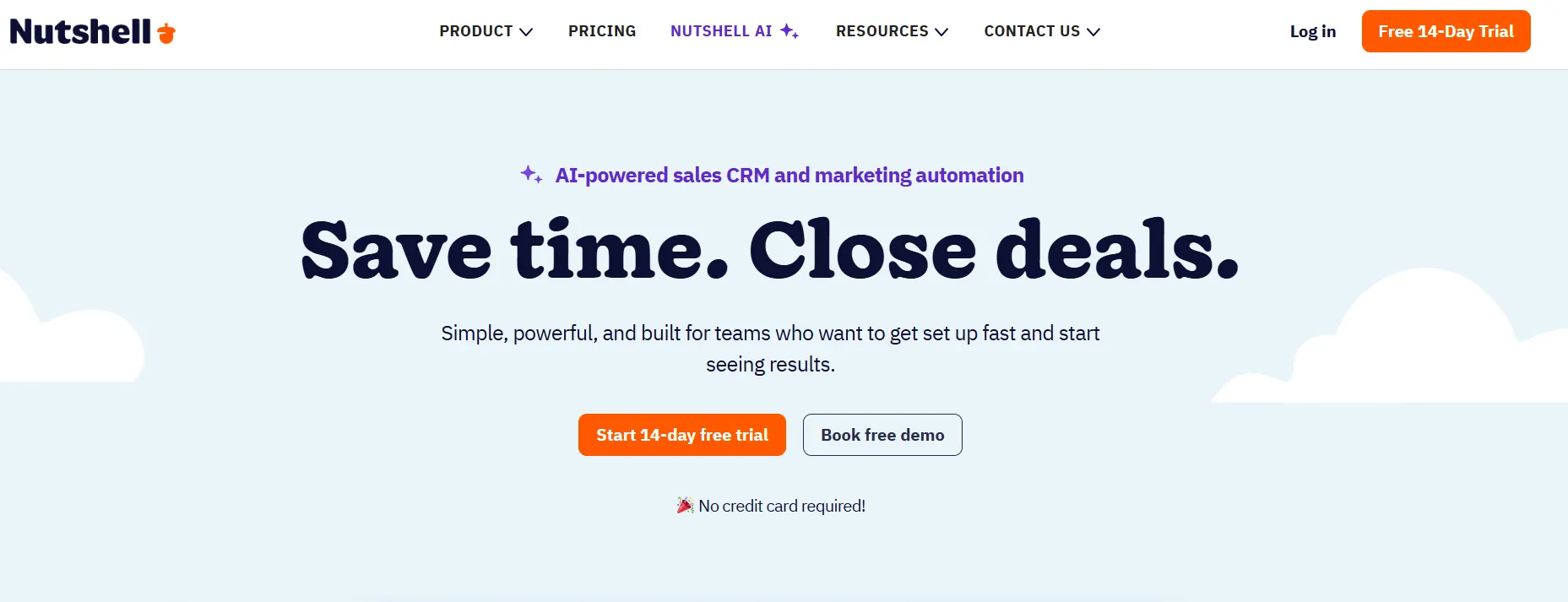
Nutshell earns its spot here for one specific reason: every plan includes unlimited contacts and unlimited data storage. I have watched businesses get punished by per-contact pricing on other platforms as their account list grows, and Nutshell avoids that entirely. This makes it a strong fit for distributors, manufacturers, and B2B service companies managing large volumes of repeat customer accounts.
Beyond the pricing structure, Nutshell’s account tracking includes territory management, letting teams assign leads and accounts to specific regions and measure how each territory performs. That is a feature I do not see built in this cleanly at this price point anywhere else on this list.
Pricing: Nutshell’s Foundation plan starts around $16 to $19 per user per month depending on billing terms, and includes unlimited contacts with a single pipeline. Growth runs about $32, Pro sits near $49, and Business reaches roughly $67 per user per month, with API access locked to the Enterprise tier at around $79 to $89.
What stood out to me:
- Unlimited contacts and storage on every tier removes a major budgeting headache
- Territory management is a genuine differentiator for field and regional sales teams
- Live human support gets consistently good feedback from actual users
Where it falls short:
- API access requires the top-tier plan, with no lower-cost workaround
- Lower tiers restrict you to one pipeline, which limits flexibility for multi-process teams
Best for: US distributors, manufacturers, and B2B service businesses tracking large or growing account lists without wanting per-contact fees.
5. Maximizer
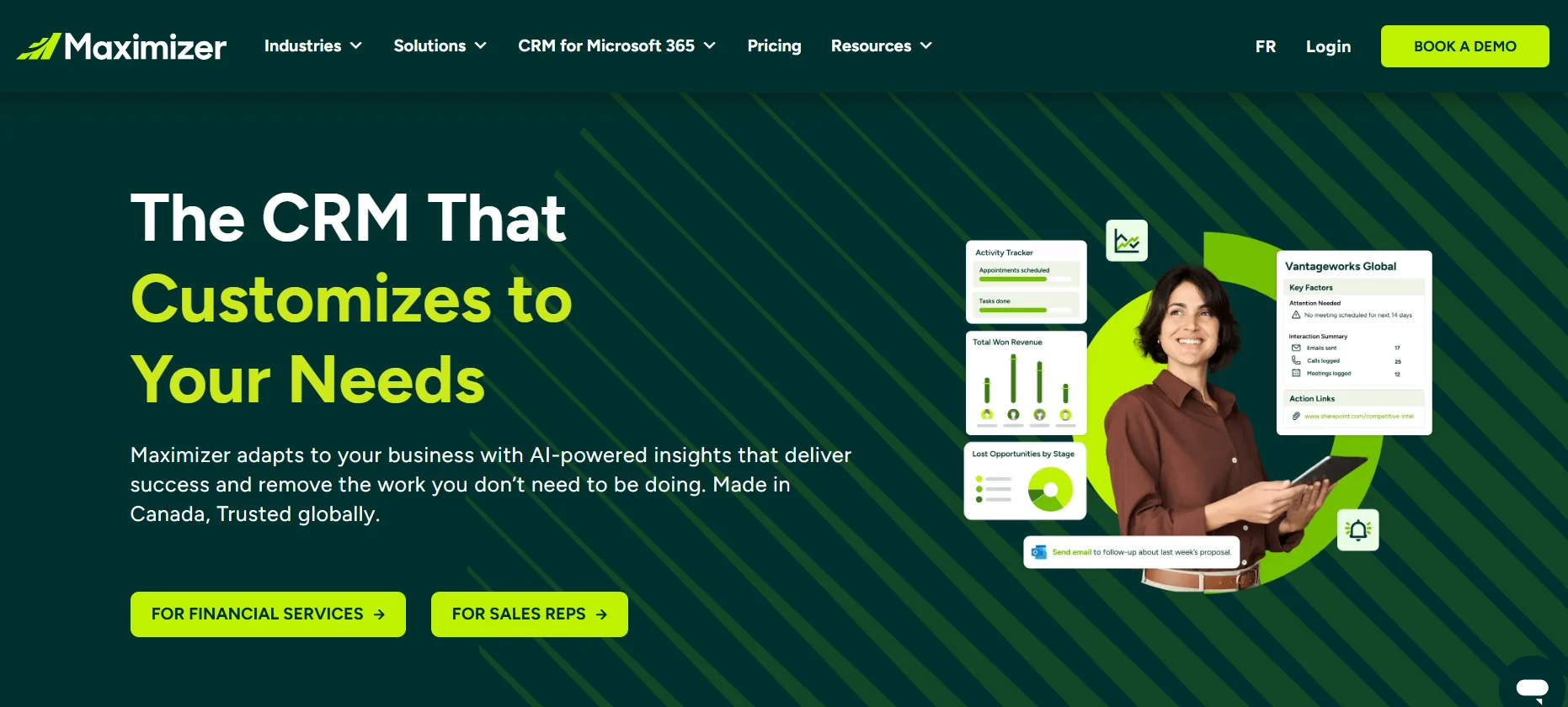
Maximizer is the tool on this list I recommend the most selectively, and I want to be straight with you about that instead of overselling it. Maximizer built its reputation with Canadian financial advisors and wealth management firms, and its strongest features (audit trails, know-your-client documentation, compliance reporting) reflect that history. It still works well for US businesses in similarly regulated fields such as financial services, insurance, and real estate, where every client interaction needs a paper trail.
What impressed me during testing was the account information consolidation. Every note, document, and interaction tied to a client sits in one accessible record, and Maximizer still offers an on-premise deployment option, which is genuinely rare in 2026 for teams with strict data residency requirements.
Pricing: Maximizer’s Base Edition starts at $65 per user per month, with the Sales Leader and Financial Advisor editions running around $79 per user per month. Plans typically require annual billing with a minimum of three users.
What stood out to me:
- Strong Microsoft Outlook and Office 365 integration for teams already living in that ecosystem
- On-premise deployment option for businesses with strict data control needs
- Compliance and audit trail tools built specifically for regulated client relationships
Where it falls short:
- Interface feels dated next to HubSpot or Pipedrive
- Annual billing with a three-user minimum makes it a poor fit for solo operators
- General reporting is less flexible than newer platforms on this list
Best for: US financial advisors, insurance agencies, and other regulated businesses that need compliance-ready account records more than flashy automation.
Read also over blog : Top 10 SaaS Accounting Software in 2026
How To Choose The Best Account Management Software For Your Business
With so many options, picking the right software can feel overwhelming. Follow these steps to make the process easier:
1. Identify Your Needs
Start by listing your business’s specific requirements. Do you need robust analytics, or is contact management your priority? Understanding your goals will narrow down your choices.
2. Set a Budget
Account management software ranges from free to premium plans. Determine how much you’re willing to spend and compare features within your price range.
3. Test Usability
A tool’s effectiveness depends on how easily your team can use it. Look for software with intuitive interfaces and take advantage of free trials to test them out.
4. Check Integrations
Ensure the software integrates with tools you already use, like email platforms, CRMs, or accounting software.
5. Read Reviews
User reviews from U.S. businesses can provide insights into real-world performance. Check platforms like G2 or Capterra for feedback.
6. Prioritize Support
Reliable customer support is crucial, especially for complex tools. Look for providers offering 24/7 support via chat, email, or phone.
Common Mistakes to Avoid When Using Account Management Software
To get the most out of your software, steer clear of these pitfalls:
- Overcomplicating Workflows: Keep processes simple to avoid confusing your team.
- Ignoring Training: Invest time in training staff to maximize the tool’s potential.
- Neglecting Updates: Regularly update client data to maintain accuracy.
- Focusing Only on Features: Choose software that aligns with your long-term goals, not just shiny features.
- Skipping Security: Ensure the software meets data protection standards to safeguard client information.
Tips to Maximize Your Account Management Software
Once you’ve chosen the best account management software, use these strategies to get the most out of it:
- Regularly Update Data: Clean and update client records to keep information relevant.
- Leverage Automation: Use automation to handle repetitive tasks, freeing up time for strategy.
- Train Your Team: Conduct regular training sessions to ensure everyone is comfortable with the tool.
- Monitor Analytics: Review reports to spot trends and adjust your approach.
- Integrate Tools: Connect your software with other platforms to create a unified system.
Read also over blog : The Evolution of ERP Accounting Software: Making Finances Smoother
Frequently Asked Questions
1. What is the best account management software for small US businesses?
Capsule CRM and HubSpot’s free plan both work well for small teams. Capsule wins on simplicity, while HubSpot wins if you also need marketing tools bundled in.
2. Is account management software the same as CRM software?
Not exactly. CRM software often focuses on moving leads through a sales pipeline, while account management software continues tracking the relationship after the deal closes, covering renewals, support history, and upsell opportunities.
3. Which account management software has the best free plan?
HubSpot and Capsule CRM both offer usable free plans. HubSpot’s free tier includes broader marketing tools, while Capsule’s free plan keeps things focused purely on contacts and pipelines.
4. Is Salesforce worth the cost for a small business?
Usually not right away. Salesforce shines once a team grows past 15 to 20 users and needs custom account hierarchies, territory management, and deep reporting. Smaller teams often get better value from HubSpot or Nutshell first.
5. Does Nutshell really offer unlimited contacts on every plan?
Yes. Every Nutshell tier, including the entry-level Foundation plan, includes unlimited contacts and unlimited data storage, which sets it apart from CRMs that charge more as your database grows.
6. Is Maximizer a good fit for a general US small business?
It can work, but it is built primarily for regulated industries like financial services, insurance, and real estate. A general small business without compliance requirements will likely find better value in Capsule or Nutshell.
7. Which of these tools integrates best with Microsoft Outlook?
Maximizer has one of the strongest native Outlook integrations on this list, followed closely by Salesforce and HubSpot through their respective connectors.
8. How much should a small business budget for account management software?
Expect to pay somewhere between $0 and $40 per user per month for a small team using HubSpot’s free tier, Capsule, or Nutshell’s entry plans. Larger teams needing enterprise features should budget $100 to $200 per user per month for Salesforce or comparable platforms.
9. Can I switch account management software later without losing my data?
Yes, in most cases. HubSpot, Capsule, and Nutshell all offer data export and migration assistance, and Nutshell specifically advertises free migration help from your existing CRM.
10. What is the biggest mistake businesses make when choosing account management software?
Picking a tool based on brand recognition instead of actual account complexity. A tool built for enterprise sales teams can feel like overkill for a five-person shop, while a tool built for simplicity can feel limiting once you scale past 50 accounts.
Conclusion
The best account management software isn’t necessarily the one with the longest feature list. It’s the one that fits your business size, budget, and customer management process. Whether you need an all-in-one platform like HubSpot, the enterprise-level flexibility of Salesforce, the simplicity of Capsule CRM, the value offered by Nutshell, or the compliance-focused capabilities of Maximizer, each solution serves a different type of business.
Before making your decision, take advantage of free trials, evaluate integration options, and involve the people who will use the software every day. A well-chosen account management platform can strengthen customer relationships, improve team productivity, and create more opportunities for long-term growth. By focusing on your business goals rather than just features, you’ll be far more likely to invest in a solution that continues to deliver value as your company grows.